Chapter 4 Quick setup 24
4.1 AP mode
4.1.1 Overview
In AP mode, the CPE connects to a wired network, and provides a wireless network for
wireless clients.
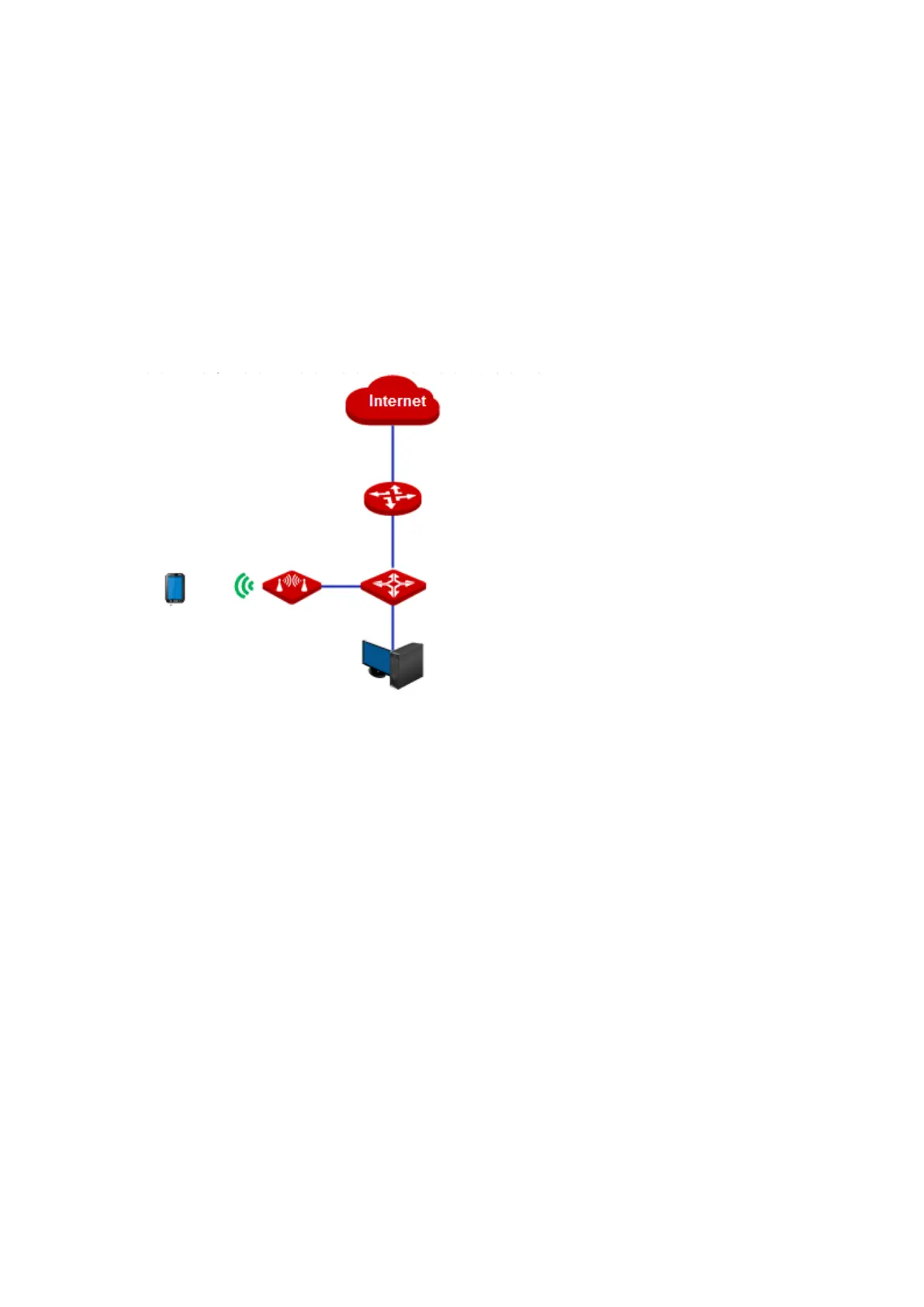
Application scenario 1
You want to transform your wired network to a wireless one for your wireless devices to
access the internet. The network topology is shown as below.
Application scenario 2
The CPE in AP mode usually works with another CPE in client mode to establish a CCTV
surveillance network. Set one CPE to AP mode and connect it to the switch which is
connected to the NVR, and the other to Client mode, and connect it to the switch which is
connected to an IP camera. The network topology is shown as below.



 To Next Page