Chapter 8 Advanced 166
− The port number is: 9999.
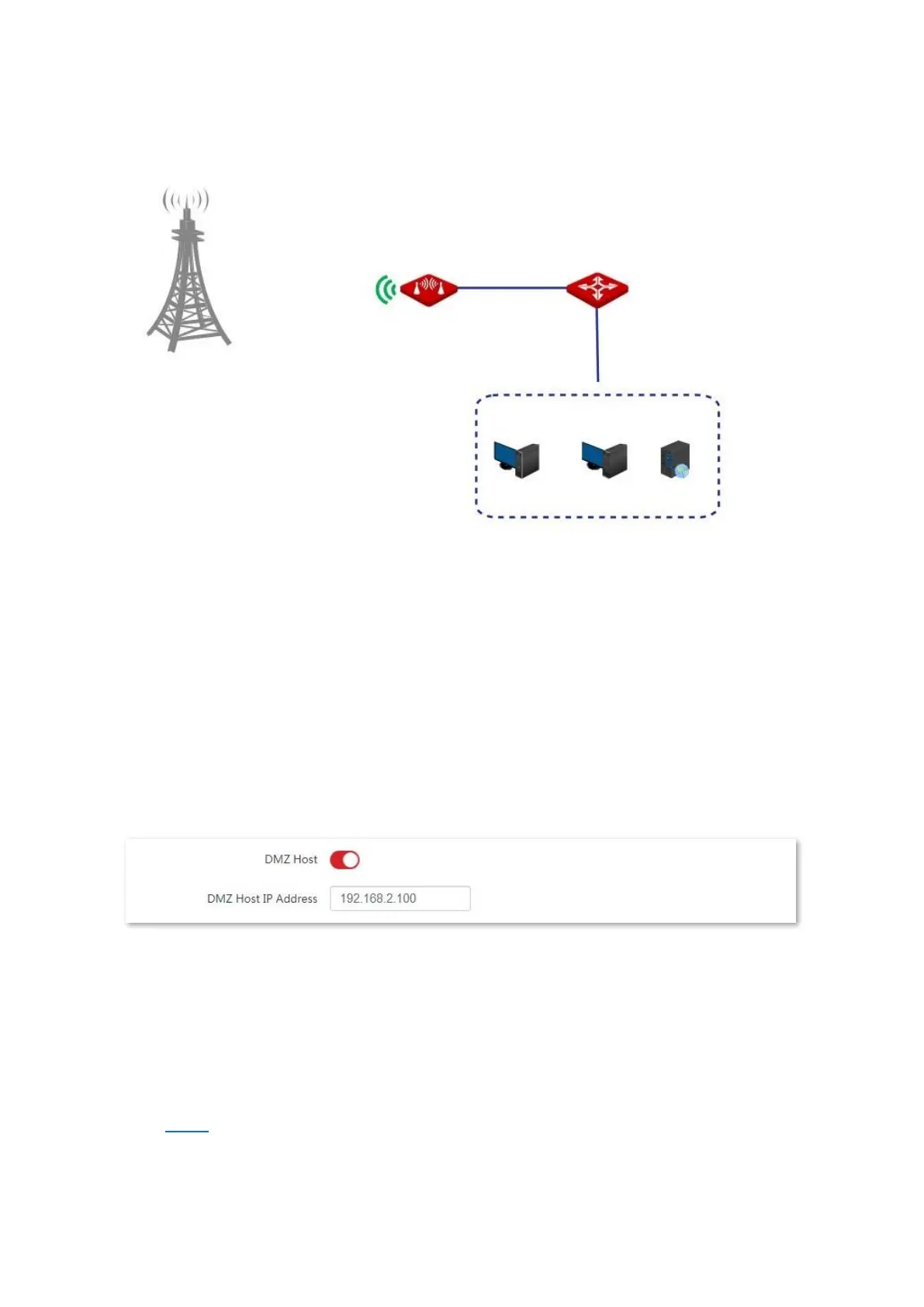
Network topology
Configuration procedure
Prerequisite: Manually set a static IP address and related parameters for the web server to
avoid the service disconnection caused by the dynamic IP address.
1. Choose Advanced > Network Service to enter the configuration page.
2. Enable the DMZ Host function.
3. Enter the IP address of the computer to be set to DMZ host, which is 192.168.2.100 in this
example.
4. Click Save on the bottom of this page.
----End
Verification
Enter Protocol name://WAN port IP address: Port number in the address bar of a web
browser on a computer over the internet to access the resources on the web server. In this
example, enter http://202.105.106.55:9999.
If the DDNS function is enabled, you can visit an address in the form of Protocol
name://domain name:9999.



 To Next Page