Chapter 4 Quick setup 28
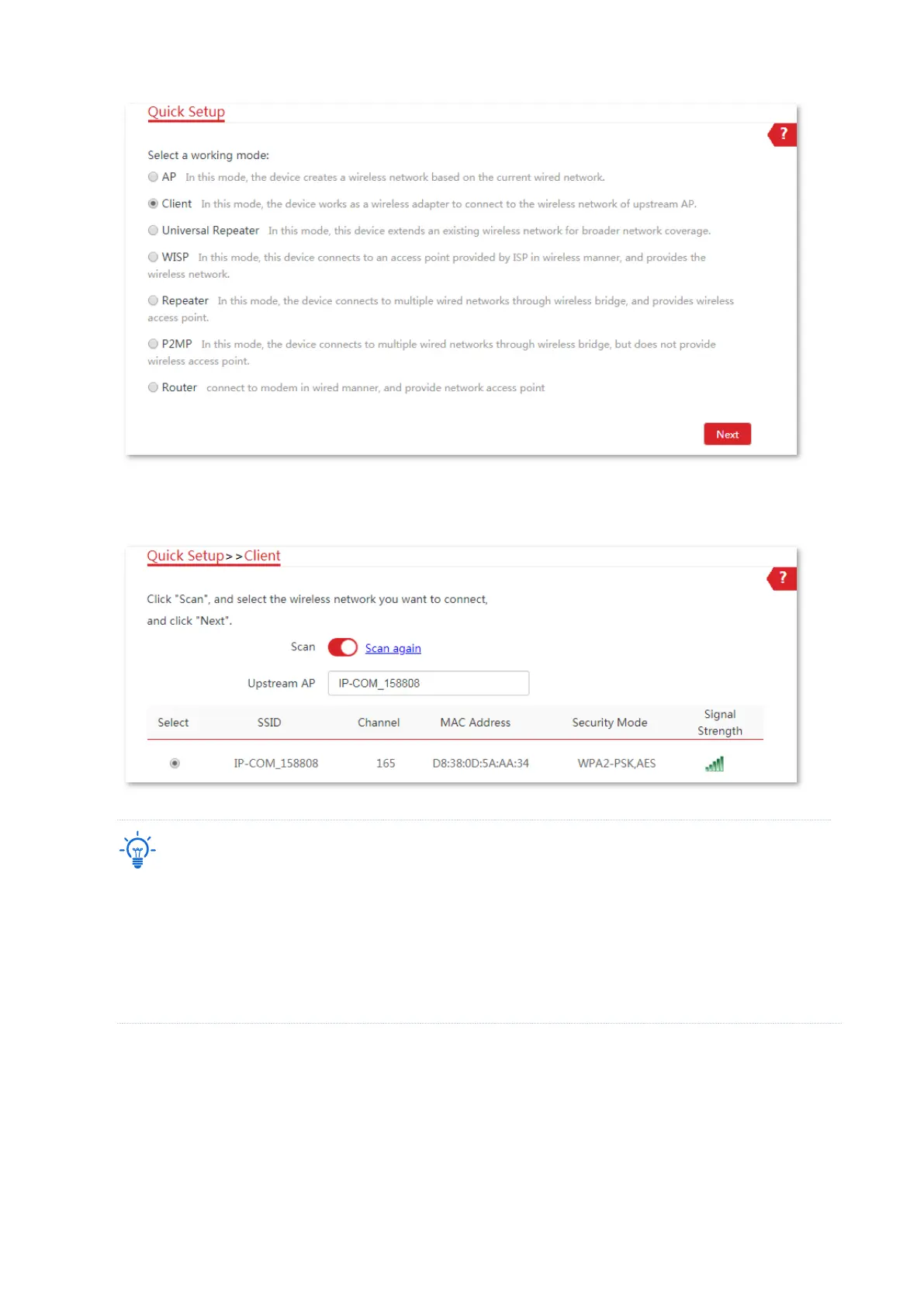
3. Select the SSID of the upstream AP, which is IP-COM_158808 in this example. and click Next at
the bottom of the page.
If you cannot find any SSID from the list, navigate to the Wireless > Basic page and enable the wireless
function. Then try again.
If you cannot find the SSID of the upstream AP from the list:
− Ensure that the WiFi network of the upstream AP is enabled. Only the WiFi networks at the same band
as that of the CPE will be displayed in the list.
− Adjust the direction of the CPE, and move it closer to the upstream AP.
4. Enter the WiFi password for the selected WiFi network IP-COM_158808 in the Key text box,
and click Next.



 To Next Page