Chapter 8 Advanced 148
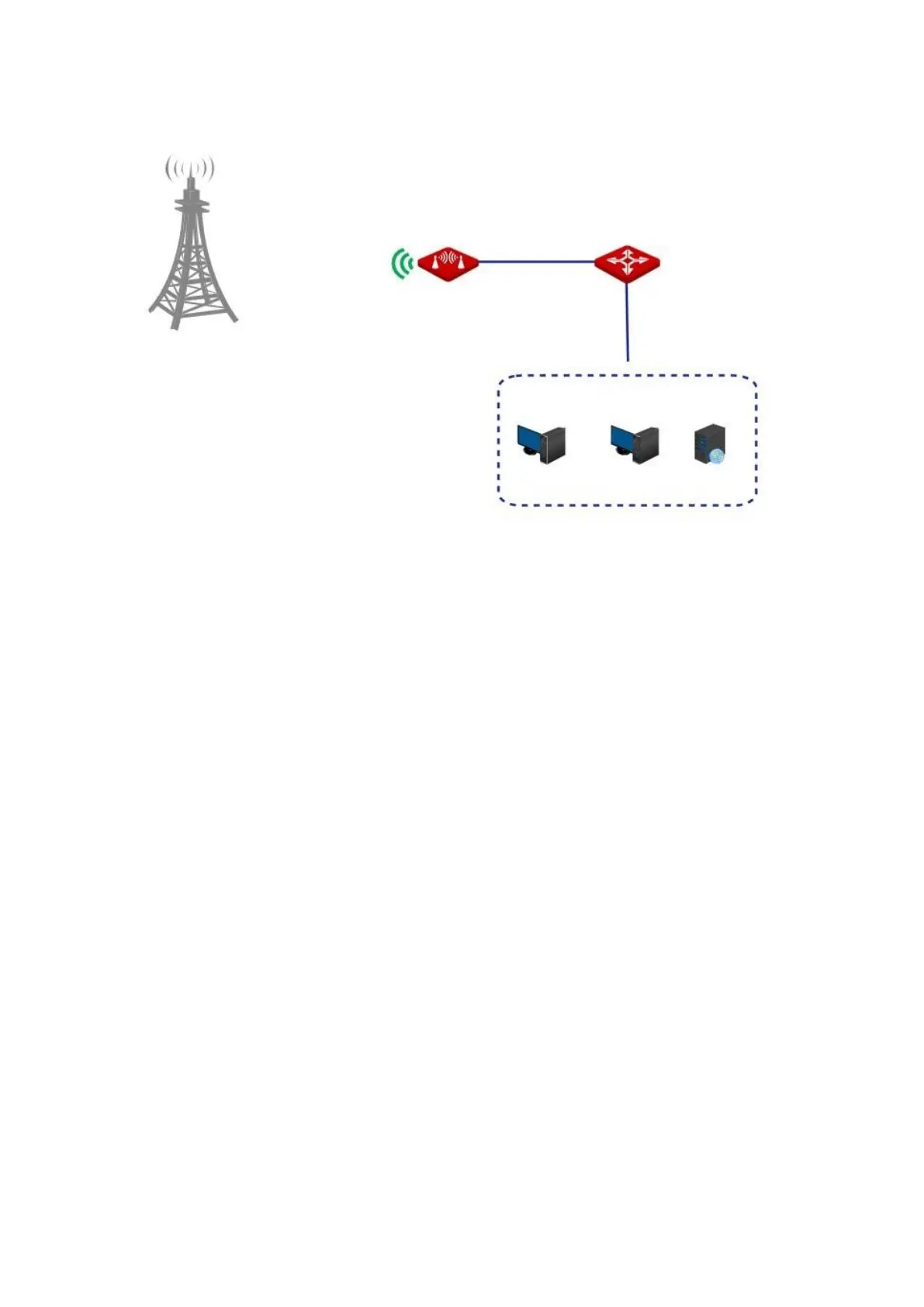
Network topology
Configuration procedure
Prerequisite: manually set a static IP address and related parameters for the web server to
avoid the service disconnection caused by the dynamic IP address.
1. Choose Advanced > Port Forwarding to enter the configuration page.
2. Enter the IP address of the web server in the Internal IP Address box, which is 192.168.2.100
in this example.
3. Select HTTP from the drop-down list of Application, and the Internal Port and External Port
boxes will be automatically populated.
4. Select TCP&UDP from the drop-down list of Protocol.
5. Click Add.



 To Next Page