Chapter 8 Advanced 154
Example of configuring DDNS
Network requirement
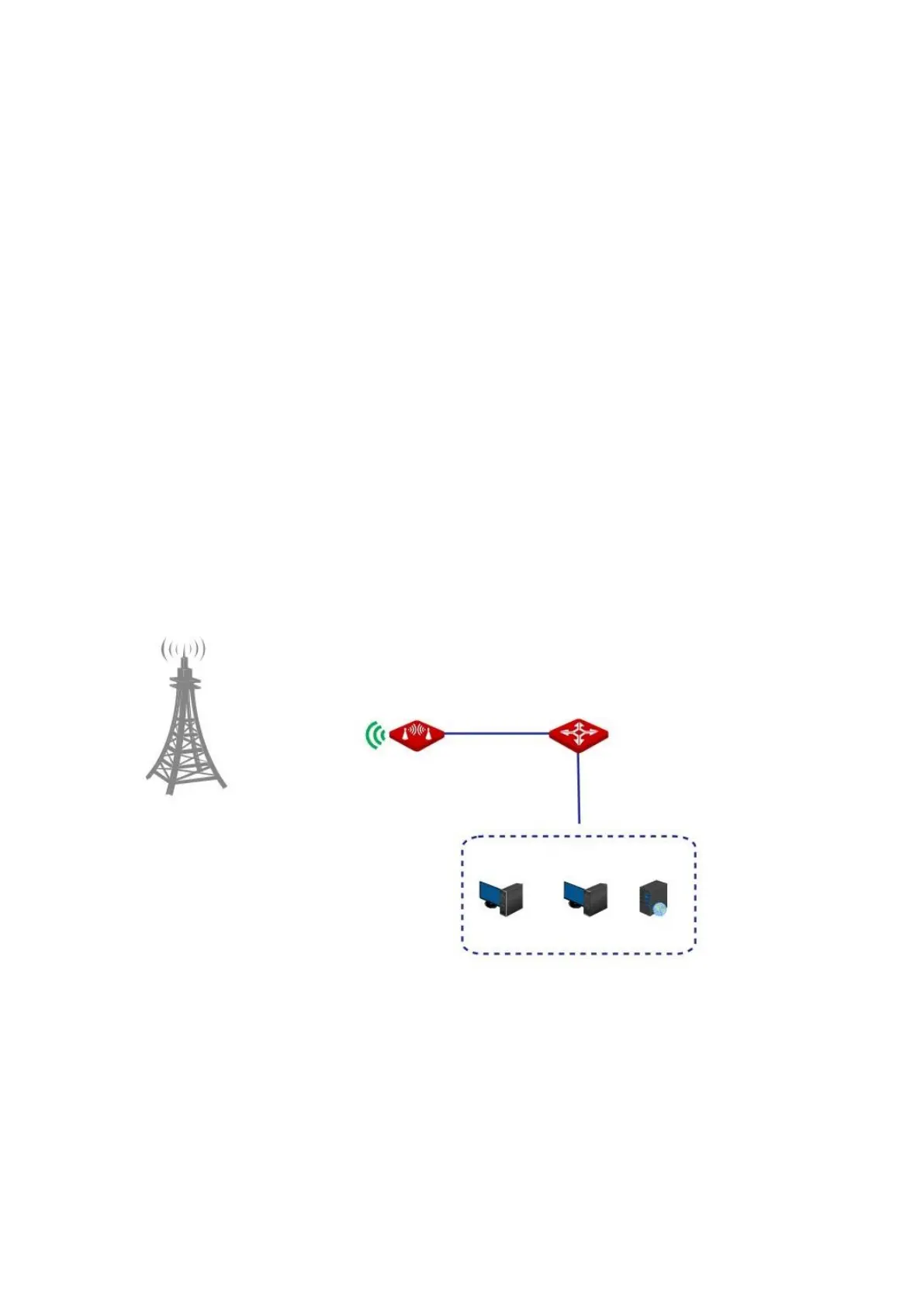
The CPE is in WISP mode and has connected to the ISP hotspot to provide internet access for
a remote household. The WAN IP address of the CPE is dynamic.
Requirement: The administrator on business can visit the resources on web server in LAN.
You are recommended to use the DDNS and port forwarding functions to solve the problem.
Assume that:
The information of the web server in LAN is shown as follows:
− IP Address: 192.168.2.100
− Service Port of the Web Server: 80
The registered domain name information is shown as follows:
− Service Provider: Dyndns
− User Name: ipcom
− Password: ipcom
− Domain Name: ipcom.dyndns.com
Network topology
Configuration procedure
I. Set up the DDNS function
1. Choose Advanced > Network Service to enter the configuration page.
2. Enable the DDNS function.



 To Next Page