Chapter 4 Quick setup 61
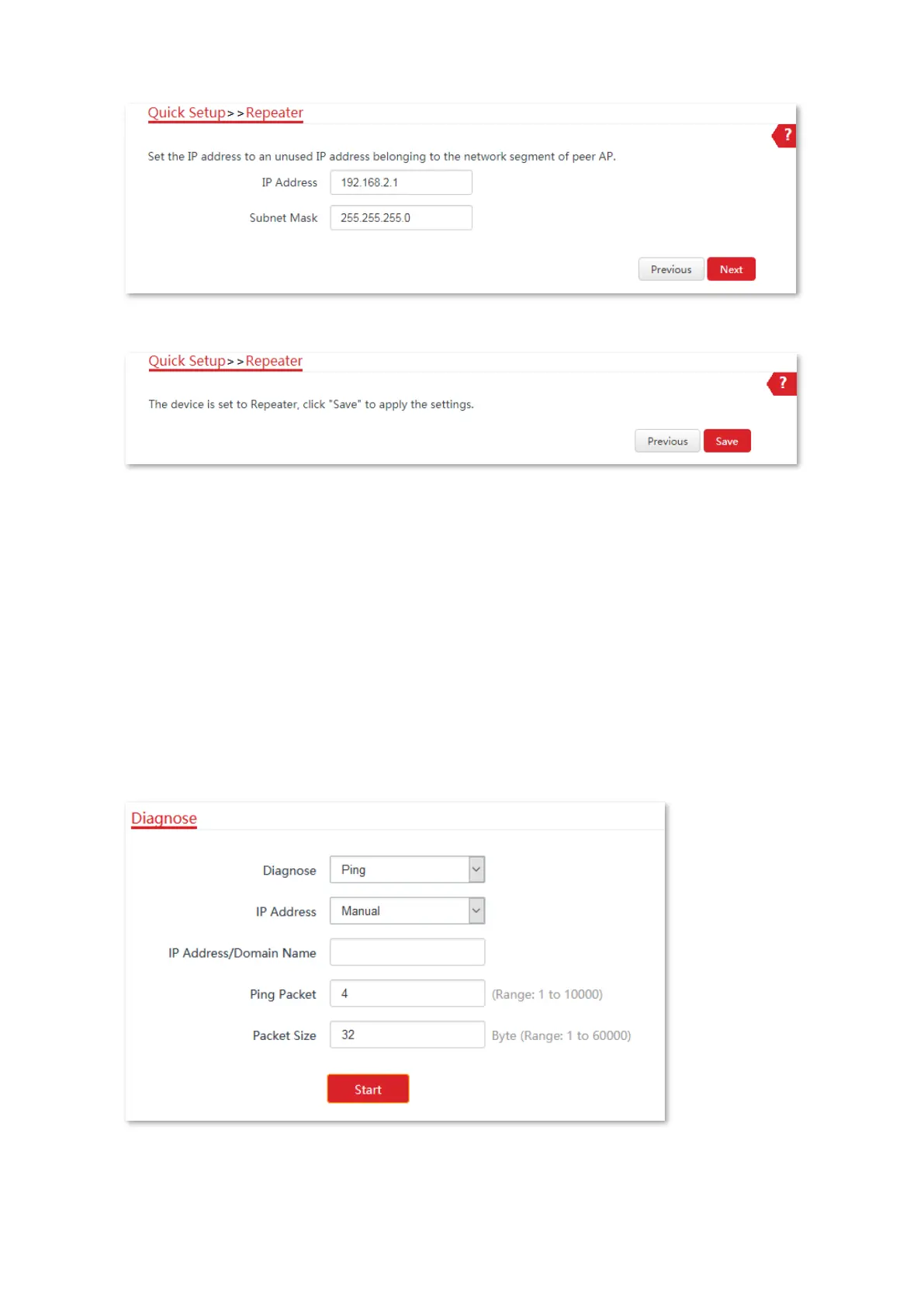
(6) Click Save, and wait until the CPE reboots to activate the settings.
----End
To check whether the bridging is successful:
Method 1: When the LED1, LED2, and LED3 indicators of CPE1, CPE2 and CPE3 are solid on,
the bridging succeeds.
Method 2:
1. Log in to the web UI of CPE1.
2. Choose Advanced > Diagnose, select Ping from the Diagnose drop-down list menu, enter the
IP address of CPE2 and CPE3 respectively, and click Start.
The bridging is successful when the ping succeeds.



 To Next Page