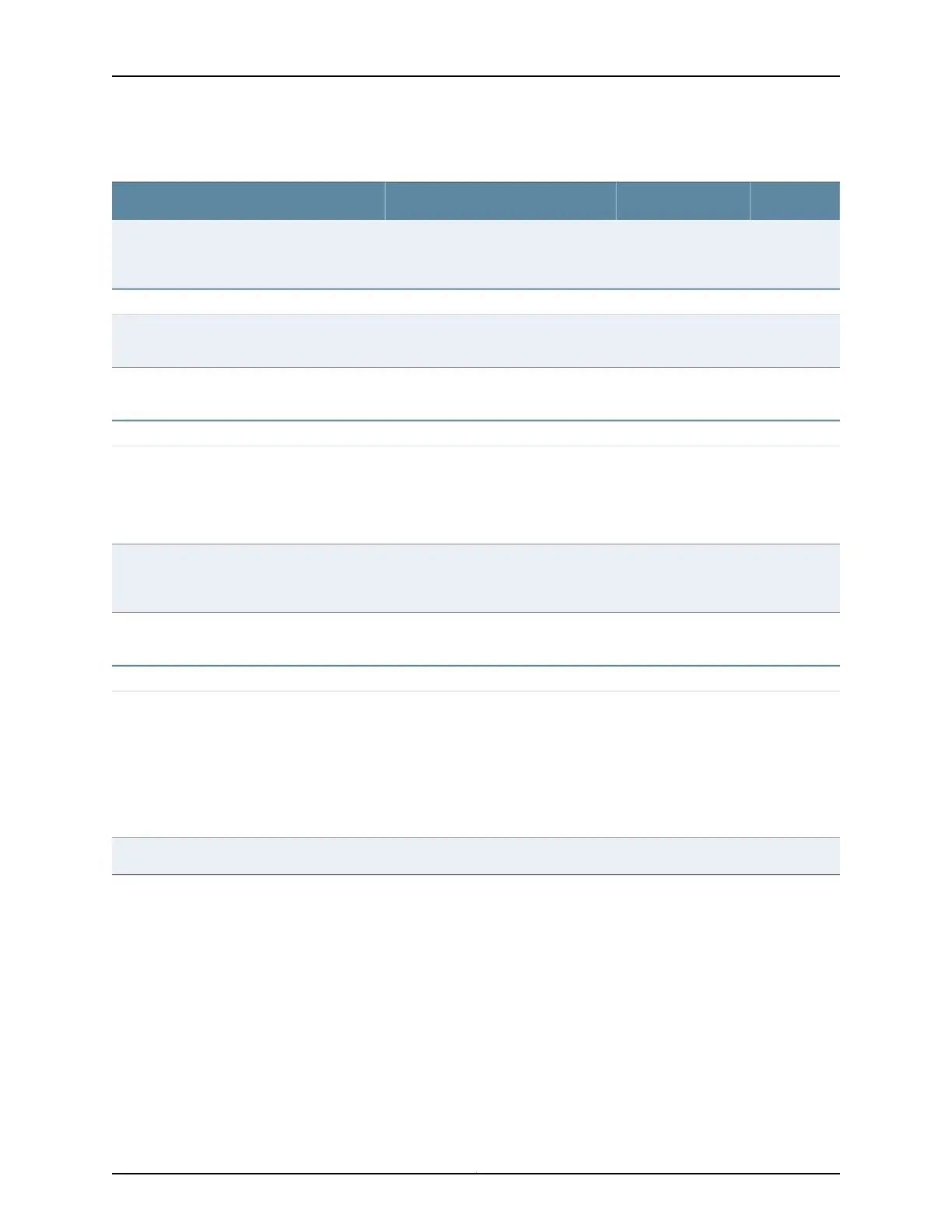
Table 21: Site Preparation Checklist (continued)
DatePerformed ByFor More InformationItem or Task
“Environmental Requirements and
Specifications for a QFX5100 Device”
on page 70
Verify that environmental factors such as
temperature and humidity do not exceed
switch tolerances.
Power
Measure the distance between external power
sources and switch installation site.
“AC Power Specifications for a
QFX5100 Device” on page 79
Calculate the power consumption and
requirements.
Rack or Cabinet
“Rack Requirements for a QFX5100
Device” on page 74
“Cabinet Requirements for a QFX5100
Device” on page 75
Verify that your rack or cabinet meets the
minimum requirements for the installation of
the switch.
“Clearance Requirements for Airflow
and Hardware Maintenance for a
QFX5100 Device” on page 76
Plan rack or cabinet location, including
required space clearances.
Secure the rack or cabinet to the floor and
building structure.
Cables
“Interface Specifications for SFP,
SFP+, and QSFP+ Transceivers for the
QFX Series” on page 94
“Interface Specifications for SFP+ DAC
Cables for the QFX Series” on page 126
Acquire cables and connectors:
•
Determine the number of cables needed
based on your planned configuration.
•
Review the maximum distance allowed for
each cable. Choose the length of cable
based on the distance between the
hardware components being connected.
Plan the cable routing and management.
Related
Documentation
General Safety Guidelines and Warnings on page 239•
• General Site Guidelines on page 69
• Installing and Connecting a QFX5100 Device on page 159
• Mounting a QFX5100 Device in a Rack or Cabinet on page 160
Copyright © 2016, Juniper Networks, Inc.68
QFX5100 Switch Hardware Guide













 To Next Page