7-13
IV2 Series User's Manual (Control Panel)
Setting the Extended Functions of the Sensor
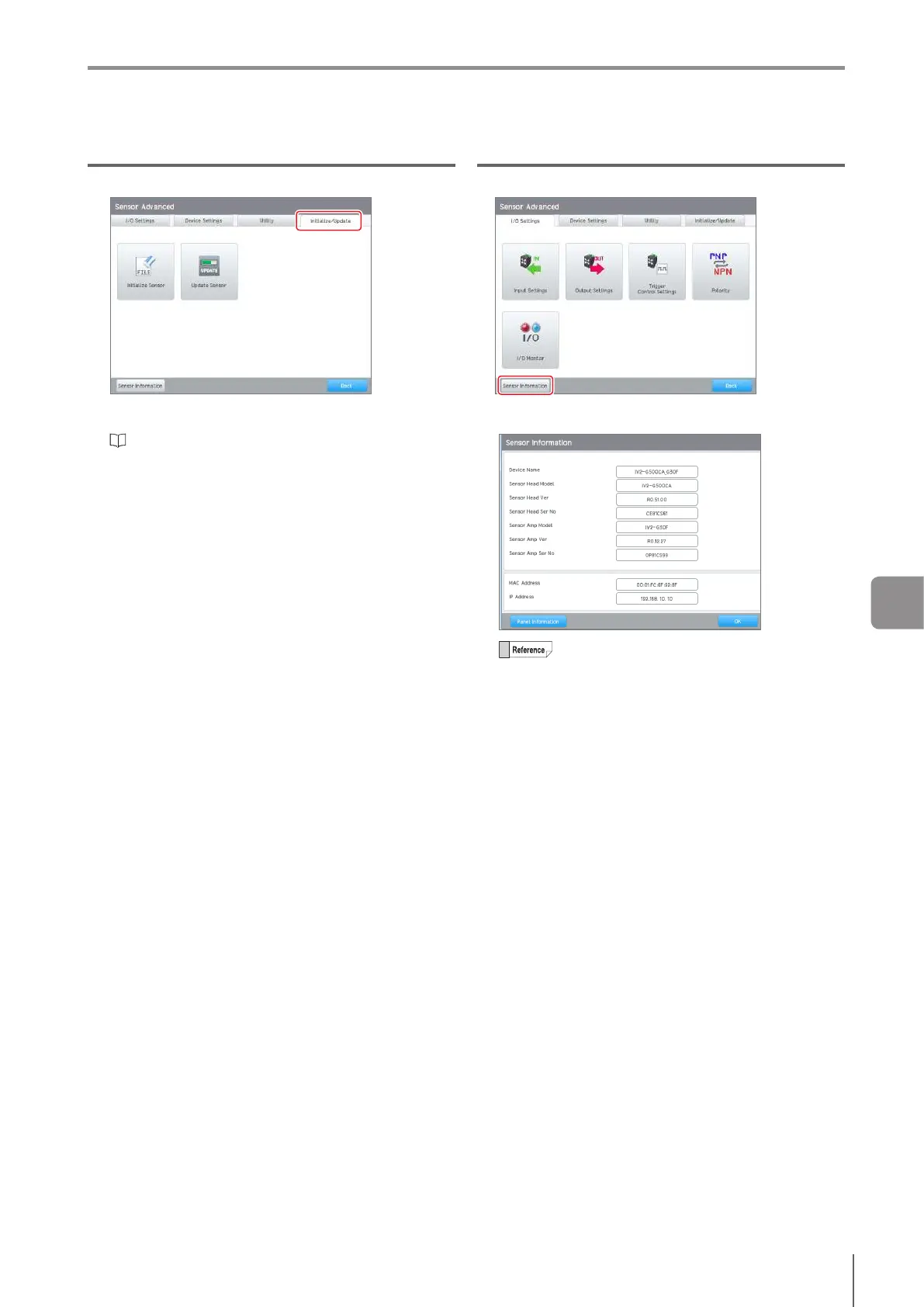
[Initialize/Update] tab
Sensor Initialization
Initializes the information set in the sensor.
“Initializing the sensor” (Page 3-16)
Updating the sensor
Updates the operation software of the sensor.
For details, refer to KEYENCE homepage.
URL : http://www.keyence.com/
[Sensor Information] button
Displays the device information for the sensor and
amplier.
The control panel information (Page 7-27) can
beconrmedbytappingthe[PanelInformation]
button at the lower left of the screen.
7
Various Functions



 To Next Page