A-31
IV2 Series User’s Manual (Control Panel)
Maintenance
Maintenance
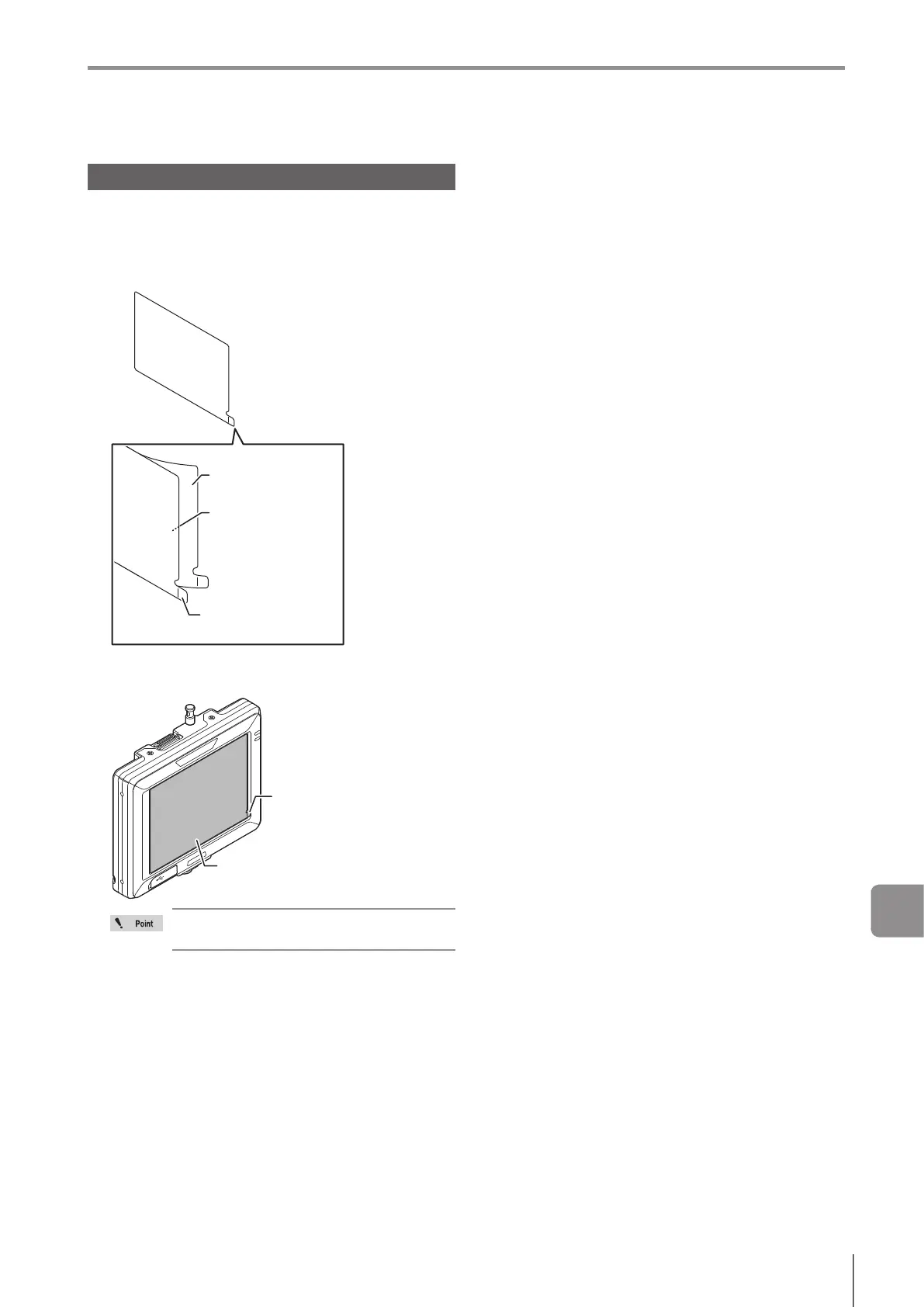
Attaching the protection sheet
A protection sheet (OP-88351) can be attached to protect
the LCD panel.
1
Remove the backing lm (transparent) from the
back side of the protection sheet.
Protection sheet
Backinglm(back)
Adhesive side
(back of the protection
sheet)
2
Apply the protection sheet on the control panel’s
display with the tab at the lower right.
Tab
Protection sheet
Apply the protection lm while making sure
that no debris is on the screen.
A



 To Next Page