4-19
IV2 Series User's Manual (Control Panel)
2. Master Registration (Registering an Image as a Reference)
7
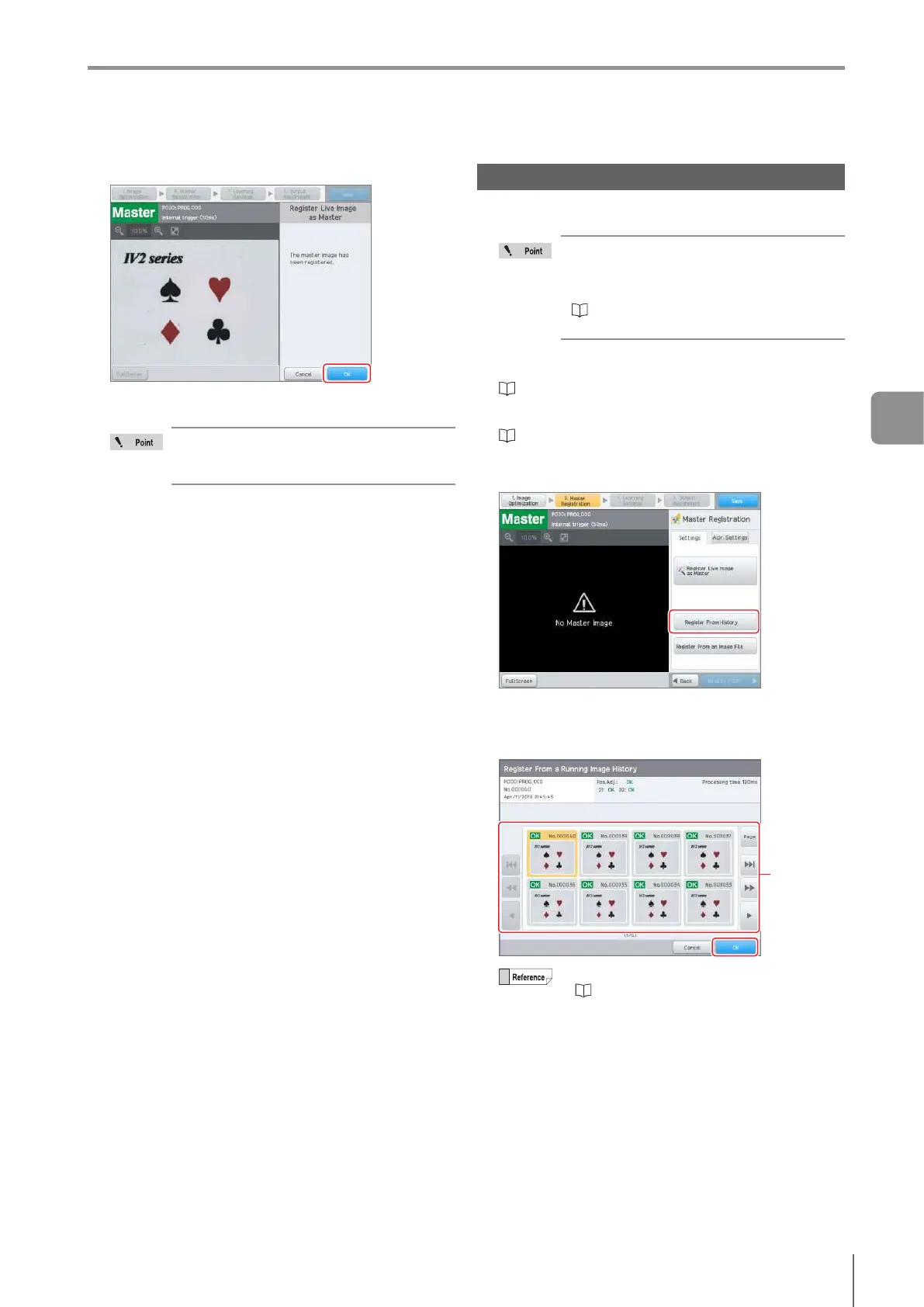
Tap the [OK] button.
The master image will be registered and the sensor will
return to the main screen for Master Registration.
The settings for the disabled outlines (Page
4-53, Page 4-86) will be initialized. Set the
outlines that will be disabled again as needed.
Register From a Running Image History
Registers an image from the image history saved in the
memory within the sensor as a master image.
To register the master image from the image
history, the image to be registered as a master
image in the [Running Image History] must be
saved.
“ConrmingtheImagesWhoseJudgment
are NG (Image History)” (Page 5-18)
1
Start the Settings Navigator.
“Starting the Settings Navigator” (Page 4-4)
2
Display the main screen for Master Registration.
“SettingsNavigatorscreenandoperationow”(Page
4-6)
3
Tap the [Register From History] button.
The [Register From Image History] screen opens.
4
Select the image to be registered as the master
image and tap the [OK] button.
Select the
image
For details of how to operate the screen, refer
to “Loadingandconrmingsavedimages”
(Page 5-20).
The selected image will be displayed.
4
Settings Navigator



 To Next Page