7-30
IV2 Series User's Manual (Control Panel)
Setting Advanced Control Panel Information
When connecting to the sensor via network
connection
1
Display the control panel menu and tap the [Panel
Settings] button.
“Control panel settings” (Page 7-26)
2
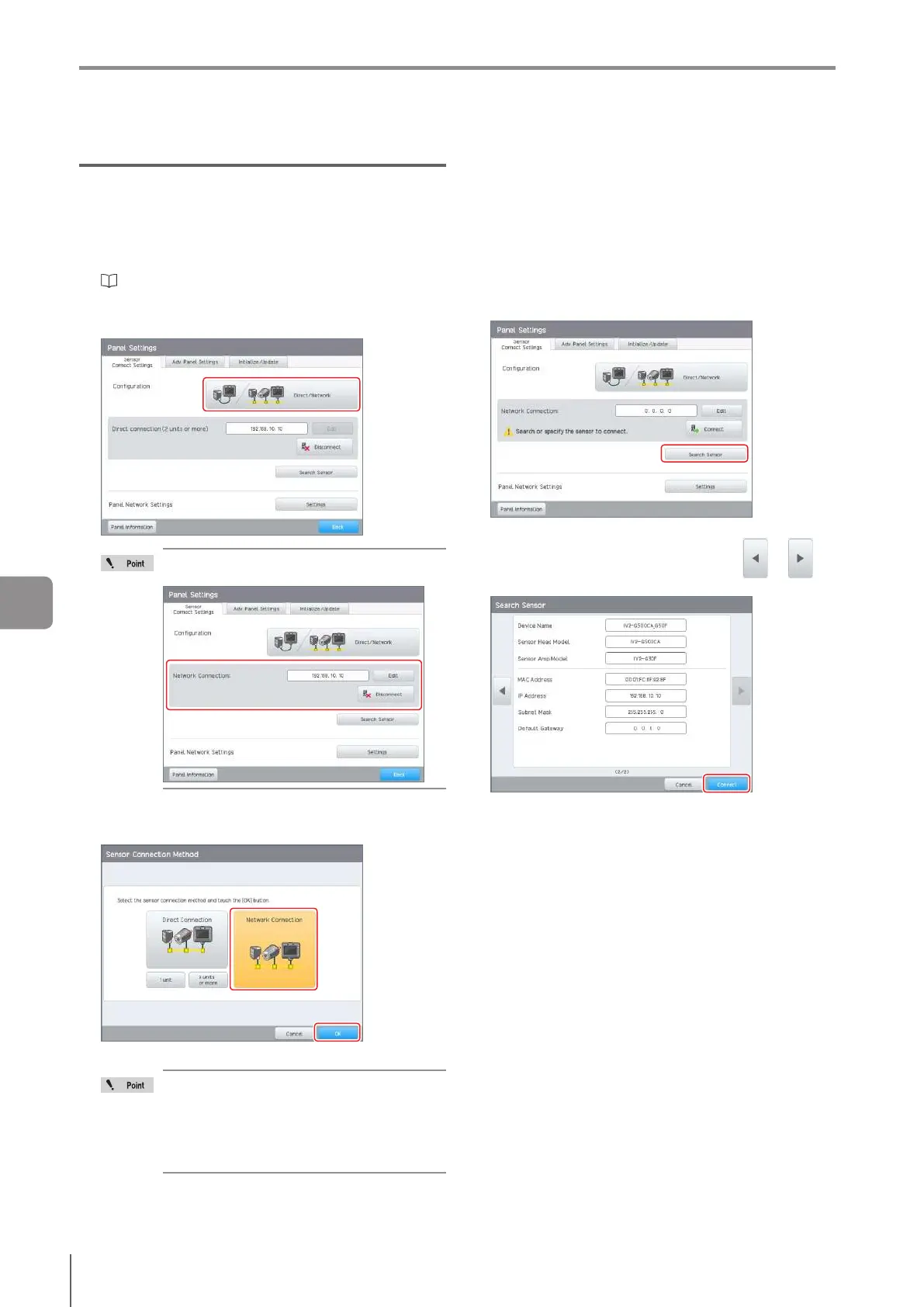
Tap the [Direct/Network] button on the [Sensor
Connection Settings] tab.
If the Control Panel and sensor connect via
the network, the following screen will appear.
3
Tap the [Network Connection] button and tap the
[OK] button.
Theconrmationscreenopens.
In the following cases, select [Network
Connection].
To use the FTP client function
To use the SNTP client function
Set the protocol to [EtherNet/IP(TM)],
[PROFINET], or [Nonprocedural command].
4
Tap the [OK] button.
The control panel restarts.
After it restarts, the [Sensor Connection Settings]
screen opens.
5
Specify the sensor to connect to.
Searching for and connecting to sensors on the
network
Tap the [Search Sensor] button.
The searched result will be displayed.
Select the sensor to be connected using or
and tap the [Connect] button.
7
Various Functions



 To Next Page