F-code communications
5
5-24 Konica Minolta 240f
5.4
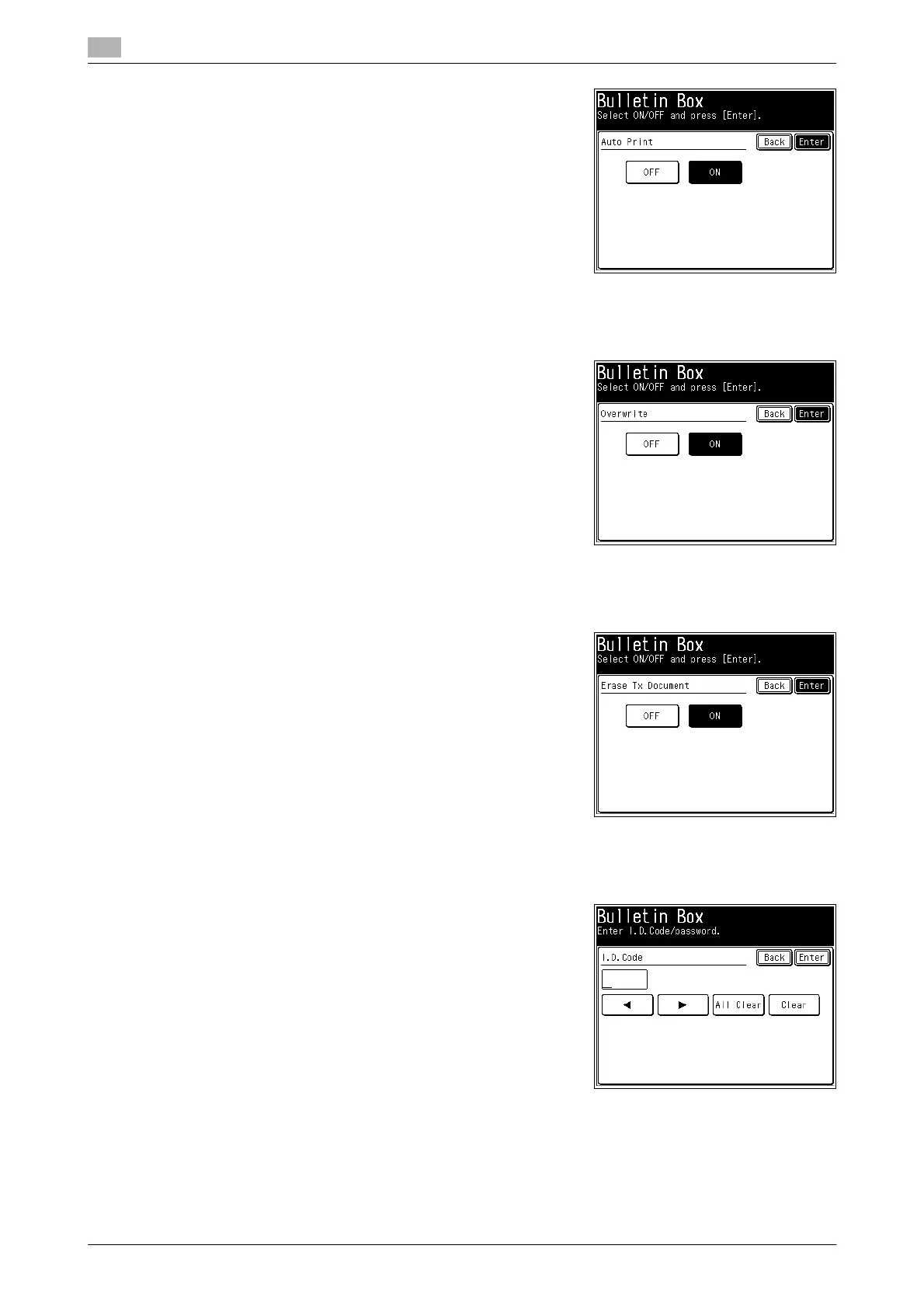
14 Select [ON], and press [Enter].
% If you select [OFF], the Auto Print setting is disabled.
15 To enable the Overwrite setting, press [Overwrite].
% If you do not want to set it, proceed to step 17.
16 Select [ON], and press [Enter].
% If you select [OFF], the Overwrite setting is disabled.
17 To set the Erase Tx Doc function, press [Erase Tx Doc].
% If you do not want to set it, proceed to step 19.
18 Select [ON], and press [Enter].
% If you select [OFF], the Erase Tx Doc setting is disabled.
19 To set an I.D. code, press [I.D.Code].
% If you do not want to set it, proceed to step 21.
20 Enter the I.D. code using the numeric keys, and press [Enter].
21 Press [Enter].
% To continue to register or edit F-code bulletin boxes, repeat the procedure in steps 4 to 20.














 To Next Page