Konica Minolta 240f 5-27
5.4 F-code communications
5
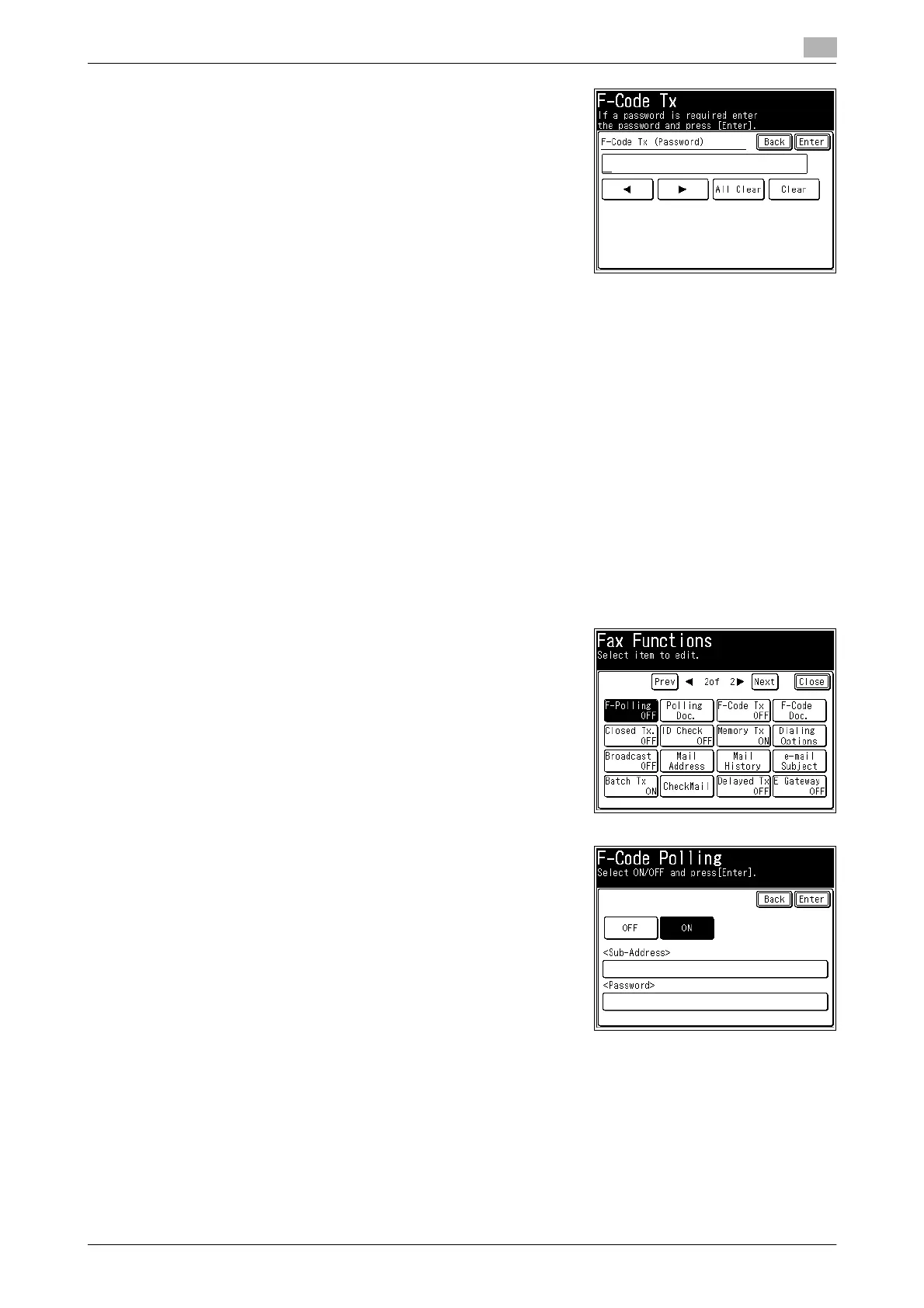
8 Enter the password using the numeric keys, and press [Enter].
% Up to 20 digits can be entered for a password. Numerals,
# and * can be entered.
9 Press [Enter].
% Press [F-Code Tx] again to return to the screen in step 4, where you can correct the sub-address
and/or password if entered incorrectly.
10 Press [Close].
11 Specify the destination, and press <Start>.
% For details on specifying the destination, refer to page 6-3.
F-code polling
Enter the sub-address and password to retrieve (polling) the documents stored in another machine's bulletin
box. First check the sub-address and password of the bulletin box in the other machine.
1 Press <Fax>.
2 Press [Advanced].
3 Press [F-Polling].
4 Select [ON].
% Press [OFF] to disable the F-code polling setting. If you se-
lected [OFF], press [Enter] and proceed to step 8.
5 Press the sub-address entry box.














 To Next Page