F-code communications
5
5-32 Konica Minolta 240f
5.4
8 Press [Yes].
% Press [No] to close the screen without printing the documents.
% Security reception documents are automatically deleted after being printed.
Deleting stored documents
1 Press <Fax>.
2 Press [Advanced].
3 Press [F-Code Doc.].
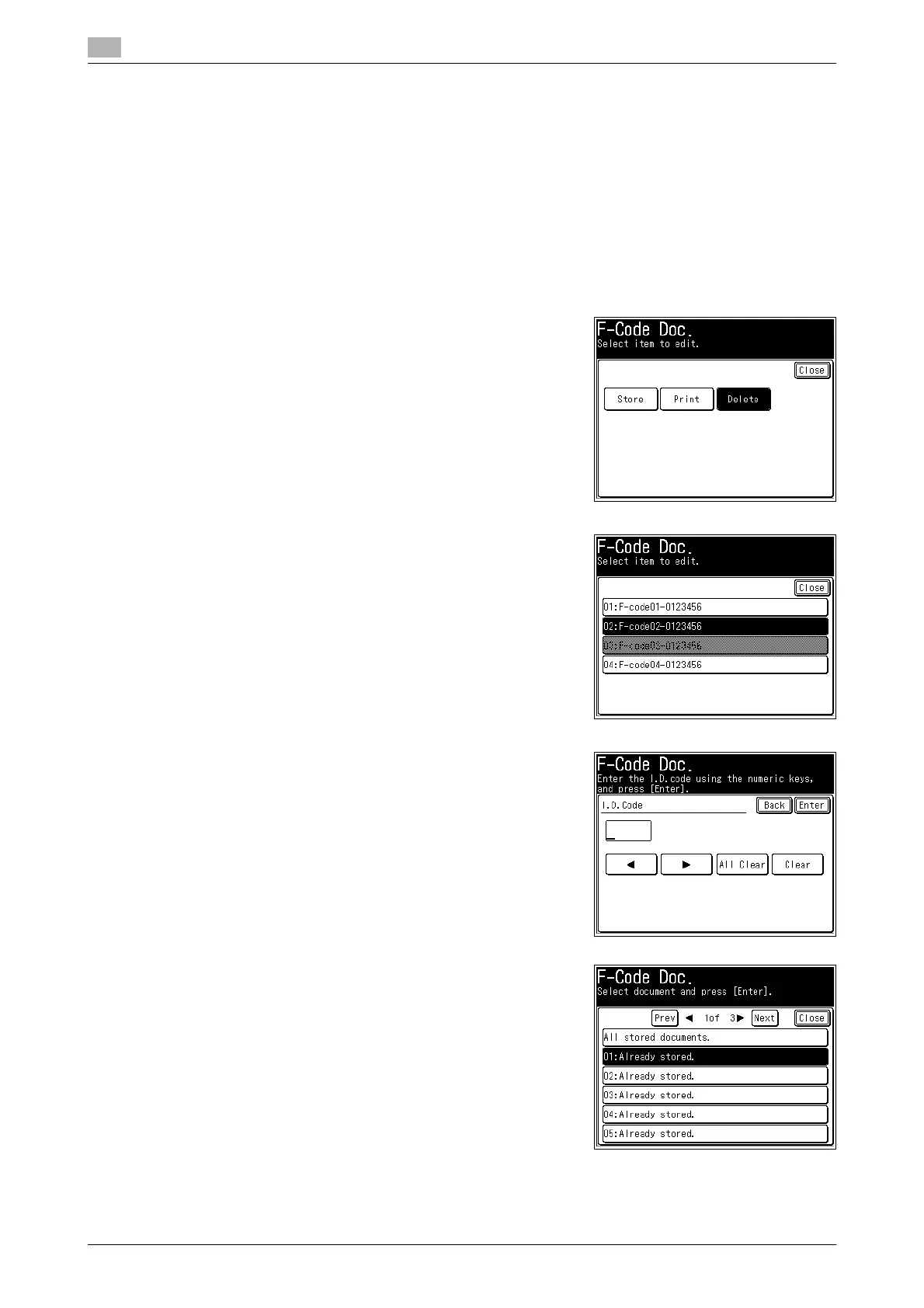
4 Press [Delete].
5 Select the F-code box in which the documents you want to
delete are stored.
6 If an I.D. code is set, enter the I.D. code using the numeric
keys, and press [Enter].
% If a password is not set, proceed to the next step.
7 Select the file.
% Press [All stored documents.] to delete all the documents
stored in the F-code box.














 To Next Page