Konica Minolta 240f 5-33
5.4 F-code communications
5
8 Press [Yes].
% Press [No] to close the screen without deleting the data.
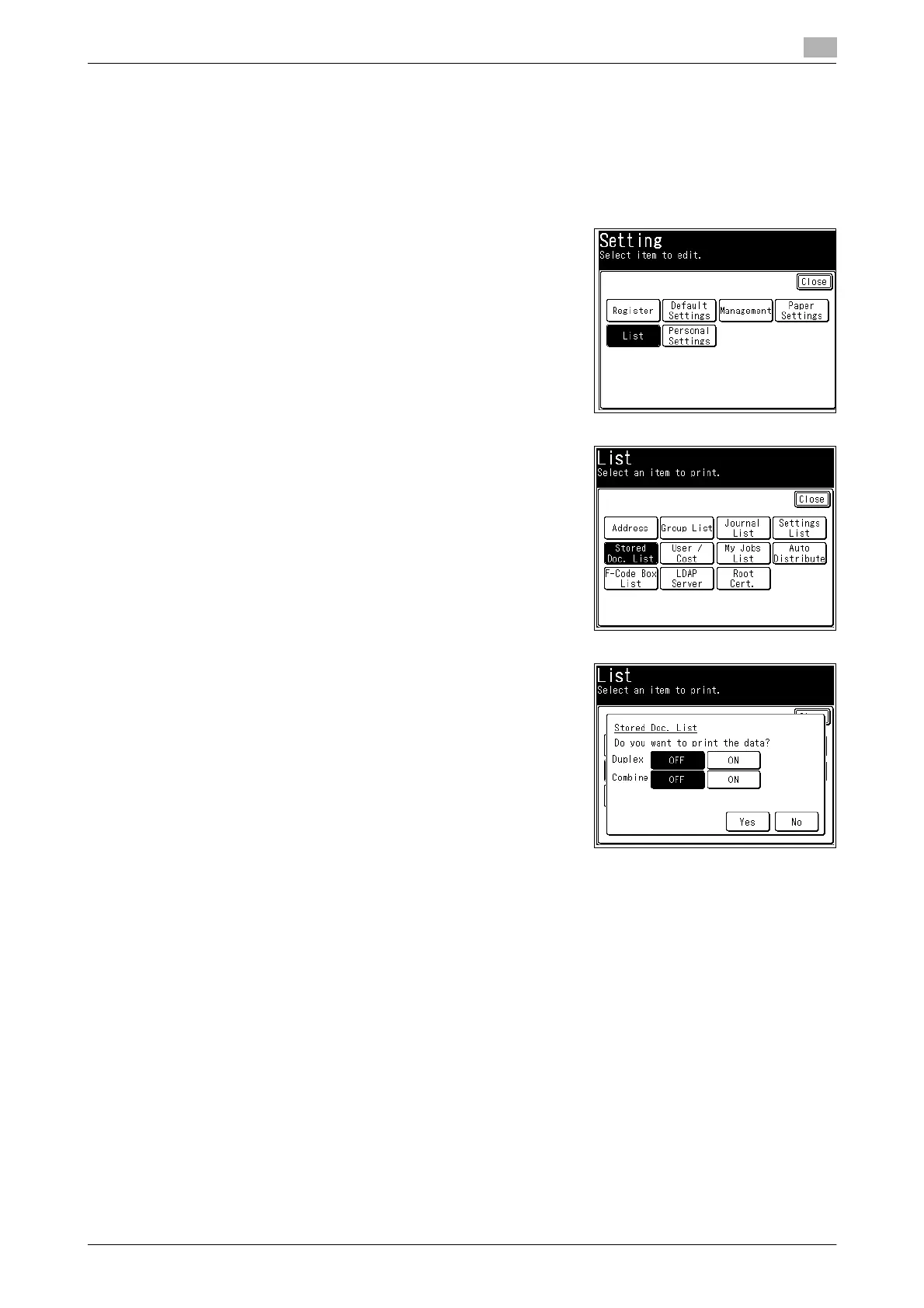
Printing the stored document list
1 Press <Setting>.
2 Press [List].
3 Press [Stored Doc. List].
4 Select [ON] to enable duplex printing, or [OFF] to disable it.
5 Select [ON] to enable combined printing, or [OFF] to disable it.
6 Press [Yes].














 To Next Page