Registering destinations
8
8-8 Konica Minolta 240f
8.1
Useful registration method 3: Registering an entered e-mail address
1 Press <Scan> or <Fax>.
2 Press [Advanced].
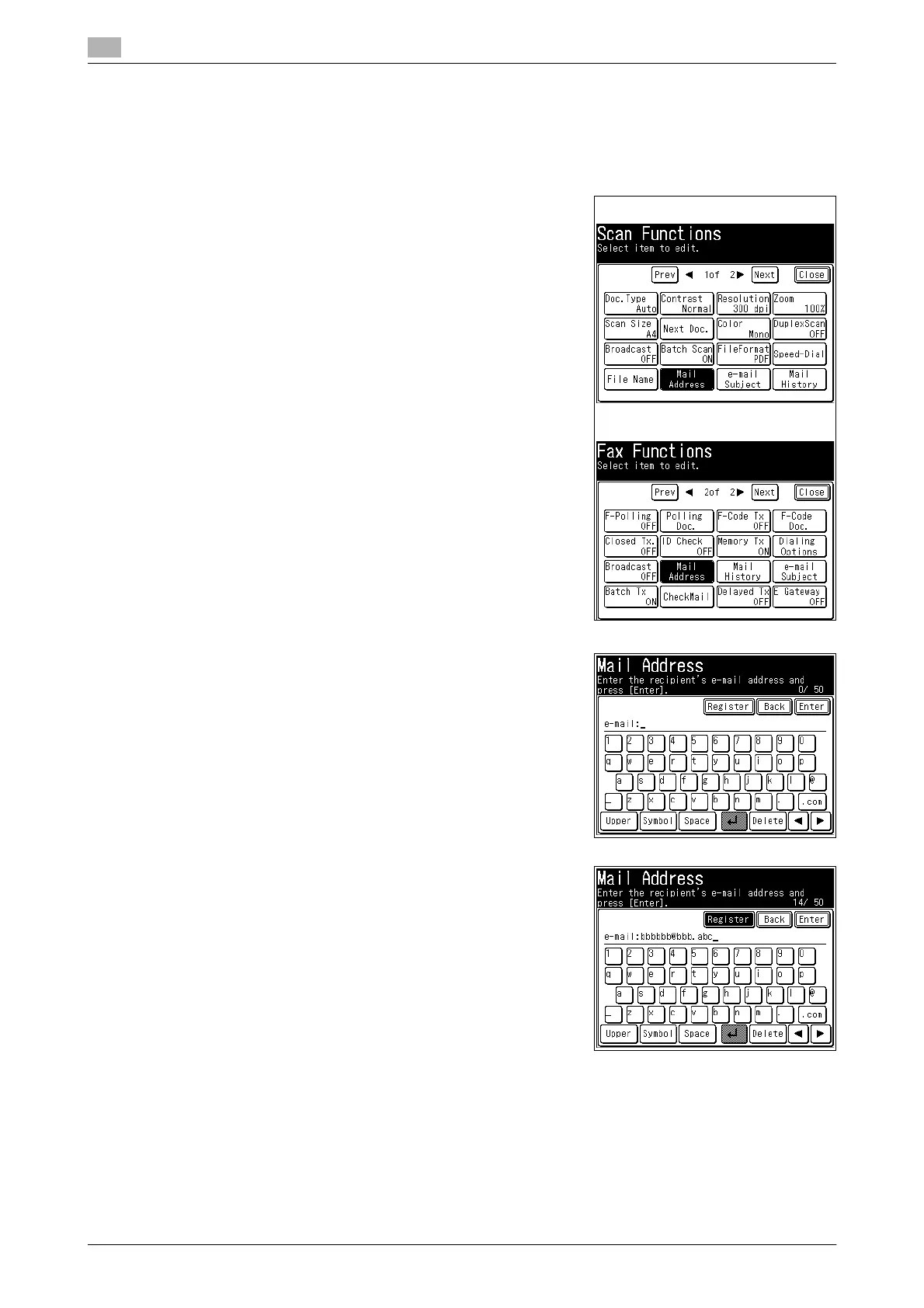
3 Press [Mail Address].
4 Enter the e-mail address.
% Up to 50 characters can be entered for an
e-mail address.
% For details on entering characters, refer to Chapter 2, "En-
tering Characters" in the User's Guide Administrator Oper-
ations.
5 Press [Register].
(Scanner screen)
(Fax screen)














 To Next Page