Specifying default settings
8
8-32 Konica Minolta 240f
8.2
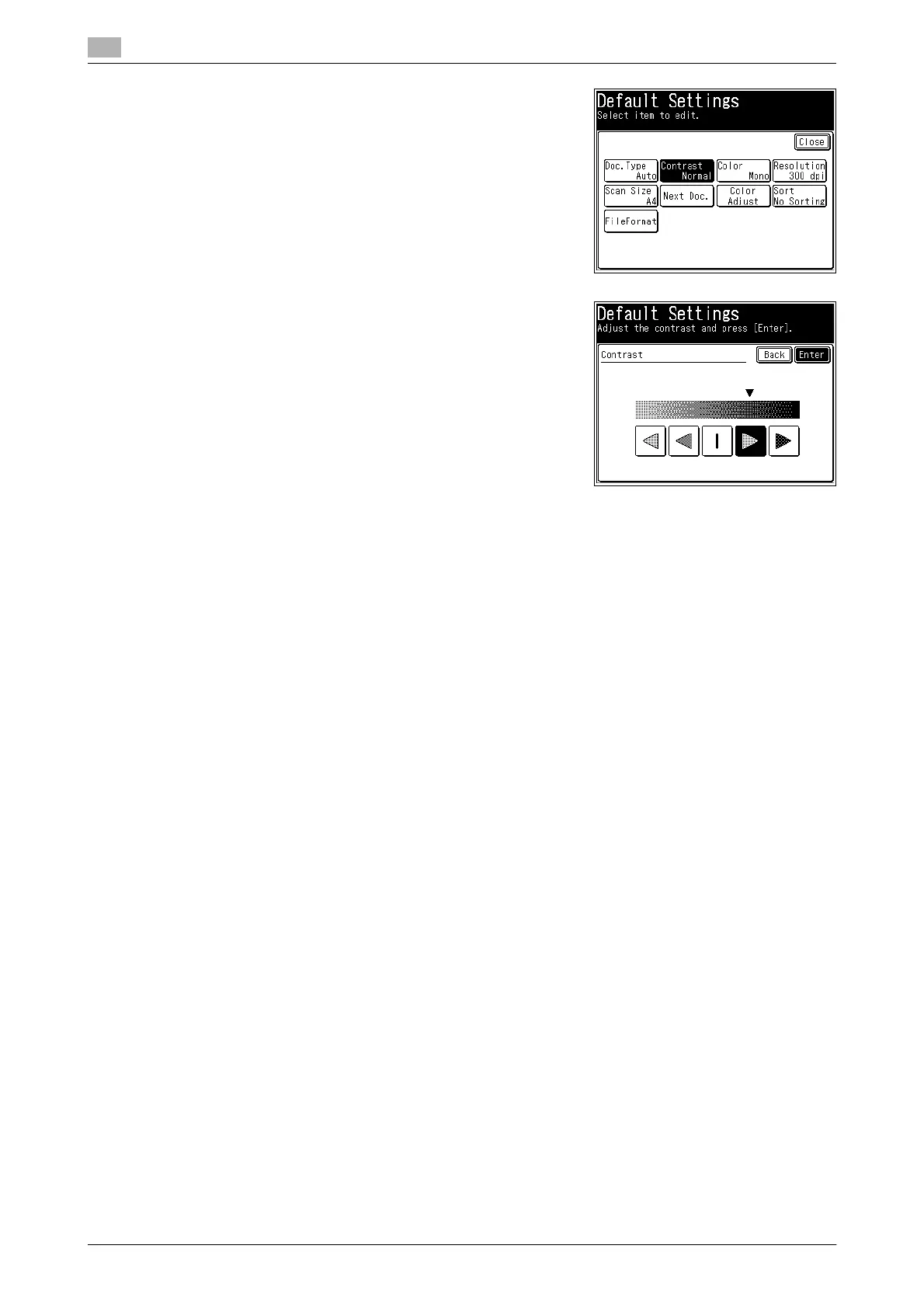
5 Select the function to set.
In this example, [Contrast] is selected.
6 Select the default value, and press [Enter].
In this example, the default contrast value is changed to [Dark-
er].
7 Press [Close].
% To continue to change other default values, repeat steps 4 to 7 of the operation.














 To Next Page