2-8 Safety Information
Safety Information
Machine Handling and Care
WARNING:
FAILURE TO HEED THE FOLLOWING WARNING MAY RESULT IN DEATH OR SERIOUS INJURY
AND/OR MACHINE DAMAGE
❒ MACHINE CONTACT
Never touch internal high voltage area indicated with a WARNING label.
Never touch the drum surface.
Never put your hand into the developing unit when removing mishandled paper.
CAUTION:
FAILURE TO HEED THE FOLLOWING CAUTIONS MAY RESULT IN MACHINE DAMAGE,
OVERHEATING, AND/OR PERSONAL INJURY
❒ MACHINE CONTACT
Never touch internal high temperature or magnetism areas indicated with a CAUTION label.
Never insert your hand into the fixing unit when removing mishandled paper.
Never touch the inside of the main body for any purpose except removing mishandled
paper or adding toner.
Use care when drawing out the conveyance fixing unit.
❒ MACHINE CARE
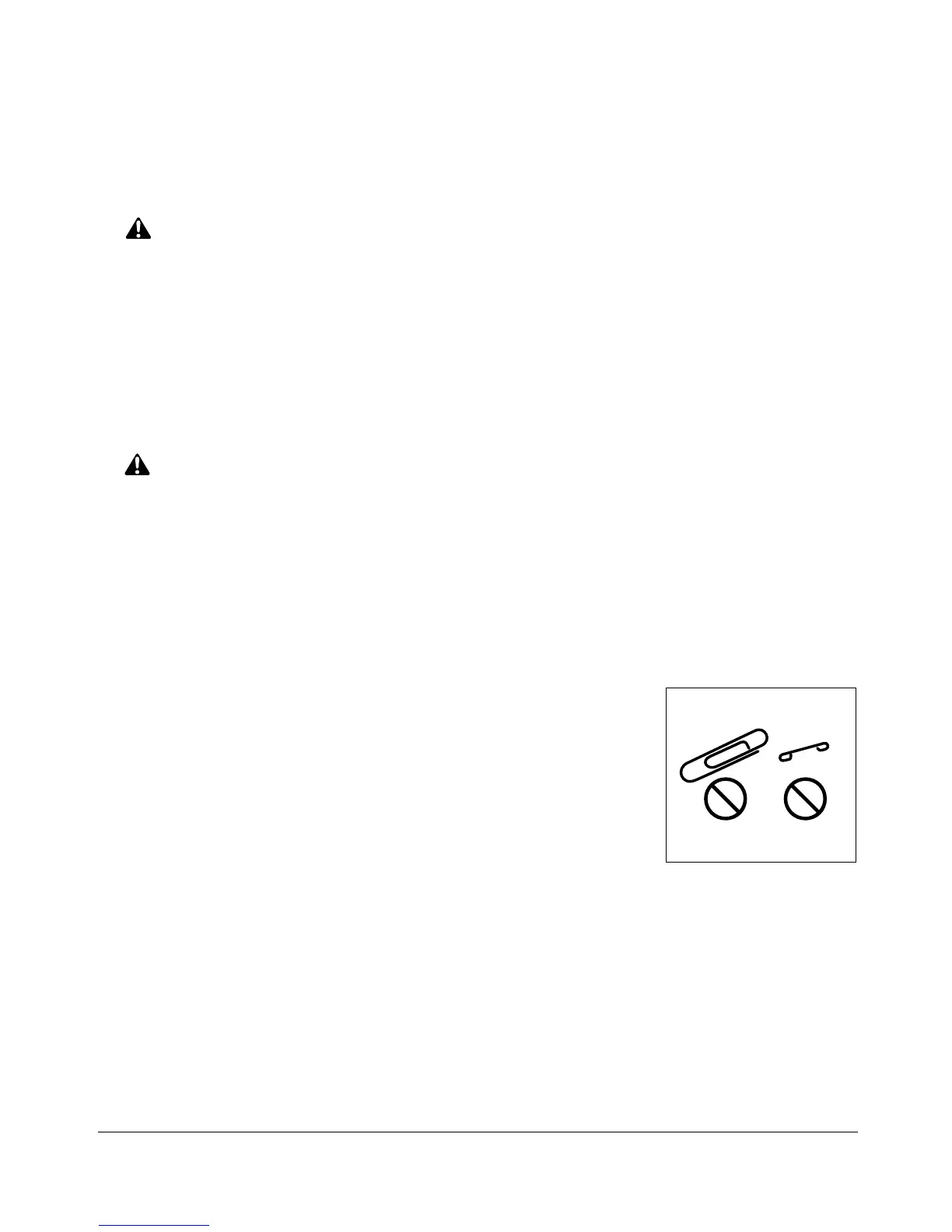
Do not drop paper clips, staples and other small metallic objects
into the copier; or spill water or any other liquid into the machine.
Do not use the machine surface to support vases, books, etc.
These items will interfere with the work space and may cause
damage to the machine or to original documents.
❒ ABNORMAL CONDITIONS
If any abnormal sound, odor, or smoke generates from the machine, immediately stop
using the copier, turn off the main power switch, disconnect the plug and contact your
Konica service representative.
If a circuit breaker is tripped, or if a fuse blows, stop using the machine and contact an
electrician. If more detailed information is needed regarding the power source or power
consumption of this machine, contact your Konica service representative.










 To Next Page