6-16 Basic Operations
Basic Operations
Copy Size (continued)
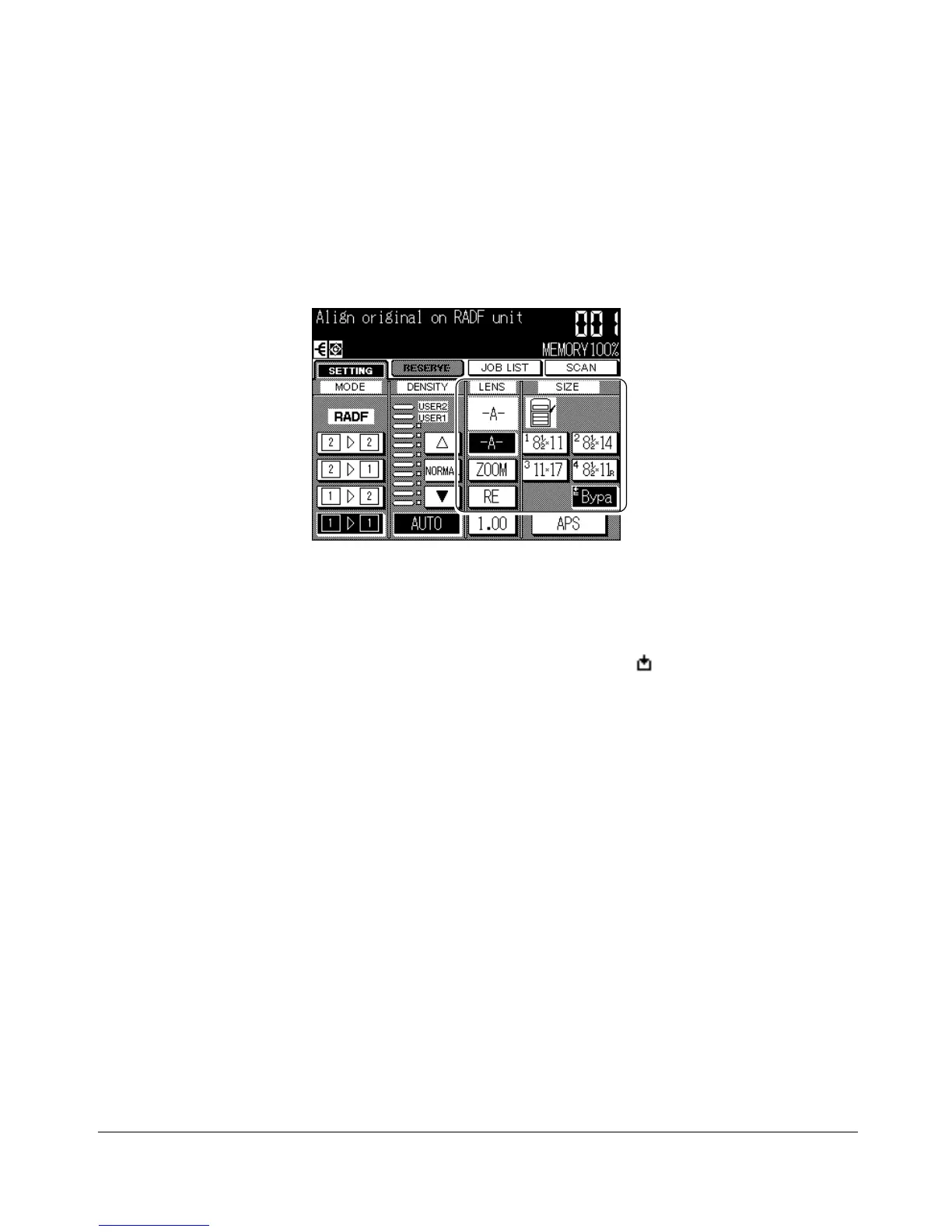
Selecting Multi-Sheet Bypass Tray
1 Open the Multi-sheet bypass tray, and load the copy paper on the tray. See p. 12-6
for further details.
When loading copy paper on the Multi-sheet bypass tray , the Bypass key will
change the (!) indicator to the (Bypa), and the empty icon ( ) on the Bypass key
will be go off.
2 Touch the Bypass key to highlight it.
APS will be deselected, and the AMS key (-A-) will be highlighted on the Basic
Screen.
NOTE: See p. 6-9 for details in AMS function.
Basic Screen










 To Next Page