8-44 Applications
Applications
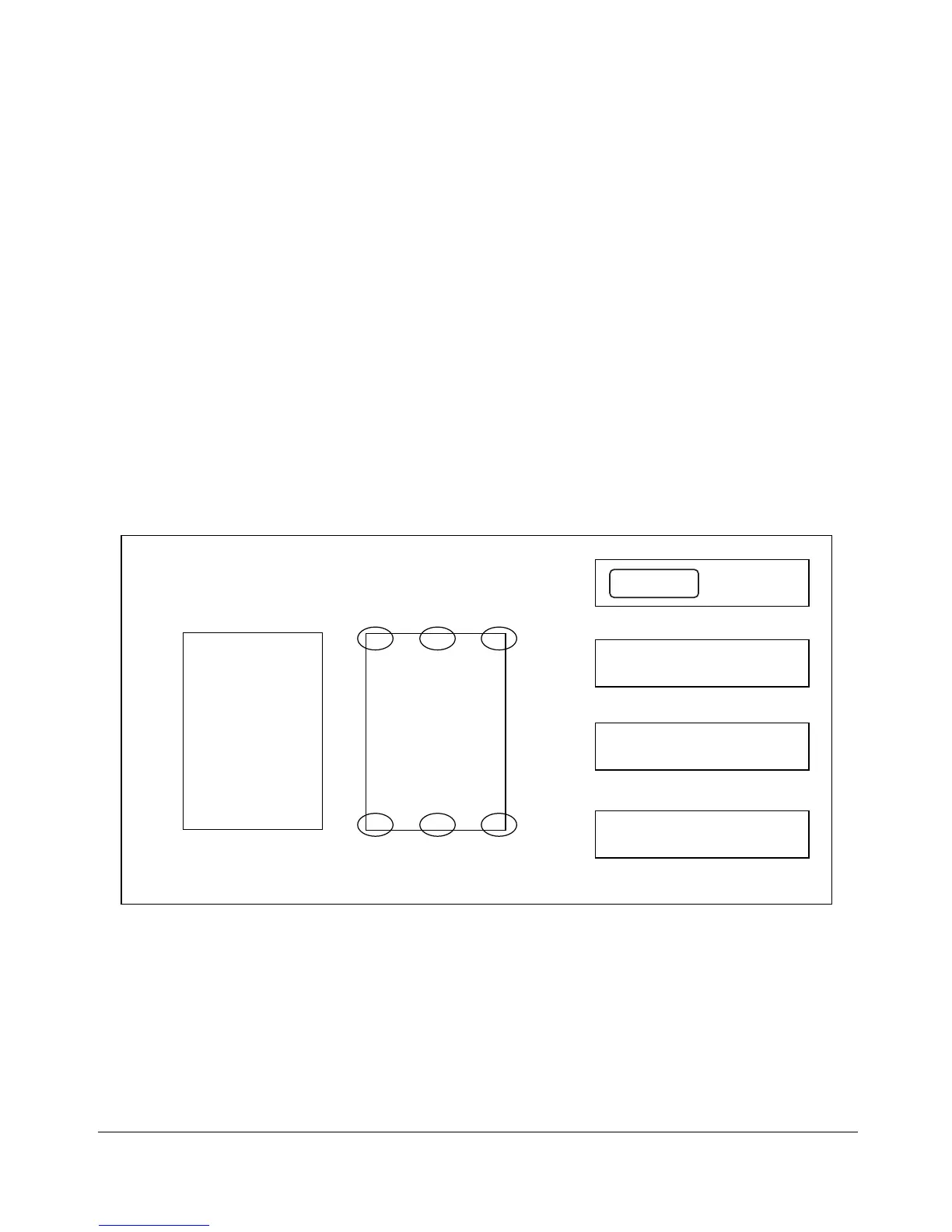
STAMP/OVERLAY
STAMP allows you to print regular stamp, numbering, page numbering, date and time, ,
and watermark onto output copies. These 5 types of stamps can be used individually or
in multiple combinations.
• WATERMARK prints the letters selected from 4 options over the scanned image,
positioning it in the center of the page.
• STAMP prints the letters selected from 7 options over the scanned image at the
location designated on the screen.
• DATE/TIME prints the date and time in the specified form over the scanned image at
the location designated on the screen.
• PAGE prints the page numbers in the specified form over the scanned image at the
location designated on the screen.
• NUMBERING prints the numbers in the specified form over the scanned image at the
location designated on the screen.
WATERMARK
Positions of other stamps
STAMP
L-Top C-Top R-Top
L-Bottom
C-Bottom R-Bottom
DATE/TIME
00.10.10 AM 09:30
PAGE
2 / 5
NUMBERING
[002 / 005]
Confidential
TOP SECRET
STAMP Specifications
❒ All 5 types of stamps can be used in combination.
❒ A watermark is printed obliquely in the center of the page.
❒ Stamp, Date/Time, Page, and Numbering each can be selected for printing from 6 locations.
❒ Image cutoff width: leading end 5mm, trailing end 4mm, top and bottom 2mm.
❒ Incompatible Basic Copying Conditions: None
❒ Incompatible Output Modes: None
❒ Incompatible Applications: Book Copy, Special Original (Mixed Original, Non-Standard Size),
Repeat, AUTO Layout, Image Shift, Non-Image Area Erase










 To Next Page