Basic Operations 6-19
Basic Operations
Reserve (continued)
Mishandled Paper During Reserve Setting
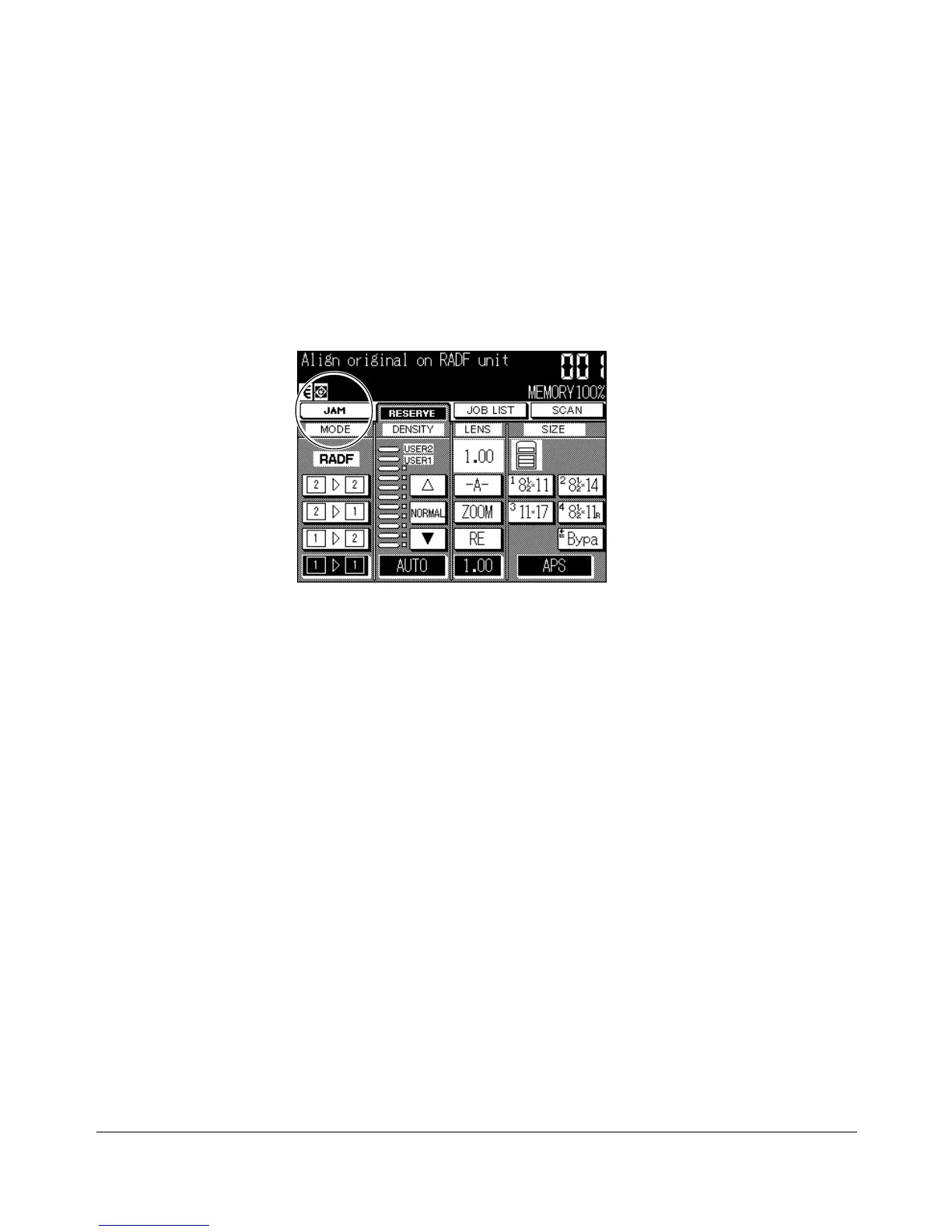
If a misfeed occurs with the job in progress while you are setting a reserve job, the
SETTING indicator on the screen will change to JAM.
If originals in the reserve job are already scanned when the misfeed occurs, the reserve
job will be performed after the jam is cleared and the cleared job is completed.
1 Touch JAM to display the Jam Position Screen.
2 To view Help Screen instructions, touch GUIDE and remove paper/original.
3 The JAM will change to SETTING when cleared job is completed.
4 Press [START]. The output job will be reprocessed.
5 Touch RESERVE to continue setting the reserve job.
If scanning is not completed when the misfeed occurs, but reserve settings were already
made, the reserve job can be performed after the cleared job is completed.
Simply insert the original document and press [START].
Basic Screen










 To Next Page