6-20 Basic Operations
Basic Operations
Reserve (continued)
When Paper is Depleted for the Job in Progress
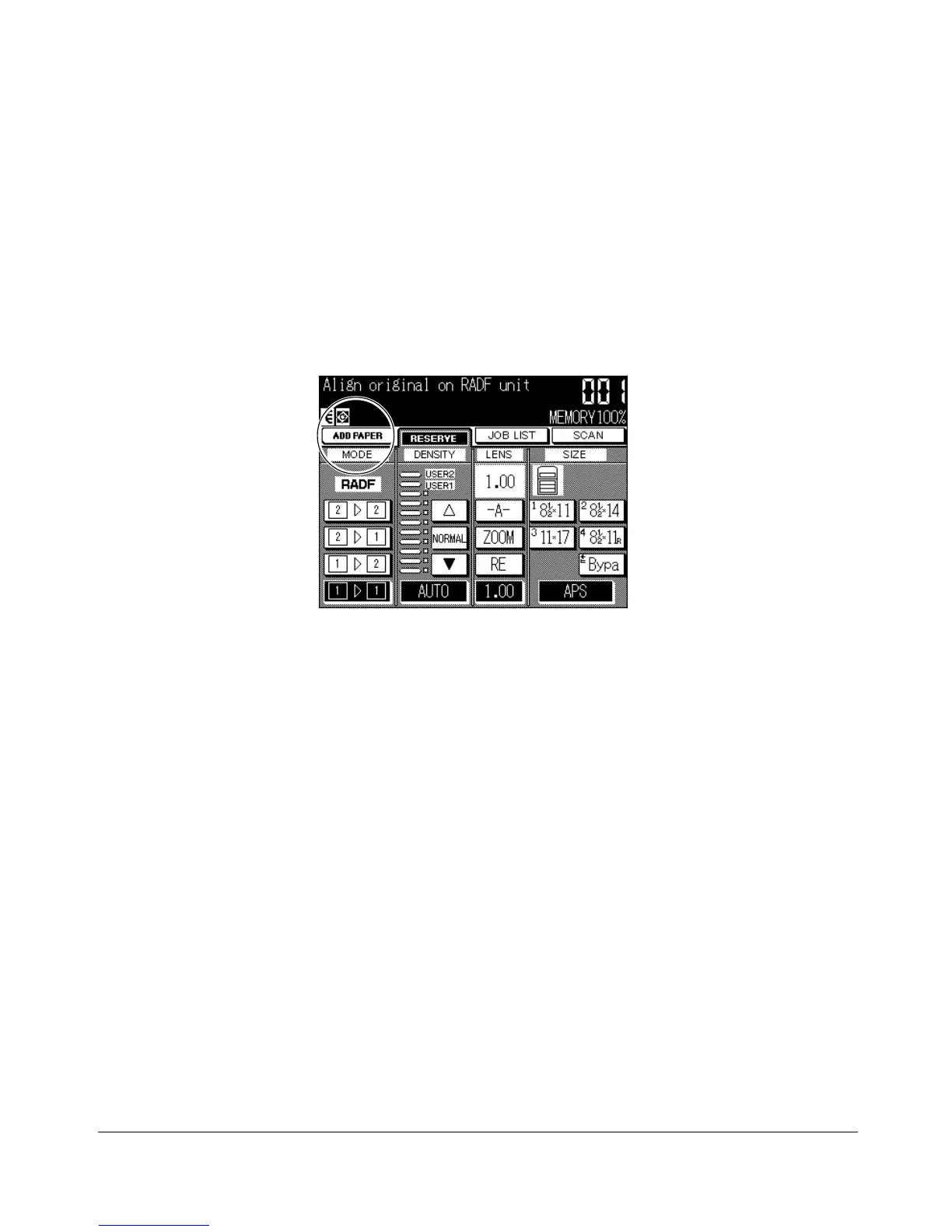
If the paper supply for a print job in progress becomes depleted while you are setting a
reserve job, the SETTING indicator on the screen will change to ADD PAPER (blinking).
In this case, you can still continue the reserve job setting.
1 Touch ADD PAPER to display the Basic Screen for the print job.
2 Confirm the empty tray and add paper.
3 Press [START]. The ADD PAPER will change to SETTING and the print job will be
reprocessed.
4 Touch RESERVE to continue setting the reserve job.
Basic Screen










 To Next Page