Basic Operations 6-9
Basic Operations
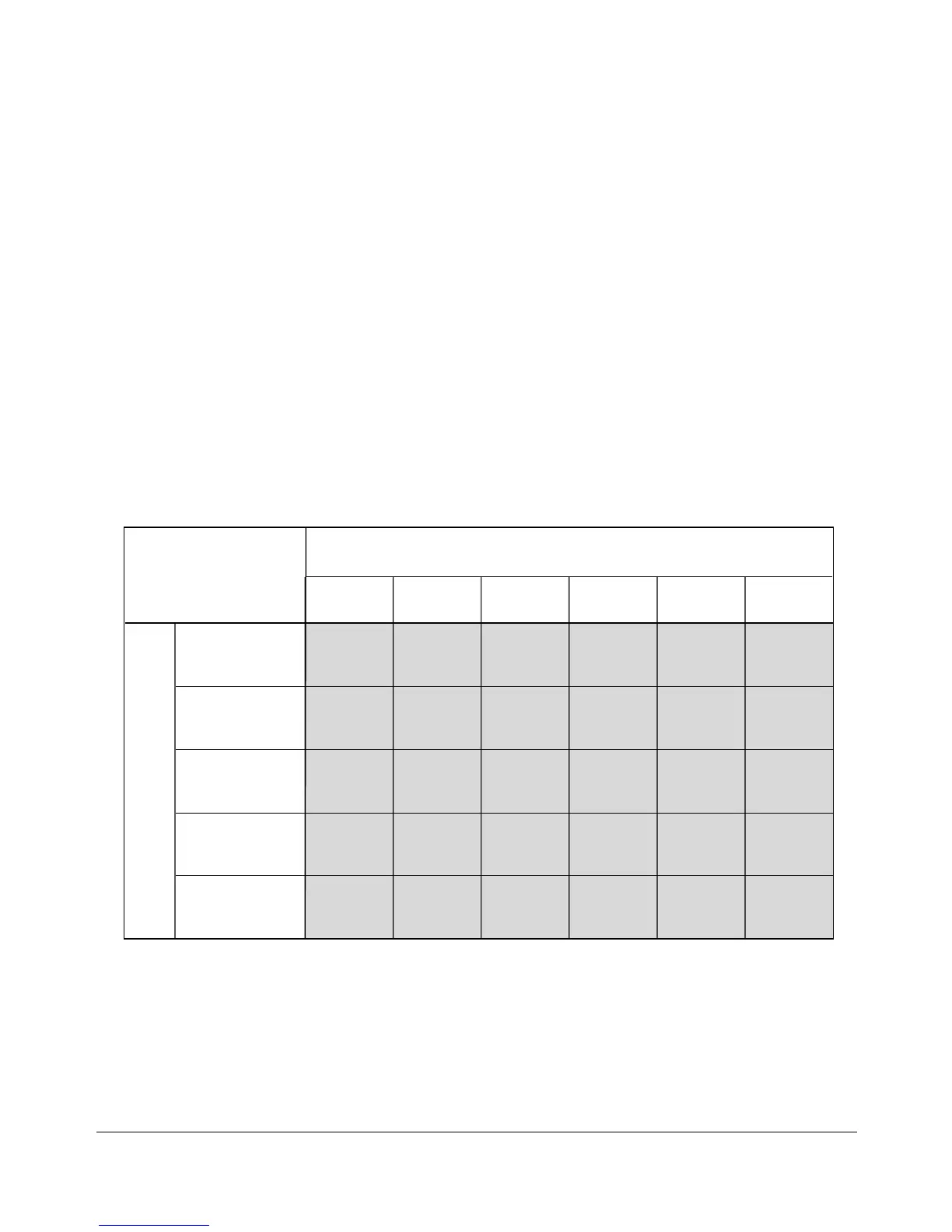
AMS TABLE
COPY SIZE
ORIGINAL SIZE
11"x17"
1.00
0.76
0.49
(0.64)
0.60
(0.78)
0.76
(1.00)
1.00
(1.30)
0.76
(1.00)
0.76
(1.00)
1.00
(1.30)
0.48
1.21
1.00
0.60
1.30
1.00
0.63
11"x17"
8.5"x14"
8.5"x11"
5.5"x8.5"
8.5"x14"
8.5"x11"R
1.00
1.00
0.64 0.78 1.00
8.5"x11"R
8.5"x11"
1.30
1.00
1.30
5.5"x8.5"
2.02
1.56
1.00
1.30
5.5"x8.5"R
0.48
(0.63)
0.63
(1.00)
( ): Rotation functions
Lens Mode (continued)
Automatic Magnification Selection (AMS)
AMS is one of the initial settings that functions when the RADF is used and a Copy Size
is selected manually. See p. 6-15.
❒ Incompatible: APS, Change magnification, Book Copy, Non-Image Area Erase, Repeat, AUTO
Layout
An appropriate reduction or enlargement ratio will be selected automatically and applied
to the image on the copy size. AMS automatically calculates and selects the correct
ratio.
AMS ratios are shown in the table below.










 To Next Page