8-40 Applications
Applications
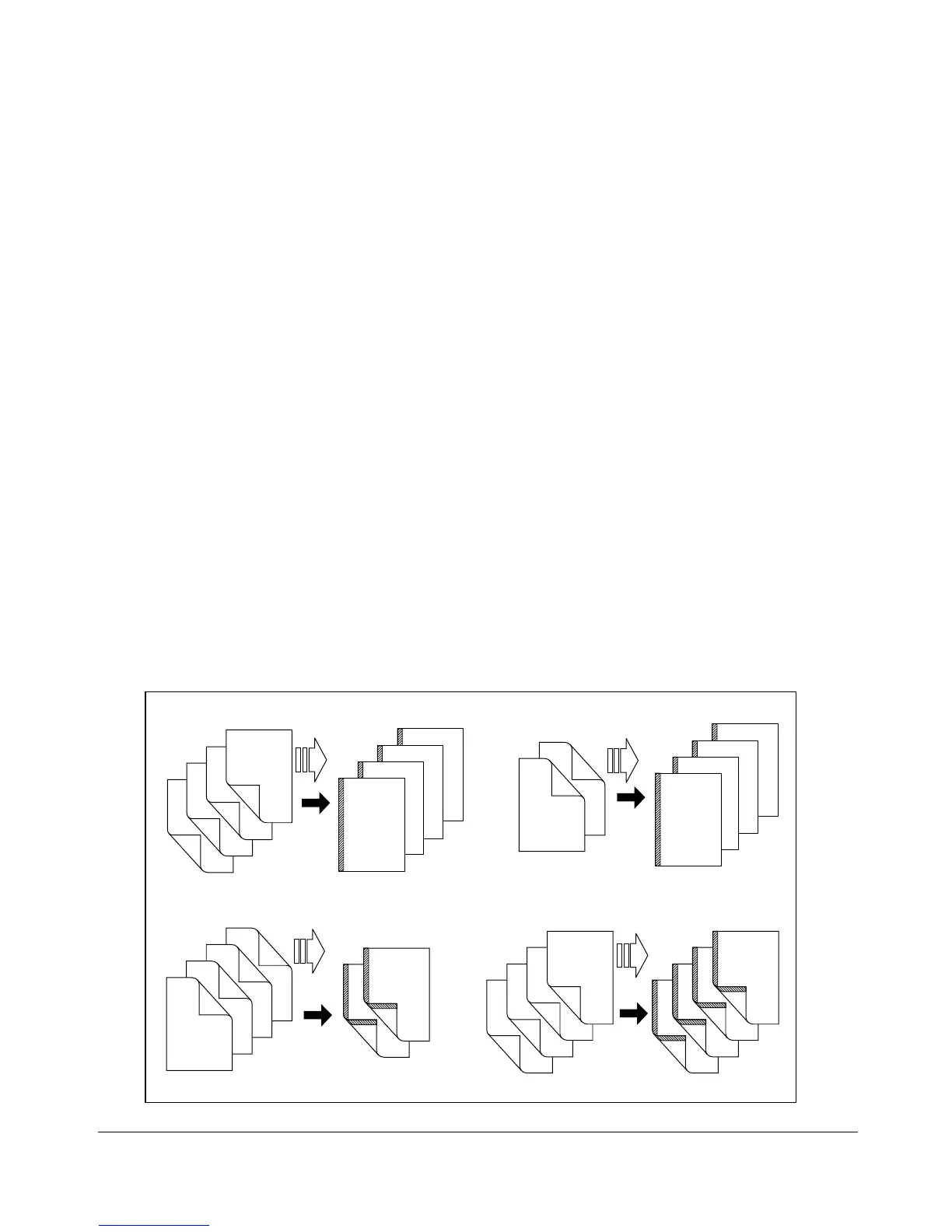
Image Shift
Use Image Shift to create a new binding margin on originals. If image loss is likely,
select the Reduce & Shift mode instead of regular Image Shift.
❒ RADF store mode is available. When selecting 1-2 mode and using platen glass to scan,
Platen store mode is automatically selected. See p. 6-23 to p. 6-25 for details.
NOTE: Should memory overflow occur frequently, it is recomended that you contact your Konica service
representative to extend the memory capacity in your machine.
❒ Shift amount in Image Shift mode: –250 ~ +250mm in 1mm increments
❒ Shift amount in Reduce & Shift mode: –250 ~ +250mm in 1mm increments
❒ Reduction ratio varies according to the shift amount in Reduce & Shift mode.
❒ Incompatible with Image Shift mode
Basic copying conditions: None
Output modes: None
Applications: Booklet, Image Insert, Book Copy, Special Original (Mixed Original, Non-
Standard Size, Upside Down), Repeat, AUTO Layout, Non-Image Area Erase, STAMP/
OVERLAY
❒ Incompatible with Reduce & Shift mode
Basic copying conditions: APS
Output modes: None
Applications: Image Insert, Book Copy, Special Original (Mixed Original, Non-Standard Size,
Upside Down), Repeat, AUTO Layout, Non-Image Area Erase, STAMP/OVERLAY
1
2
3
4
4
3
2
1
4
3
2
1
1
2
3
4
Originals
Copies Originals
Copies
1-1 mode
1-2 mode
2-2 mode
2-1 mode
Originals
Copies
Originals
Copies
1
2
3
4
4
3
2
1
8
7
6
5
4
3
2
1
2
1
4
3
6
5
8
7










 To Next Page