Output Modes
7-8 Output Modes
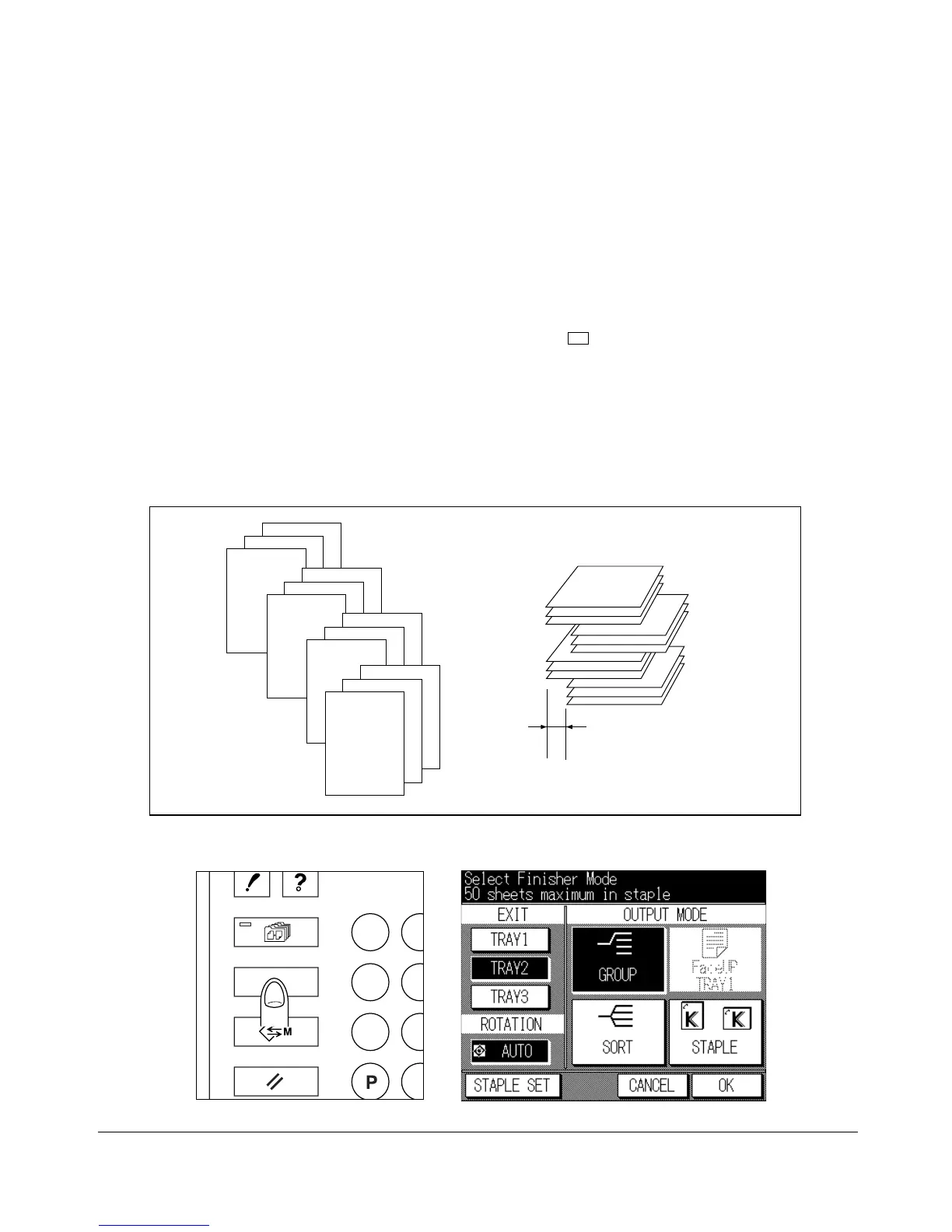
Group Mode
The Group mode is available when the offset-stacker finisher is installed. Use this mode
when you want to group together multiple copies of each original, and offset the sets on
the Finisher middle/lower tray. Grouped sets cannot be stapled.
❒ Paper size: 11"x17", 8.5"x14", 8.5"x11"R, 8.5"x11", 5.5"x8.5"R, A4R, A4
(5.5"x8.5" is available in the horizontal feeding direction (
) only)
❒ Paper capacity for 20 lb: Paper exits to the middle/lower tray only.
700 sheets (8.5"x11", 8.5"x11"R, A4R, A4)
300 sheets (11"x17", 8.5"x14", 5.5"x8.5"R)
❒ Incompatible: Sort, Staple-Sort, Proof Copy, Sheet/Cover Insertion, Chapter, Booklet,
Transparency Interleaving and Thin/Thick Paper modes in Special Paper, Image Insert,
Repeat, AUTO Layout, Non-Image Area Erase
4
4
4
3
3
3
2
2
2
1
1
1
30mm
Output Mode Screen
Control panel
OUTPUT
APPLICATION
CHECK
JOB MEMORY
HELP










 To Next Page