Copier Management 5-7
Copier Management
Counter List
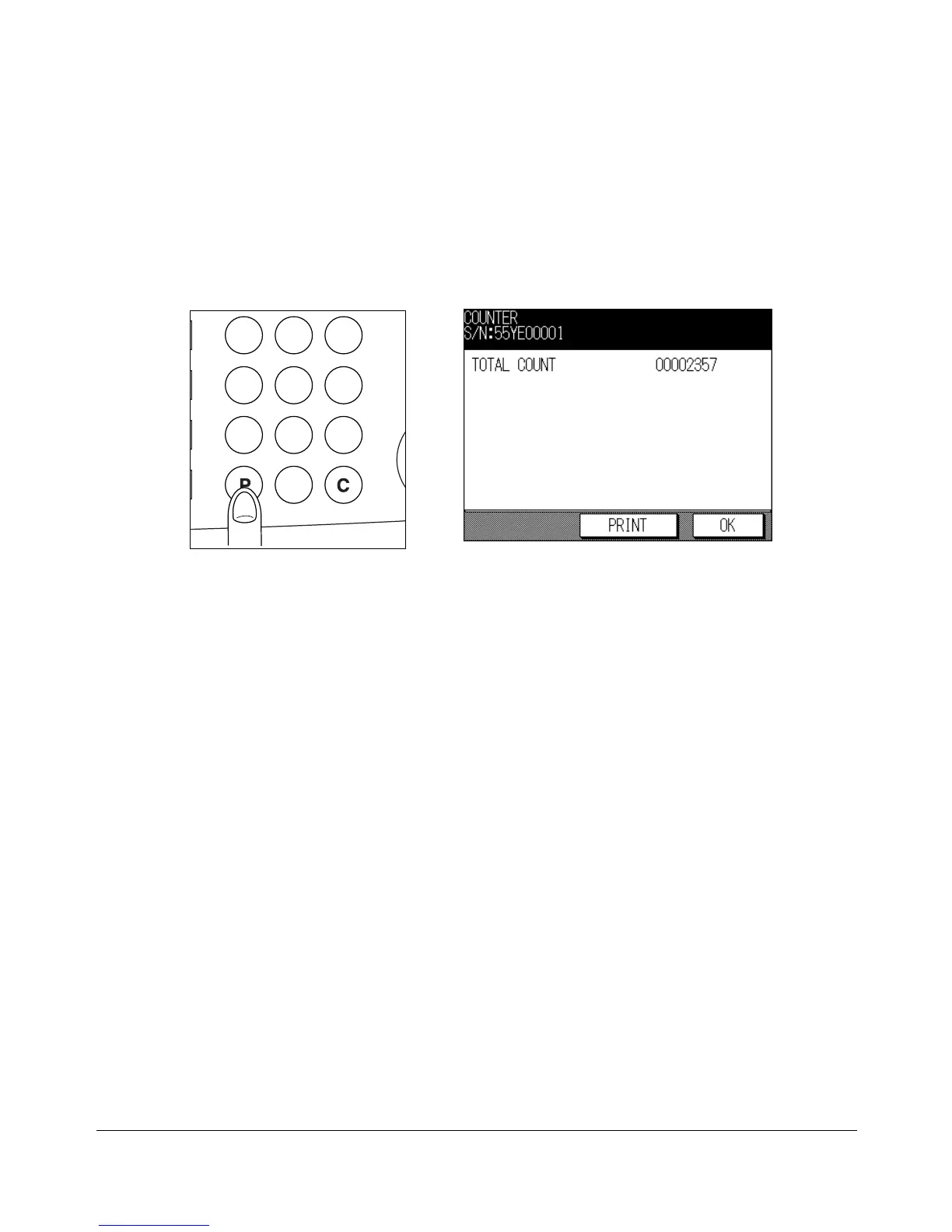
This function allows you to view the total count calculated, as displayed on the touch
panel. Check the count, then print it from the Counter List Screen, if desired.
To Display the Counter List
1 Press [P] to display the Counter List Screen.
The Total count is only displayed on the Counter List Screen.
2 Touch OK to return to the Basic Screen.
To Print the Counter List
1 Press [P] to display the Counter List Screen.
2 To print the Total count, touch PRINT.
The Management list mode will be released.
Control Panel Counter List Screen
CLEAR QTY.
231
564
897
0










 To Next Page