Basic Operations 6-17
Basic Operations
Reserve
Set Reserve Job
The Reserve function allows you to set up a new job while a current (scan/print) job is in
process. When the current job is finished, the Reserve job starts printing immediately.
The RESERVE key on the screen is touch sensitive and active only when another job is
in progress; otherwise it appears grayed out.
❒ Job settings: Max. 5 (current job plus 4 reserve jobs)
❒ The reserve job is available to be set after the copier starts to scan the current job. When
setting more than one reserve job, the next reserve job setting will be available after the copier
starts to scan for the previous reserve job.
When the current job is under Store mode, Image Insert, or Book Copy, the reserve job setting
will be available after the copier starts to print the current job.
❒ If certain conditions occur while a reserve job is being set, such as activation of Interrupt
mode, mishandled paper, or running out of paper, the current output job will cease and the
SETTING indicator on the screen will be replaced by INTERRUPT, JAM or ADD PAPER, as
appropriate. Perform the required measure for the situation at hand.
❒ The order of the reserve jobs can be altered on the Job List Screen.
❒ The reserve jobs can be deleted on the Job List Screen.
❒ Incompatible: Interrupt copying, Scanning in Store mode, Proof Copy
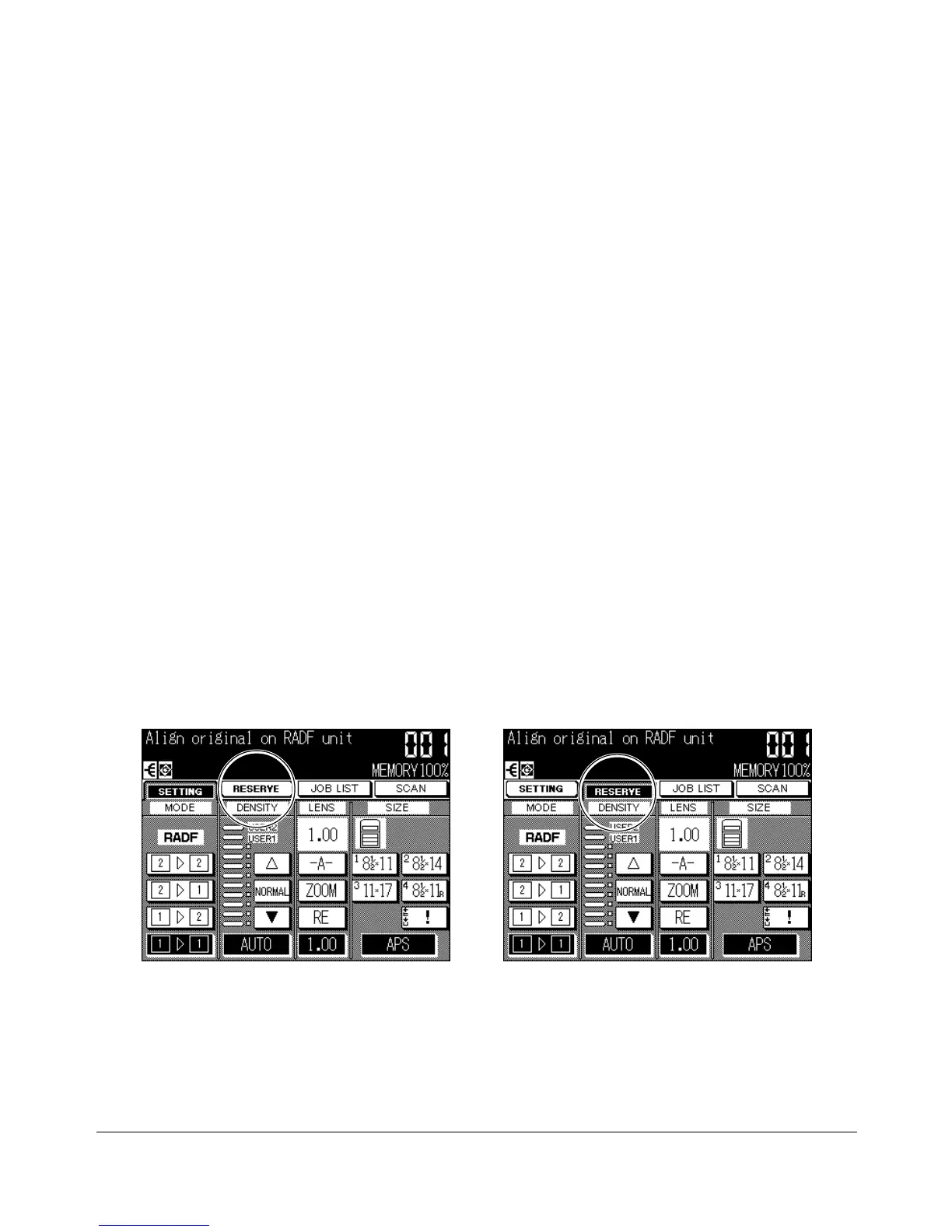
Basic Screen: reserve job available
Reserve Job Setting Screen










 To Next Page