Basic Operations 6-5
Basic Operations
Copy Mode (continued)
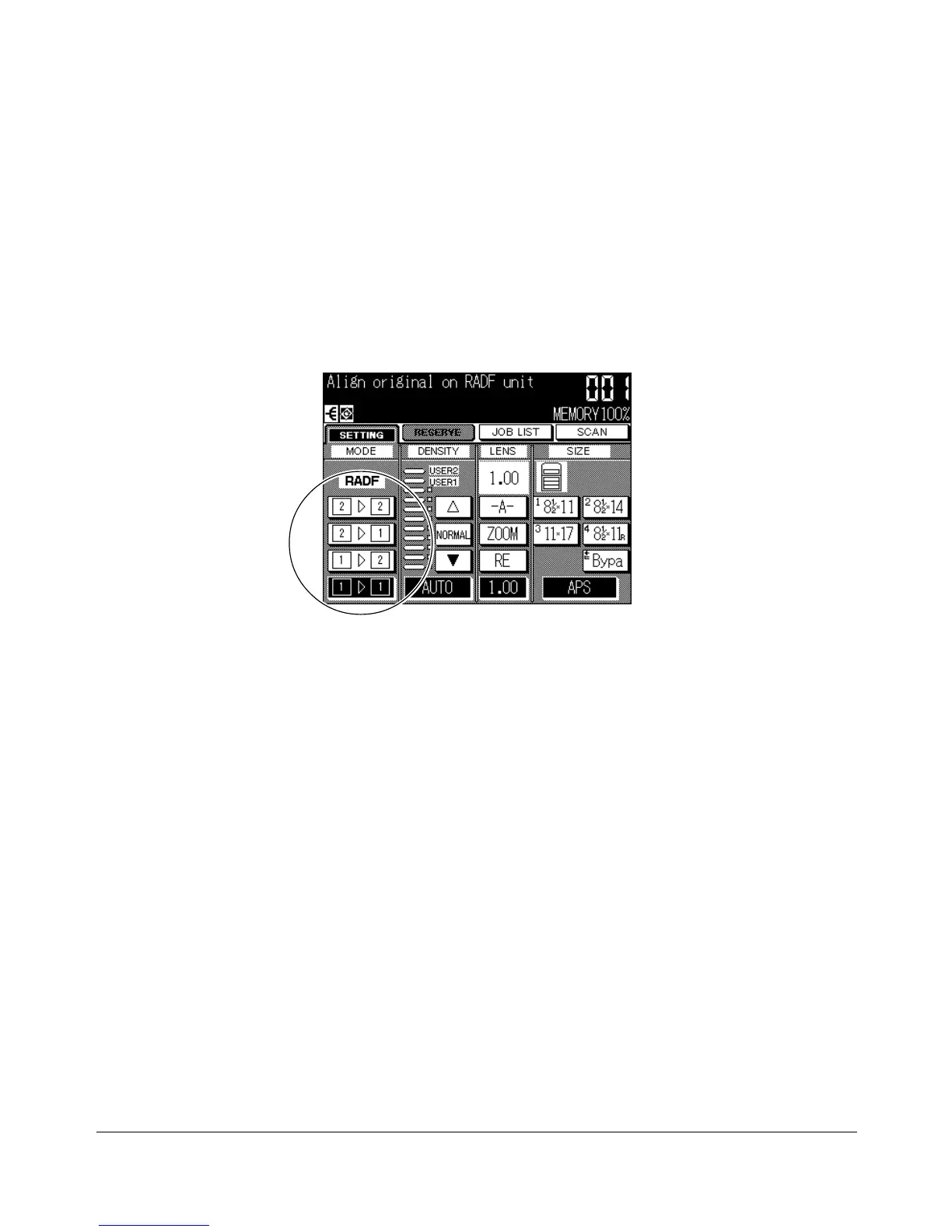
Copy Mode Using RADF
Before selecting the Copy Mode shown on the screen below, read specifications on the
previous page and see Section 4 for information on original/copy paper and positioning
originals.
1 Touch the desired MODE key:
zz
zz
zss
zz
zz
z,
zz
zz
zss
xx
xx
x,
xx
xx
xss
zz
zz
z, or
xx
xx
xss
xx
xx
x.
A copy mode key will appear dimmed if it is incompatible with other selections made.
2 Position original(s) FACE UP in the document feeder.
3 When all settings are acceptable, press [START].
To cancel the mode, touch the desired MODE key on the Basic Screen.
NOTE: When the finisher capacity is exceeded due to the print quantity selected, remove the copied sets
while the paper is exiting; otherwise, mishandled paper will occur.
Basic Screen (with 1-1 mode selected)










 To Next Page