Basic Operations 6-7
Basic Operations
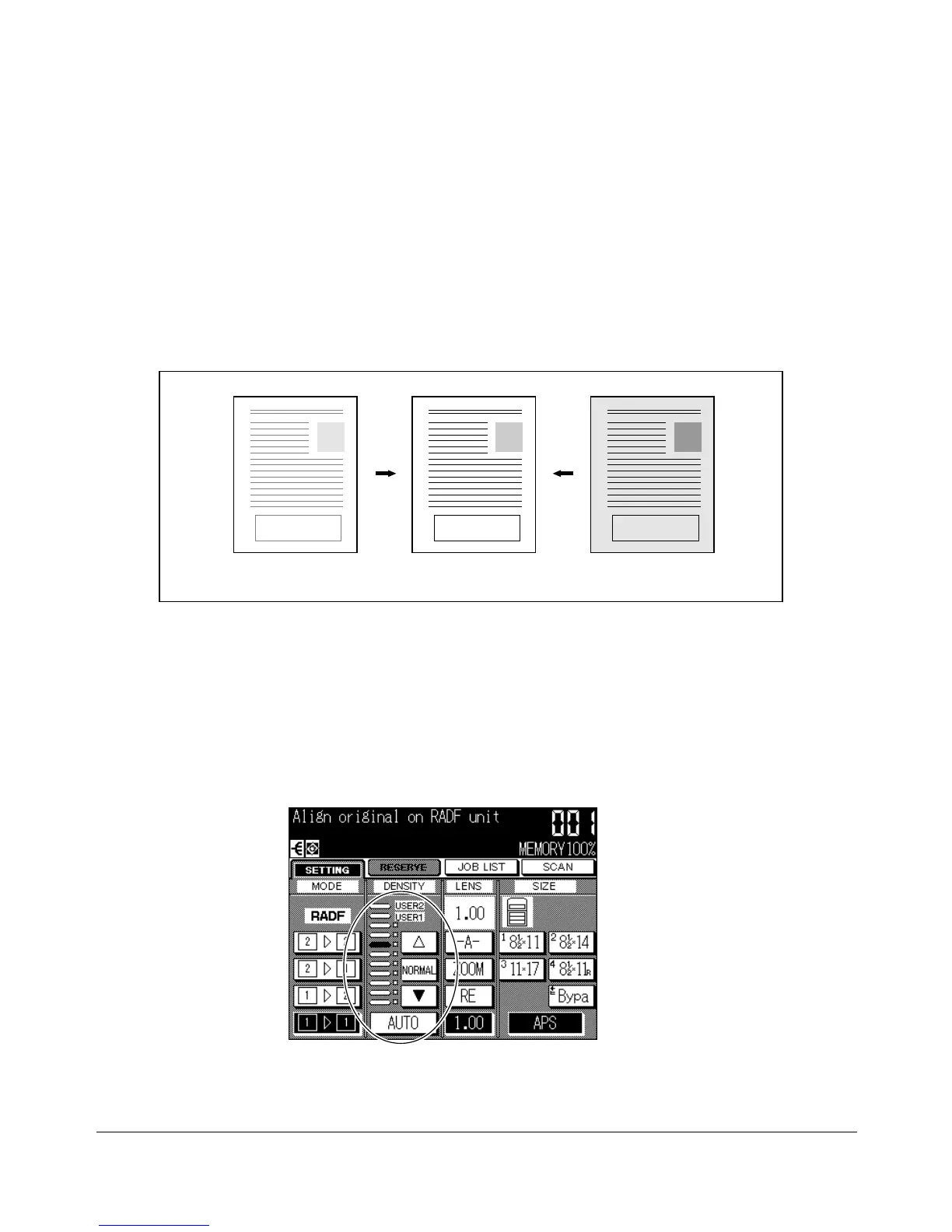
Copy Density
Automatic Exposure Selection (AES)
AES operates with the initial settings. It detects the density of the original image and
automatically selects the appropriate exposure for the copy.
To select AES, touch AUTO on the Basic Screen or press [AUTO RESET] on the control
panel to restore the initial settings. The AUTO key will be highlighted.
Manual Mode (Lighter, Normal, Darker)
Select manual copy density to adjust exposure (density) when originals are too light or
too dark. Manual adjustments can be made in 9 levels simply by touching the lighter
arrow (▼▼), NORMAL, or darker arrow (▲) key to highlight the desired exposure level
indicator.
Light original Copy Dark original
Basic Screen
NOTE: Key operator can set the copier to shift each of nine density levels into two levels of lighter and three
levels of darker. See p. 11-54.










 To Next Page