5-4 Copier Management
Copier Management
Entering an ECM Password
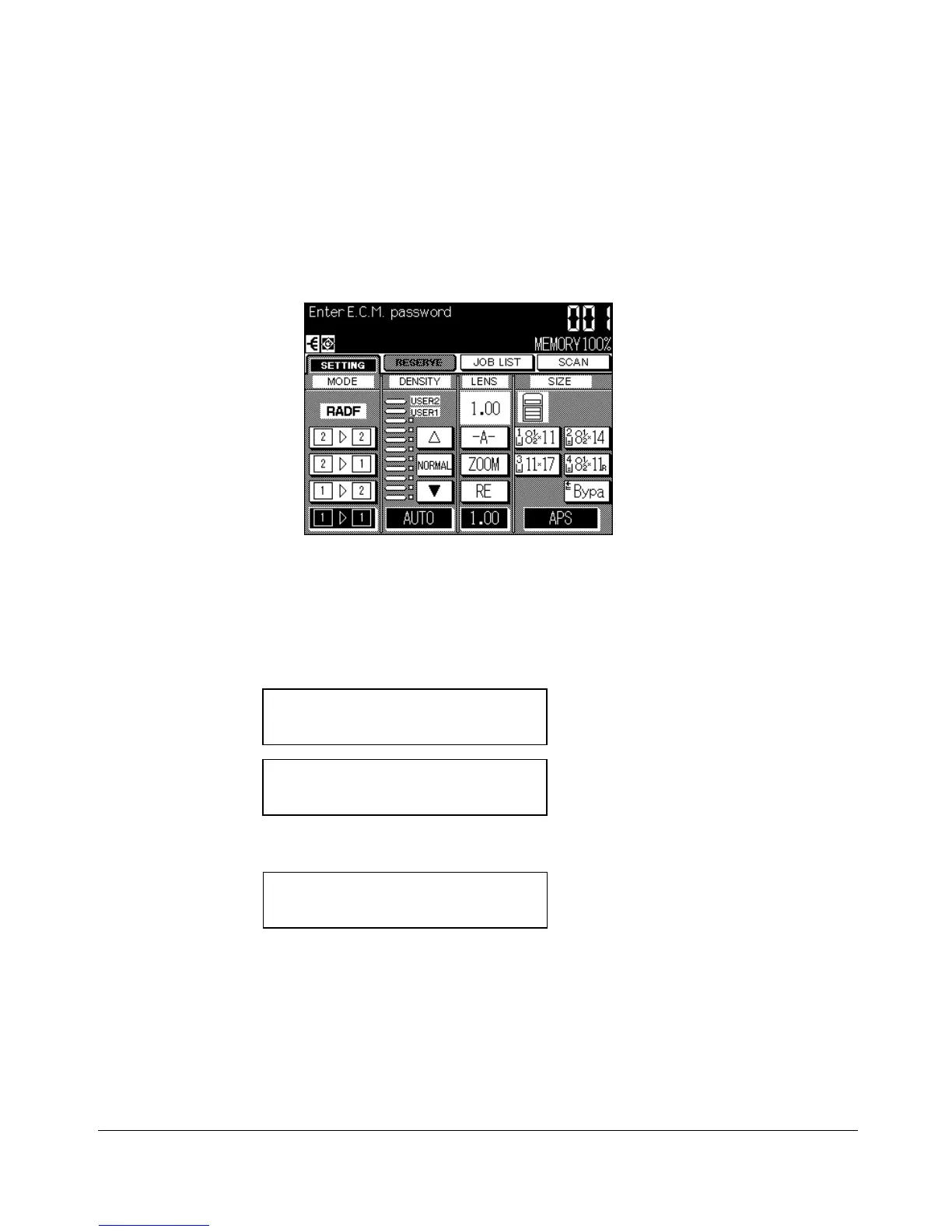
An ECM password is required only when the Electronic Copy Monitor (ECM) feature is
activated; a User Password is assigned; and “Enter E.C.M. password” is displayed on
the touch screen.
1 Enter your 5-digit ECM password, using the keypad.
If the ECM password is invalid, the copier will reset to the Initial mode.
In that case, enter the correct password; or contact the key operator.
2 Press [START] once to display your current copy count and copy limit for 3 sec.
Current count / limit
018888/025000
Ready to copy
When your copy count reaches the copy limit, the following message is displayed:
Copy limit reached
025001/025000
In that case, contact the key operator to reset your copy limit.
3 Make copying selections, and enter print quantity, as required.
4 When all settings are acceptable, press [START].










 To Next Page