4-4 Paper Information
Paper Information
Using the Reversing Automatic Document Feeder (RADF) (continued)
Positioning Originals
The document feeder (RADF) automatically feeds up to 50 originals directly to the platen
glass, starting with the top sheet. The RADF should only be used for unstapled,
unfolded, smooth, flat originals.
❒ Original size detection requires accurate paper guide adjustment
❒ APS detects size 11"x17", 8.5"x14", 8.5"x11", 8.5"x11"R, 5.5"x8.5", 5.5"x8.5"R, and A4
❒ Size, weight and capacity are specified for all copy modes on p. 4-3
Before placing originals in the tray, be sure the document feeder is closed fully.
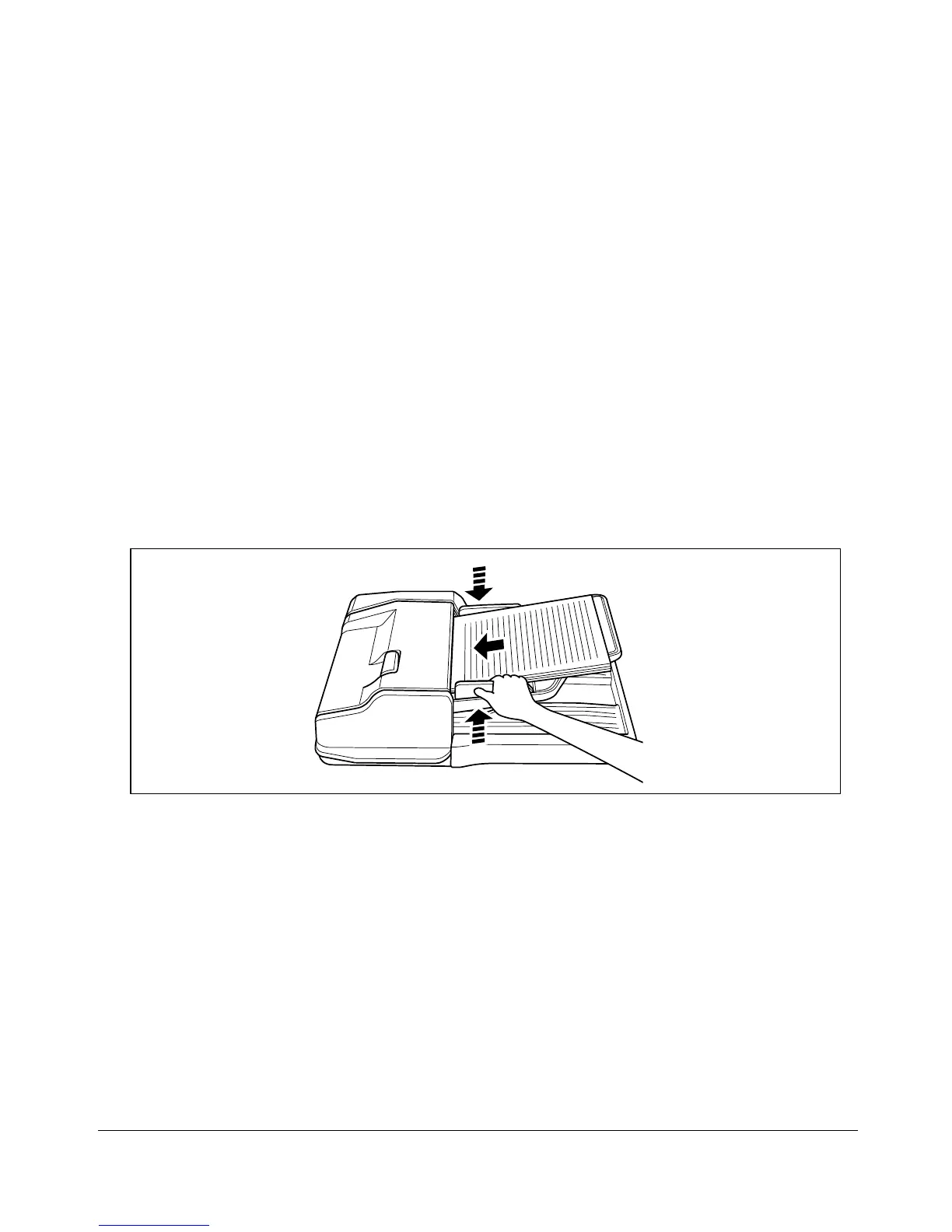
1 Position original(s) FACE UP on the document feeder tray.
Place two-sided originals with page one FACE UP.
2 Adjust paper guides.










 To Next Page