Hardware
Laborie NXT Pro Owner’s Manual LBL-00146, MAN2010 103
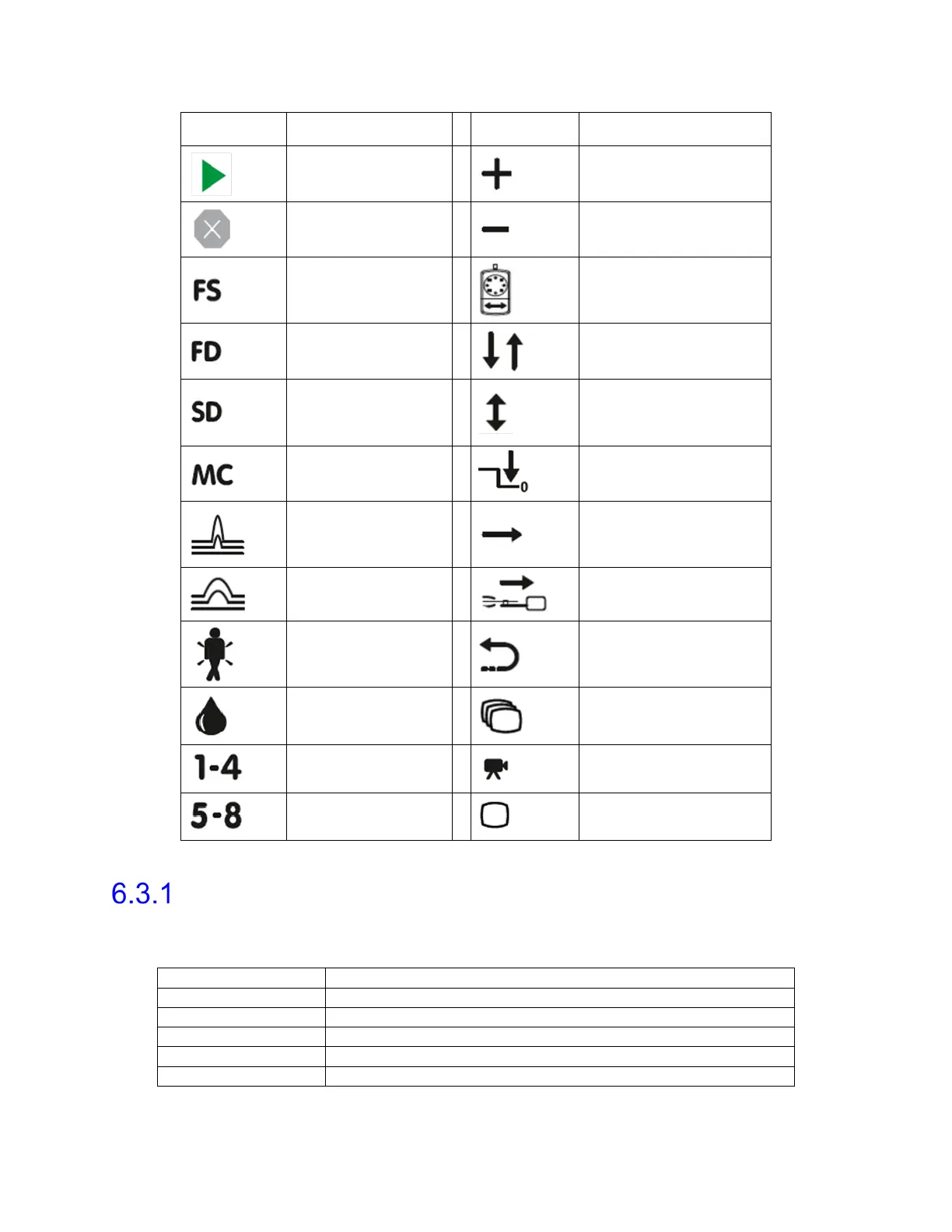
Key Icon Function Key Icon Function
Begin Recording
Pump Speed Increase
Stop Active
Hardware
Pump Speed
Decrease
First Sensation
Marker
Pump On/Off
First Desire to
Void Marker
Balance/Equalize 1
(Standard) Normal
Desire to Void
Marker
Balance/Equalize 2
Maximum Capacity
Marker
Zero All Pressures
Cough Marker
Stress Profile On/Off
Valsalva Marker
Rest Profile On/Off
Urgency Marker
Puller Return/Stop
Leak Marker
Record Video Burst
User Custom 1-4
Video Burst
Start/Stop
User Custom 5-8
Record Video
Snapshot
Table 9: Remote Control NXT Icons
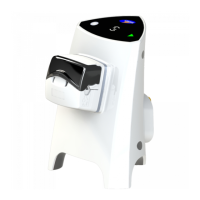
Remote Control NXT LED Signals
The Roam NXT contains an LED light to convey device status. Table 10 provides descriptions
of LED indications per color.
Connecting through Bluetooth technology
Indicates touch key input
Indicates the Remote Control NXT is losing connectivity
Table 10: Remote Control NXT LED Signals


 To Next Page