Synergy Software
Laborie NXT Pro Owner’s Manual LBL-00146 [C], MAN2010 73
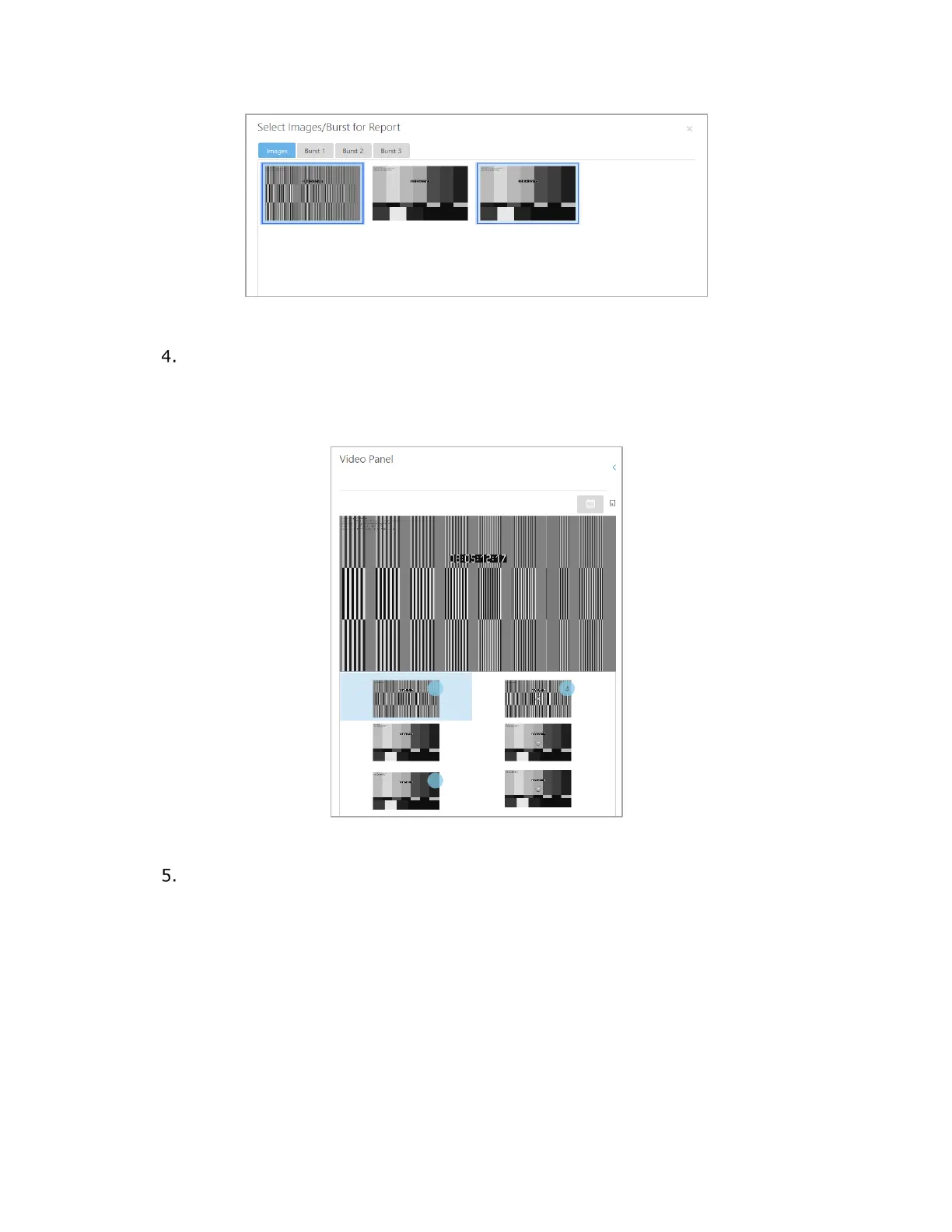
Figure 62: Select Images/Burst for Report Window
Select the images required for the report from each tab. Click the Close icon (X)
to exit the window. Images selected for inclusion in the report will display a blue
circle in the upper-right corner of the thumbnail. The number of images selected
from each image burst tab will be displayed within the blue circle on the video
thumbnail.
Figure 63: Video Panel—Image Selection
To incorporate selected images into the report, in the Configuration Settings
panel, expand Report content. Select the Video Images option checkbox and
then click Apply Changes to add this feature to the report.



 To Next Page