EasyManua.ls Logo

LABORIE NXT Pro - Table 8: QC Score Allotment Process

LABORIE NXT Pro
128 pages
Print Icon
To Next Page IconTo Next Page
To Previous Page IconTo Previous Page
Loading...
Synergy Software
Laborie NXT Pro Owner’s Manual LBL-00146 [C], MAN2010 79
Flow Phase
Blue=0 points
Yellow=+5 points
Green=+10 points
Volume Voided
Pediatric
No uroflow
volume recorded
Volume voided > 0
Volume voided ≥
50% EBC
Volume Voided
Adult
No uroflow
volume recorded
Volume voided > 0
Volume voided >
150 ml
PVR
No PVR value
entered
Not Possible
Any PVR value,
including 0 ml
Beaker
Beaker not
empty at start of
flow (Beaker
weight 25 gm)
Beaker empty at start
of flow (Beaker
weight < 25 gm)
Not Possible
Filling Phase
Blue=0 points
Yellow=+5 points
Green=+10 points
Pdet
Pdet > 0 cmH2O
< 80% of phase
Pdet > 0 cmH2O >
80% of phase
Pdet > 0 cmH2O
continuously
Zero All
Pressure
Used during
Filling
Not Possible
Not used during
Filling
Infusion Pump
Pediatric
Infused Volume
< 10% EBC
Not Possible
Infused Volume
10% EBC
Infusion Pump
Adult
Infused Volume
< 10% EBC
Not Possible
Infused Volume
10% EBC
Sensations
None marked
2 marked
3+ marked
Stress Test
Not Possible
Performed @ Vinf >
150 ml
Max Pves >
30 cmH2O if Leak, >
60 cmH2O if no leak
Pre-test QC
(Out of Scope)
Not performed
Performed but not
passed
Baseline & Cough
passed
Cough Check
Not performed
Performed not passed
Performed and
passed
Voiding
Phase
Blue=0 points
Yellow=+5 points
Green=+10 points
Volume Voided
Pediatric
No uroflow
volume recorded
Volume voided > 0
Volume voided ≥50%
EBC
Volume Voided
Adult
No uroflow
volume recorded
Volume voided > 0
Volume voided
>150 ml
Permission to
void
Not marked
Not possible
Marked
Pdet
Pdet > 0 cmH2O
< 80% of phase
Pdet > 0 cmH2O >
80% of phase
Pdet > 0 cmH2O
continuously
PVR
No PVR value
entered
Not possible
Any PVR value,
including 0 ml
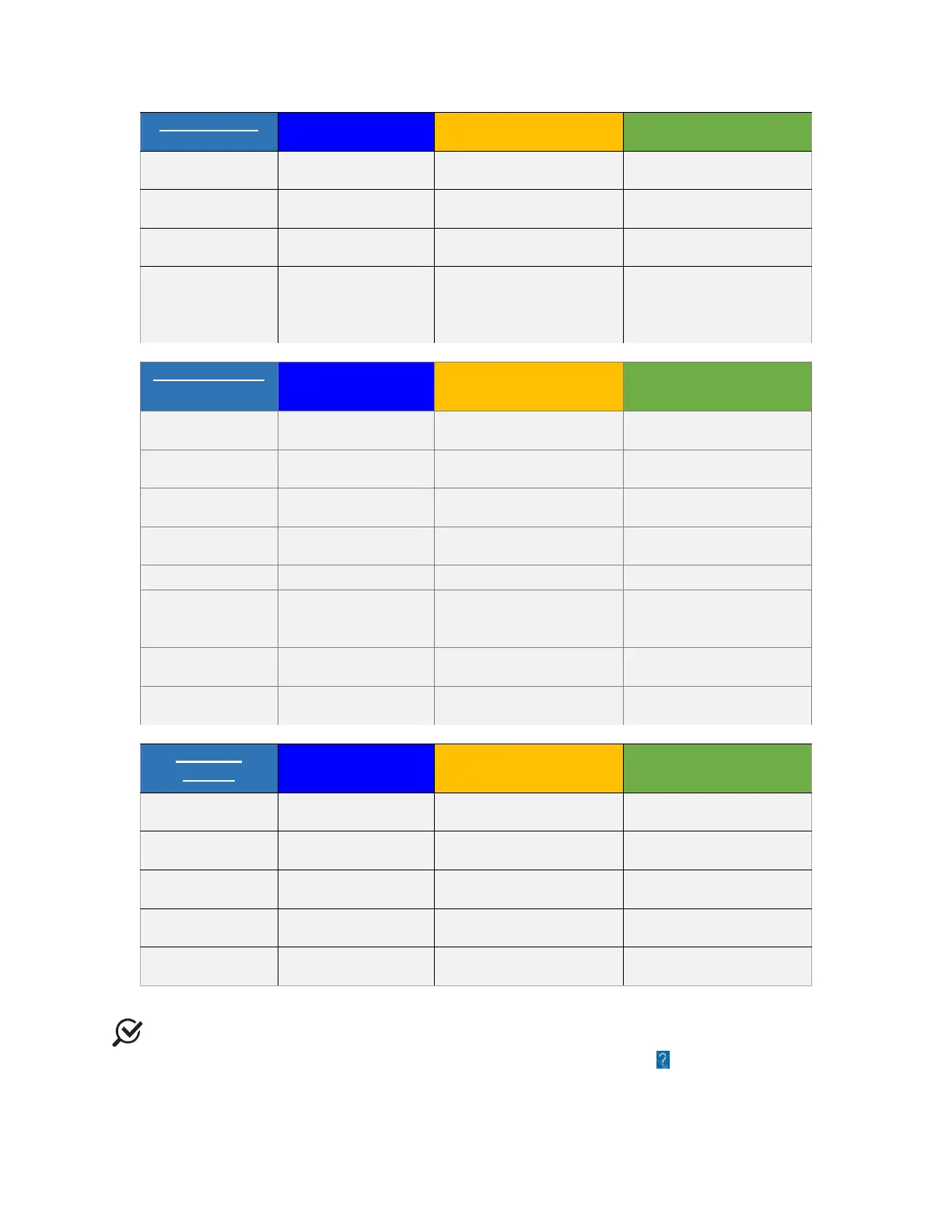
Table 8: QC Score Allotment Process
NOTE: Scientific references are available in the Help Menu of Synergy. To open the
Help Menu, in the title bar of the main window, click the Help icon ( ).

Table of Contents

Related product manuals