Synergy Software
Laborie NXT Pro Owner’s Manual LBL-00146 [C], MAN2010 68
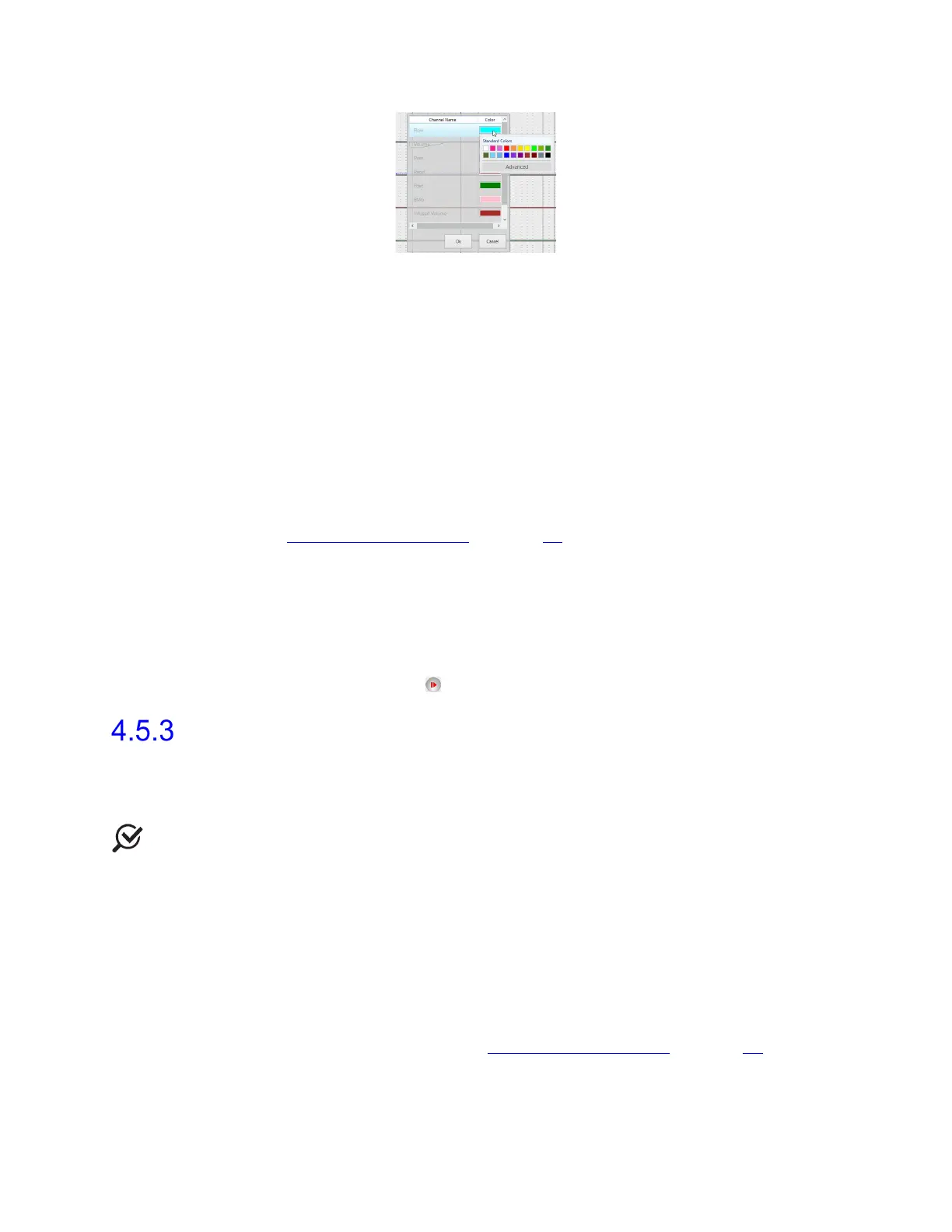
Figure 56: Change Channel Color
• In the Flow and Voiding phases, the Synergy software automatically begins
recording data as soon as the Urocap NXT detects the start of the flow. By
default, the Voiding phase will stop 60 seconds after voiding ends. You can also
click the Next icon to proceed to the next step.
• Events are marked on the graph as they are entered by the user or automatically
generated by Synergy. They can be moved, deleted, or inserted during recording
or during review after the study is complete. Some special events cannot be
moved, because they reflect a fixed point (e.g., pump on/off, video/image
events).
• All marks entered by the user are implemented through buttons located on the
control panel. Any specialized buttons required for the study must be configured
through workflow customization. Default workflows provide a range of default
buttons commonly used for urodynamics. For workflow customization, refer to
the section Customizing Workflows on page 59
.
• Use the Create New Event Marker button located on the control panel to mark
events during the test not previously assigned their own button. Markers entered
in this field will be stored in a drop-down menu for future use.
• Use the Video Pane on the slide sidebar to access video features. You can
adjust the brightness and contrast to your preference prior to capturing images
or video.
• During the study, you can click the Pause button to suspend the study; to
continue, click the Resume ( ) button.
Questionnaire
The Questionnaire workflow step provides optional questionnaires to aid in better
understanding patient problems and the study being conducted. You can choose to pose the
questions to the patient or skip and proceed to the Report step.
NOTE: The Questionnaires are available for selection in the Procedure and Review
workflow steps. Select the desired questionnaire to start the Questionnaire workflow step.
The following questionnaires are available:
• ICS Male/Female Questionnaire
• 24 Hour Bladder Diary
• International-Prostate Symptom Score (I-PSS)
• American Urological Association Symptom Index (AUA-SI)
• Prolapse Quality of Life (P-QOL)
To customize or check default questionnaires provided during a study, use the Workflow
Configuration dialog box. Refer to the section Customizing Workflows on page 59
.



 To Next Page