Synergy Software
Laborie NXT Pro Owner’s Manual LBL-00146 [C], MAN2010 72
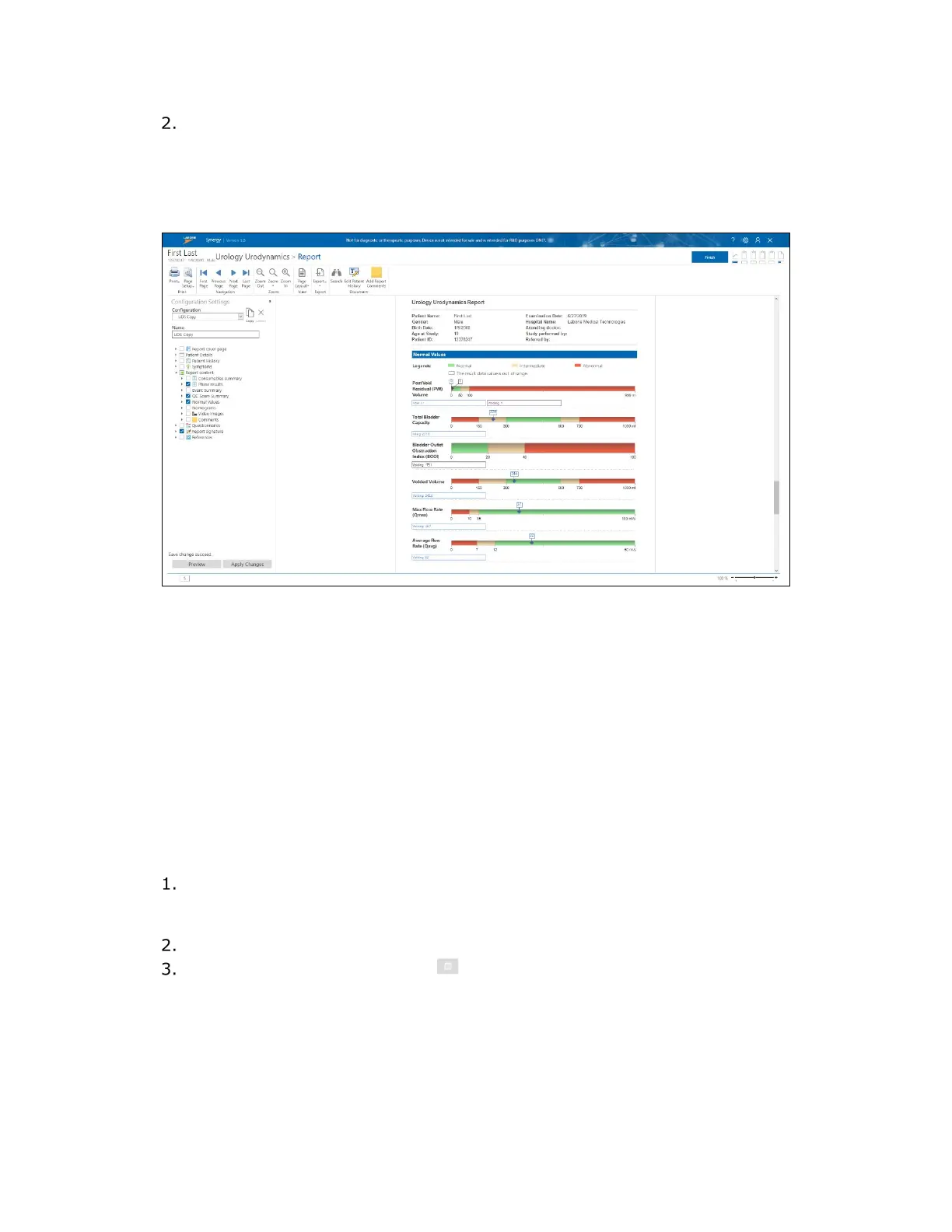
To enable the Normal Values option, do the following:
a) Select the required configuration copy and then expand the Report content
option by clicking the right-facing triangle adjacent to the title (see Figure 60).
b) Select the checkbox for the Normal Values option.
c) Save the changes to the report by clicking the Apply Changes button.
Figure 61: Normal Values
4.5.4.5 Video Images
Video Images is option available for activation in report customization for applicable
workflows. When Video Settings are activated in the workflow configuration of a study, the
Video panel provides access to live video and image capture. With this feature, you can
record short videos and capture images during the study. Videos and images can be viewed
in the Review workflow step. Images can be incorporated into the report by selecting the
checkbox adjacent to the Video Images option under Report Content in the
Configuration Settings panel.
To incorporate visuals from images or videos captured during the study into the report, the
desired frames first must be selected in the Review phase.
Access the Review phase window by clicking the Review button available at the
completion of the Recording phase or by accessing the appropriate test from
patient details.
Open the Video Panel located in the Slide Sidebar.
Click the Select Images icon ( ) to open the Select Images/Burst for
Report window. Videos captured will be deconstructed as images on the Image
Burst tabs, and all single images captured will be found on the Images tab
(
Figure 62).



 To Next Page