Quick Start
Laborie NXT Pro Owner’s Manual LBL-00146 [C], MAN2010 19
Quick Start
To prepare for a typical study, perform the following steps:
Setting Up the Equipment
Gathering Supplies and Equipment
Preparing the Urocap NXT
Preparing the Roam NXT
Preparing the UPP Puller NXT
Setting Up Consumables and Preparing the Patient
2.1 Setting Up the Equipment
Unpack the NXT Cart, Roam NXT, Patient Interface Module NXT (PIM NXT), and
Urocap NXT from their shipping boxes. Unpack the UPP Puller NXT. For information
on the NXT cart, Roam NXT, PIM NXT, Urocap NXT, Infusion Pump NXT, Remote
NXT, or UPP Puller NXT, refer to the section
Hardware on page 102.
IMPORTANT:
Lock all wheels of the NXT Cart for equipment setup and anytime the
NXT system is not actively being transported. To prevent injury to
the patient, ensure that all wheels are locked during testing
procedures.
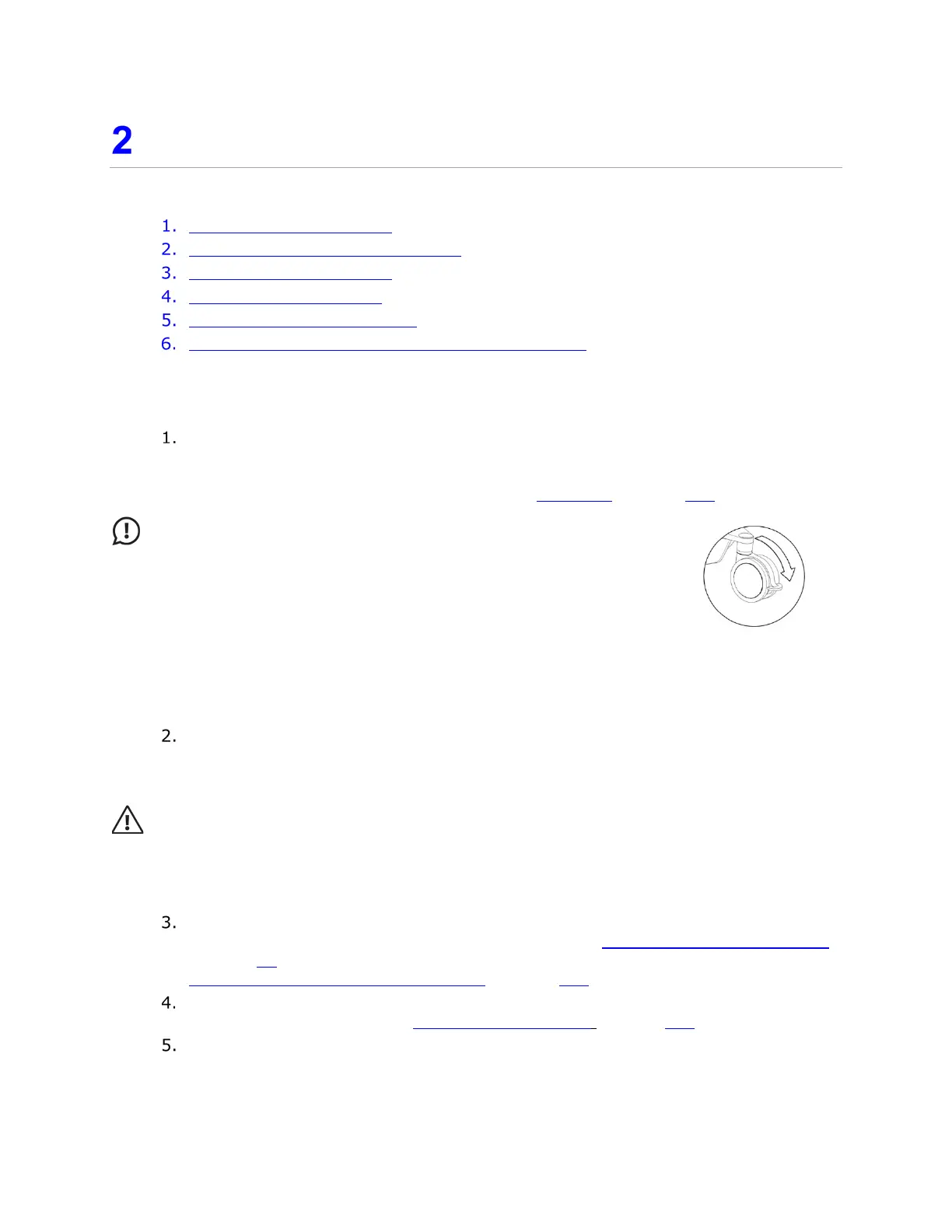
To lock the wheels, press down on the lever with the bottom of your
foot as shown in Figure 2. To unlock, pull up the lever up from
underneath using the top of your toes.
If you’re utilizing Video function for a urodynamic study, prepare the connecting
device. Synergy supports HDMI and DVI connections provided by the AIO PC. The
BNC connection is supported with the use of the supplied (where applicable) DVI
to BNC adaptor.
CAUTION: Consult Laborie Service before connecting any video device to the NXT
system. Anyone connecting supplementary equipment to ME equipment configures a
medical system and is therefore responsible for ensuring that the system complies with the
requirements for ME systems, encompassed in the IEC/EN 60601 series.
If you’re utilizing the UPP Puller NXT, assemble and mount the UPP Puller NXT
according to the instructions provided in the section
Preparing the UPP Puller NXT
on page 23. For information on charging the UPP Puller NXT, refer to the section
UPP Puller NXT—Charging the Battery on page 114.
Connect the PIM NXT to the Roam NXT. For instructions on how to connect these
devices, refer to the section
Replacing the PIM NXT on page 107.
Insert the Roam NXT into the NXT docking station and the Urocap NXT into its
charging hub, located on the NXT cart, as shown in
Figure 3.
Figure 2: Lockable
Wheels



 To Next Page