Synergy Software
Laborie NXT Pro Owner’s Manual LBL-00146 [C], MAN2010 48
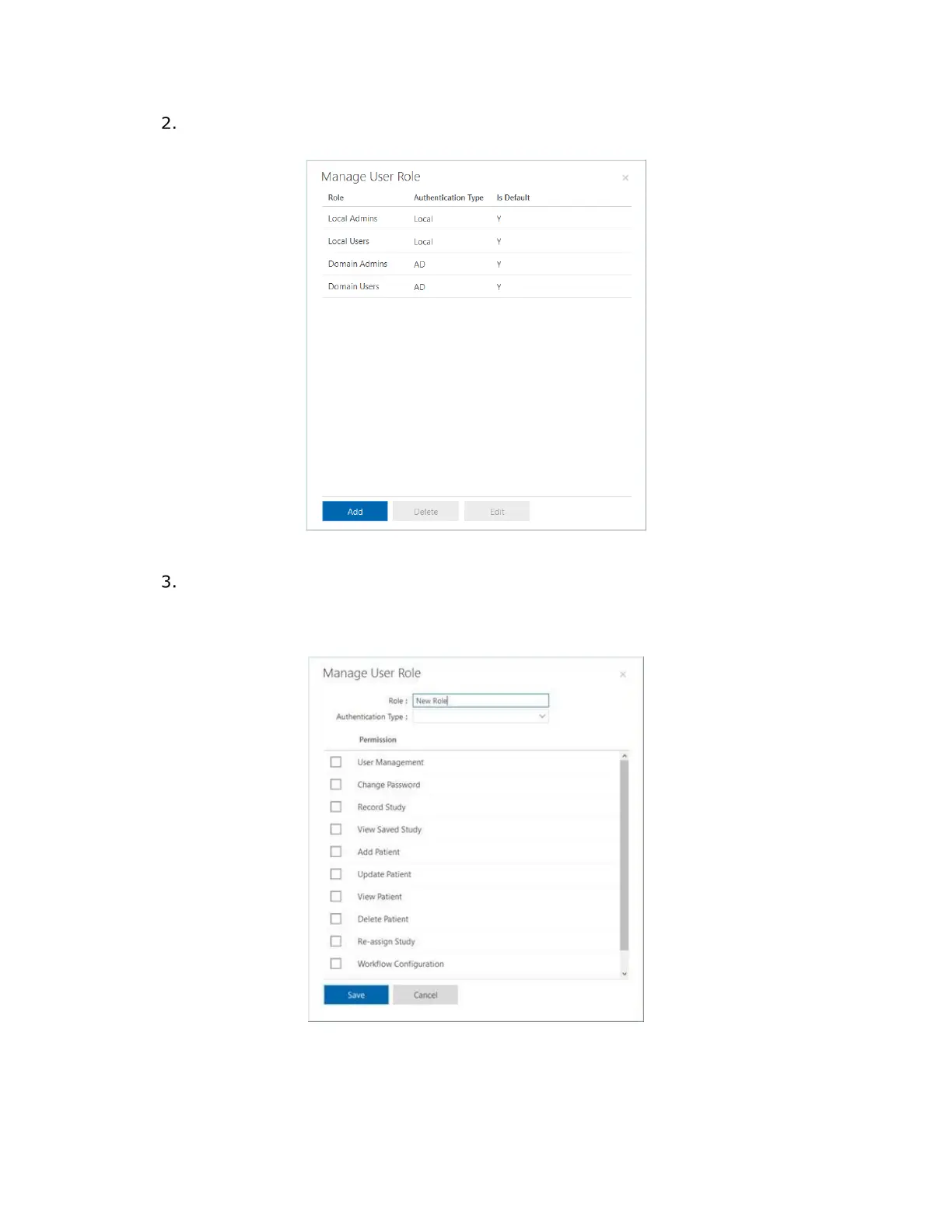
In the Manage User Role dialog box that opens (Figure 34), create a new role
and then click Add.
Figure 34: Manage User Role Dialog Box
In the Role text box, create a new role by typing a new title category and then,
from the Authentication Type list box, select an authentication type (
Figure 35).
Select the checkboxes for all the functions for which the new user role can have
access, and then click Save.
Figure 35: Adding a New User Role



 To Next Page