How to Perform a Study
Laborie NXT Pro Owner’s Manual LBL-00146 [C], MAN2010 40
3.3.2.4 Voiding Phase
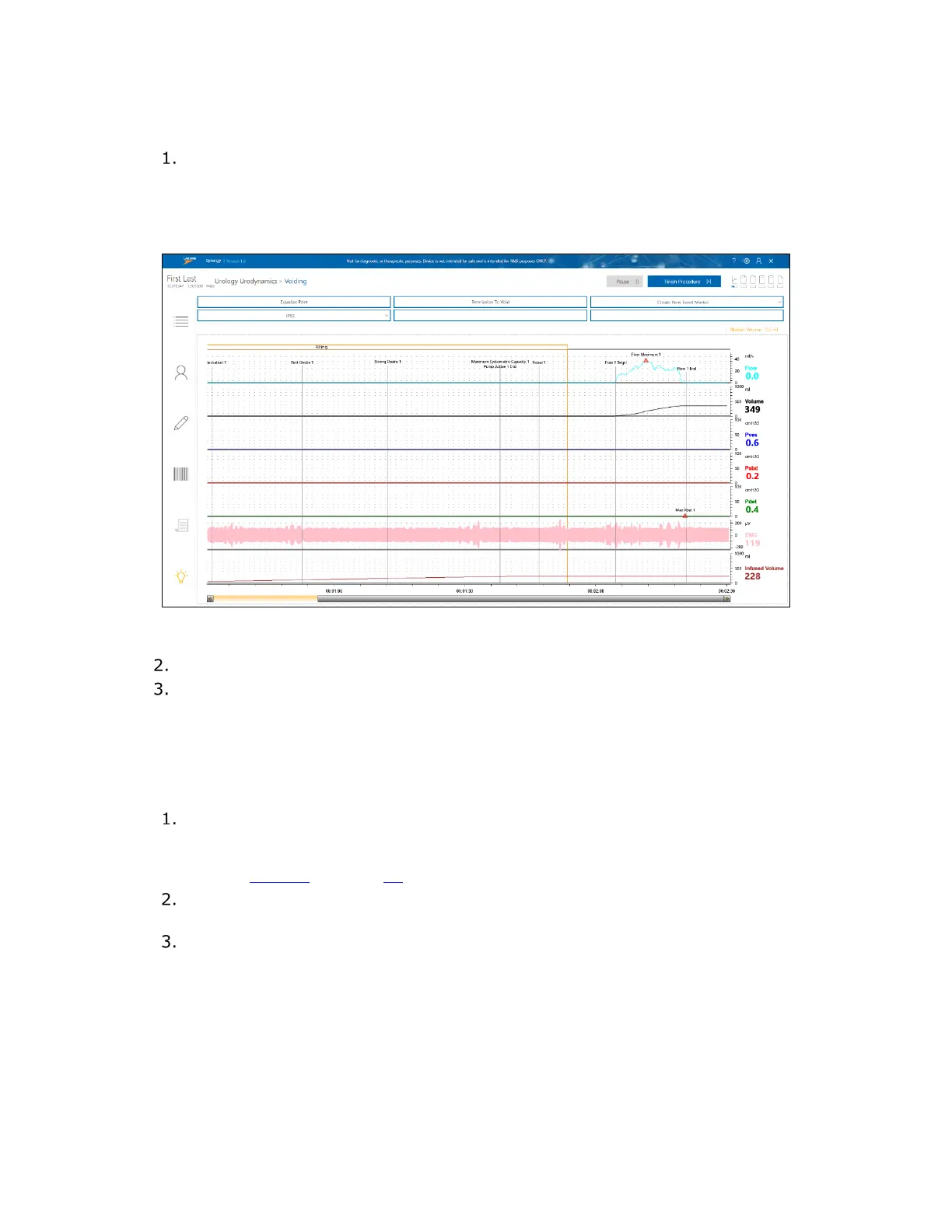
The Voiding phase will begin (Figure 27). Click the Permission To Void button
and ask the patient to void through the commode chair into the Urocap NXT
setup. See Figure 5 for a reference image of the Urocap NXT setup. If the patient
fails to void, reclick the Permission To Void button to create a new marker; this
action will change the previous marker to Attempt to Void.
Figure 27: Pressure Flow Voiding Phase
The Voiding phase will stop 60 seconds after voiding ends.
The Post Voided Residual window (Figure 24) opens. Select the preferred
method of capturing Post Voided Residual (PVR). PVR is the amount of fluid
remaining in the bladder at the completion of the Voiding phase. Click OK to move
to the report.
3.3.2.5 Urology Urodynamics Report
A preview of the Pressure Flow Report will be generated using the default
(UDS) configuration settings. You can apply the default configuration for the
report or customize it. For information on customizing the report, refer to the
section
Reports on page 69.
To close the report, click the Finish button. The report will then appear on the
Studies tab, in the Patient Details section.
You may begin a secondary test with the same patient, under the guidance of the
supervising physician, or continue to finish the study.



 To Next Page