How to Perform a Study
Laborie NXT Pro Owner’s Manual LBL-00146 [C], MAN2010 37
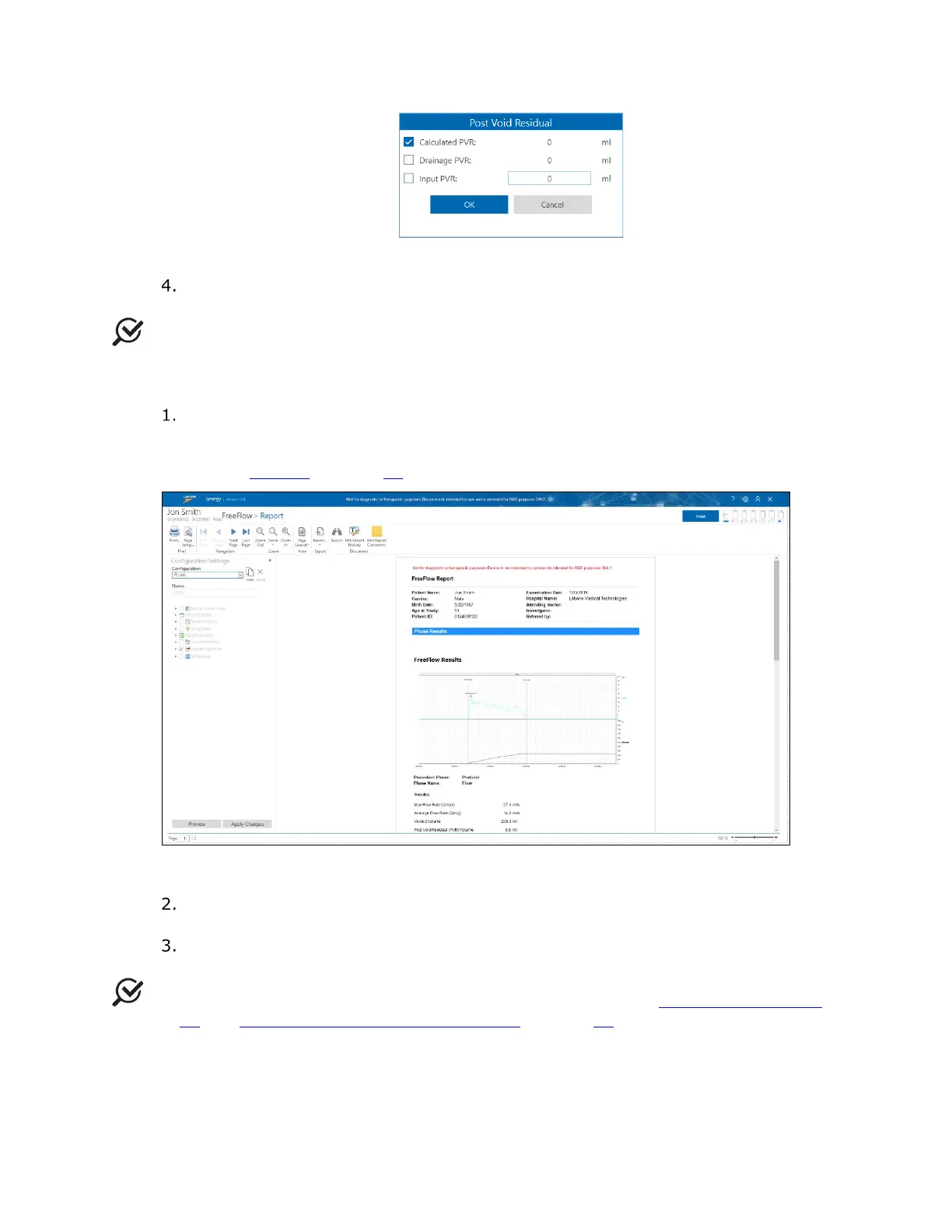
Figure 24: Post Voided Residual Window
In the Post Void Residual window, click OK to save data and advance to the
report. Pressing Cancel skips the Post Void Residual window.
NOTE: Post Void Residual can also be entered and edited in the Report.
3.2.2.3 FreeFlow Report
A preview of the FreeFlow Report will be generated using the default (UDS)
configuration settings (
Figure 25). You can apply the default configuration for the
report or customize it. For information on customizing the report, refer to the
section Reports on page 69
.
Figure 25: FreeFlow Preview Report
Click the Finish button. The report will appear on the Studies tab, in the Patient
Details section.
You may begin a secondary test with the same patient, under the guidance of the
supervising physician, or you can continue to finish the study.
NOTE: For instructions on completing the study, see the section Finishing the Studies
on page 44 and Printing the Study Result (Optional) on page 44.



 To Next Page