Synergy Software
Laborie NXT Pro Owner’s Manual LBL-00146 [C], MAN2010 50
Overview of Icons on the Title Bar
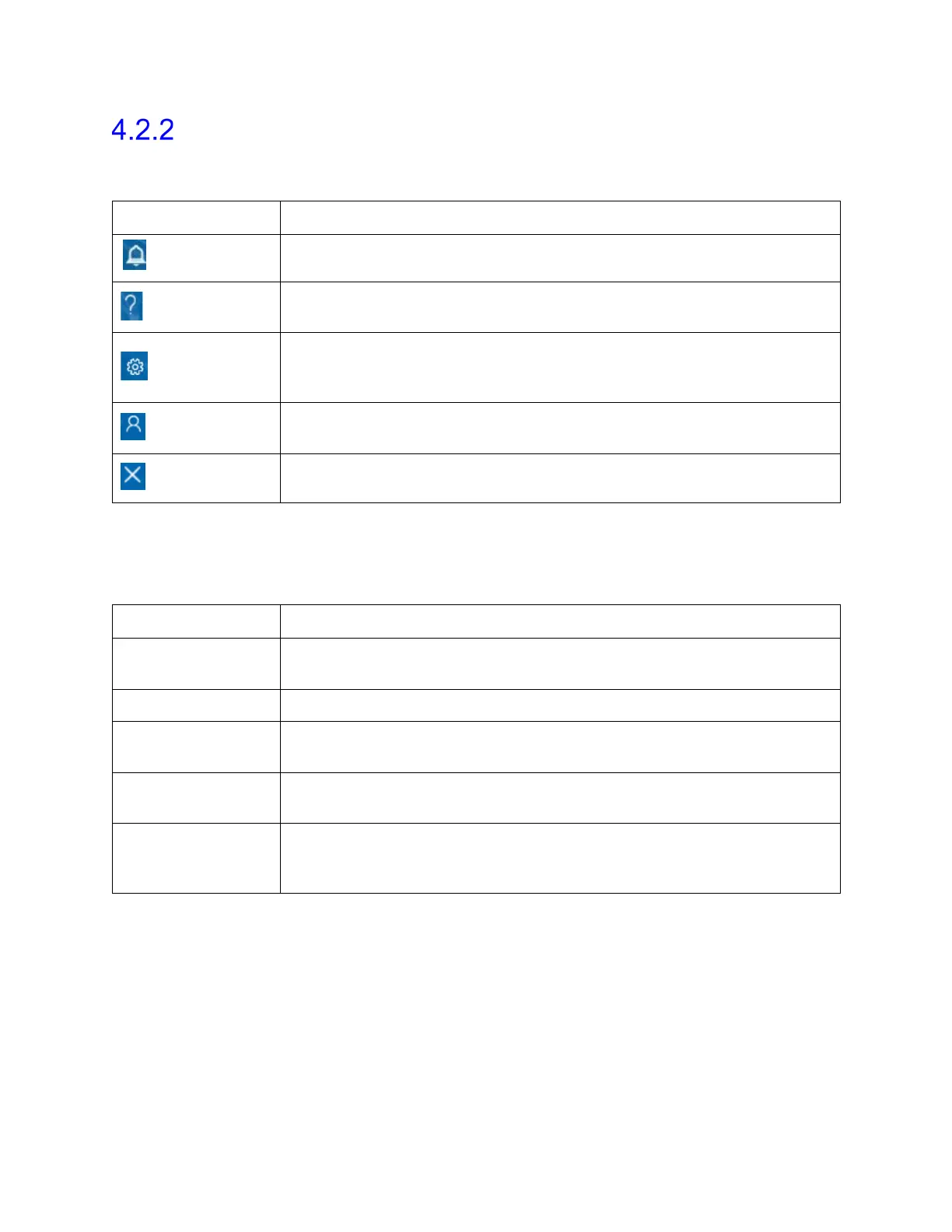
Table 3 offers a brief description of the icons located on the title bar of the main window.
Refer to Figure 36 for the location of all icons described here.
Icons Description
Notifications
Click this icon to view system notifications and error messages.
Help
Click this icon to open the Help file.
Settings
Click this icon to access System Settings, Device Manager,
Patient Settings, Database Management, and Workflow
options.
Admin
Click this icon to access User Setup, Manage User Role, Change
Password, and Audit Log Viewer.
Close
Click this icon to close the Synergy application.
Table 3: Title Bar Icon Overview
4.2.2.1 Settings
Table 4 lists the options that you can access by clicking the Settings icon.
Options Description
System Settings
Contains System Information and System Configuration
options.
Device Manager Displays the Device Manager window.
Patient Settings
Contains Patient Display Settings, Deleted Patients, Attending
Doctors, Investigators, Referrals, and Patient Groups options.
Database
Management
Contains Archive Patients, Import Patients, and Deleted
Patients options.
Workflow
Contains Editor, Import Custom Workflow, and Export Custom
Workflow. Editor displays the Workflow Configuration page;
create new workflows and set hardware channels.
Table 4: Settings Options Overview



 To Next Page