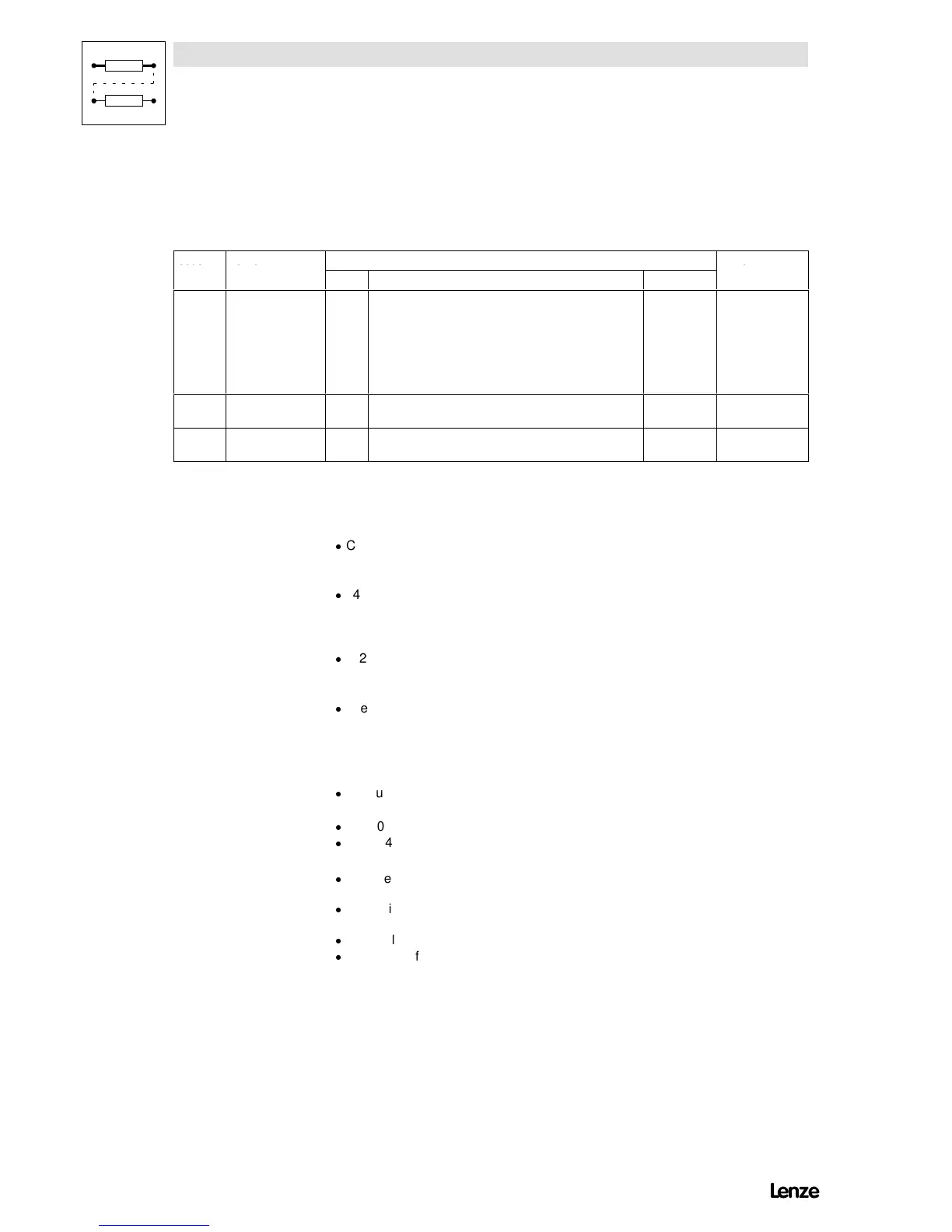
C425¤* Adjustment of
digital frequency
-2- Dig.-freq. Resolution Scanning Max.-freq.
-0- 100 Hz 1/200 1 s 300 Hz
-1- 1 kHz 1/200 100 ms 3 kHz
-2- 10 kHz 1/200 10 ms 10 kHz
-3- 10 kHz 1/1000 50 ms 10 kHz
-4- 10 kHz 1/10000 500 ms 10 kHz
C426* Gain adjustment
frequency input E1
100.0 -200.0 {0.1 %} 200.0
C427 Offset adjustment
frequency input E1
0.0 -12.5 {0.1 %} 12.5
Function Select a digital frequency of 0 Hz ... 10 kHz as setpoint or as actual value using terminal E1.
With C007 = -28- ... -45-, -48-, -49-, -50-, -51-, the terminal E1 is configured for this function.
Adjustment
-
C425
- Selection of the frequency to be assigned to terminal E1.
- Resolution and scanning time for reading the frequency.
-
C426
- Sets the gain of the input signal. 100 % corresponds to a gain factor = 1.
- If E1 is used as actual value, C426 must be set as positive value, e.g. for pressure control, if the
motor speed is to increase when the pressure falls.
-
C427
- Sets the offset of the input signal.
- If C427 = -12.5 %, an offset of -20 % is internally set for the input.
-
Select input E1 for master current 4 mA ... 20 mA:
- Use an analog plug-in module 8279.
- Set C426 = 125 %.
- Set C427 = -12.5 %.
Important
-
When using the analog input module 8279 for the frequency input E1:
- Set C425 = -2-, -3- or -4-.
-
With C005 = -0-, C425 and C426 are not active.
-
C425, C426, C427 are only stored in parameter set 1.
Special features
-
For higher accuracy requirements at 10 kHz digital frequency, select a higher resolution under
C425 taking into account the scanning time.
-
After addition to the signal at terminal E1, the offset (C427)is onlyeffective as positive value
(see signal flow-chart inchapter 16.3.2, as of software version 3.0).
-
The digital frequency refers to internal normalisation (e.g. C011 etc.)
-
The maximum frequency is the maximum to be processed by the input E1. If the value is
exceeded, it must be adapted proportionally under C426.
Artisan Technology Group - Quality Instrumentation ... Guaranteed | (888) 88-SOURCE | www.artisantg.com




 To Next Page