3
3-2. Opening, closing and locking the doors
Before driving
Q Using the door lock switches
oP.144
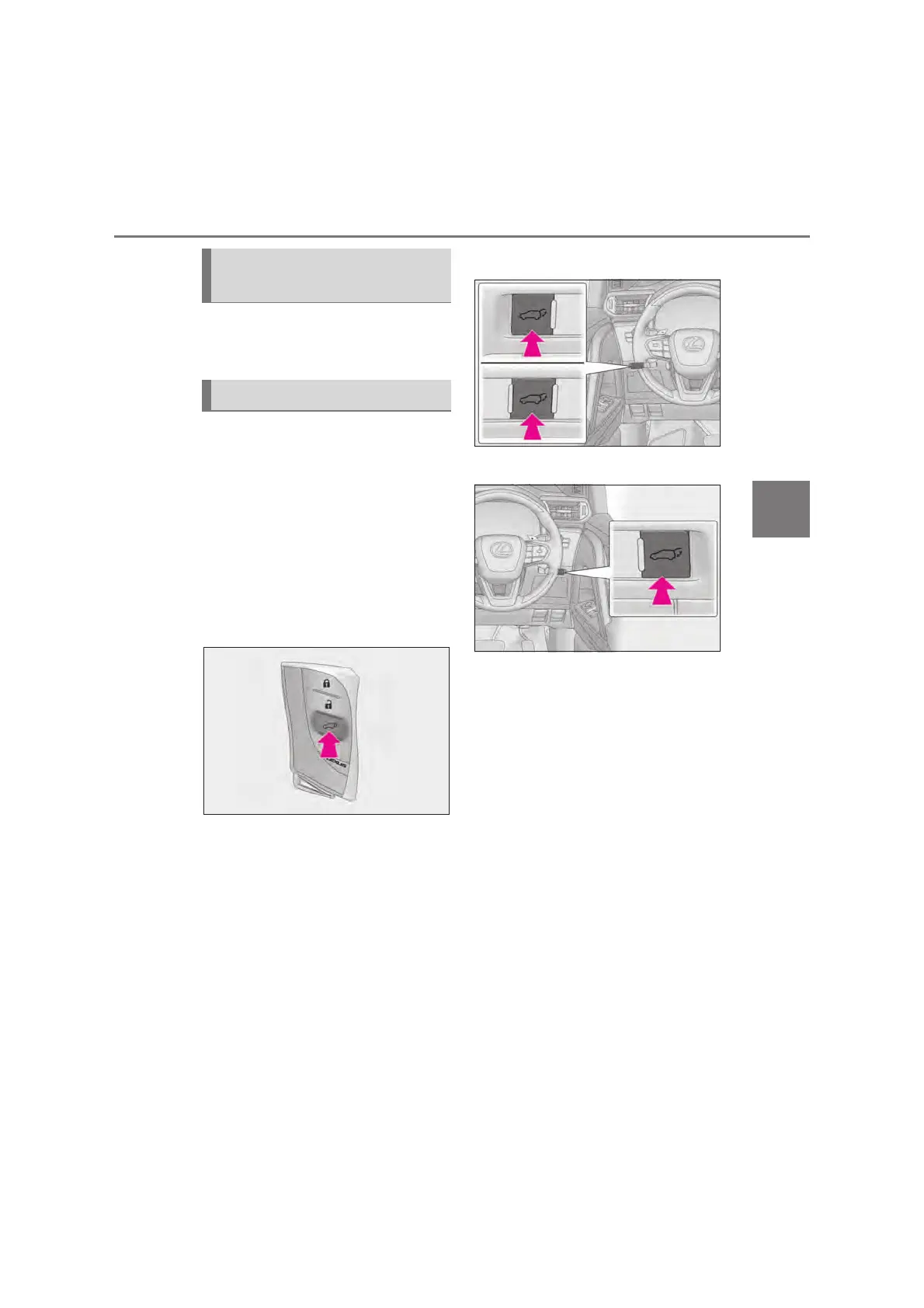
Q Using the wireless remote control
Press and hold the switch.
The power back door automatically
opens/closes.
Unlock the back door before operating.
Pressing the switch while the power back
door is opening/closing stops the opera-
tion. When the switch is pressed again
during the halted operation, the back door
will perform the reverse operation.
Q Using the power back door switch
on the instrument panel
Press and hold the switch.
The power back door automatically
opens/closes.
Unlock the back door before operating.
Pressing the switch while the power back
door is opening/closing stops the opera-
tion. When the switch is pressed and held
again during the halted operation, the back
door will perform the reverse operation.
X Left-hand drive vehicles
X Right-hand drive vehicles
Q Using the switches on the back
door
z Open
When the back door is unlocked: Press the
back door opener switch.
When the back door is locked: While car-
rying the electronic key on your person,
press and hold the back door opener
switch.
The power back door automatically opens.
Pressing the switch while the power back
door is opening/closing stops the opera-
tion.
Unlocking and locking the back
door from the inside
Opening/closing the back door



 To Next Page