4-5. Using the driving support systems
speed was set
z When depressing the accelerator
pedal
While driving in vehicle-to-vehicle dis-
tance control mode, this function will
reduce the vehicle speed, if it is deter-
mined to be necessary.
Q Function operation
When the steering wheel begins to be
turned, the vehicle speed will begin
being reduced. When the steering
wheel is returned to the center posi-
tion, the vehicle speed reduction will
end.
Depending on the situation, the vehicle
speed will then return to the vehicle-to-
vehicle distance control mode set
speed.
In situations where vehicle-to-vehicle
distance control needs to operate,
such as when a preceding vehicle cuts
in front of your vehicle, the curve
speed reduction function will be can-
celed.
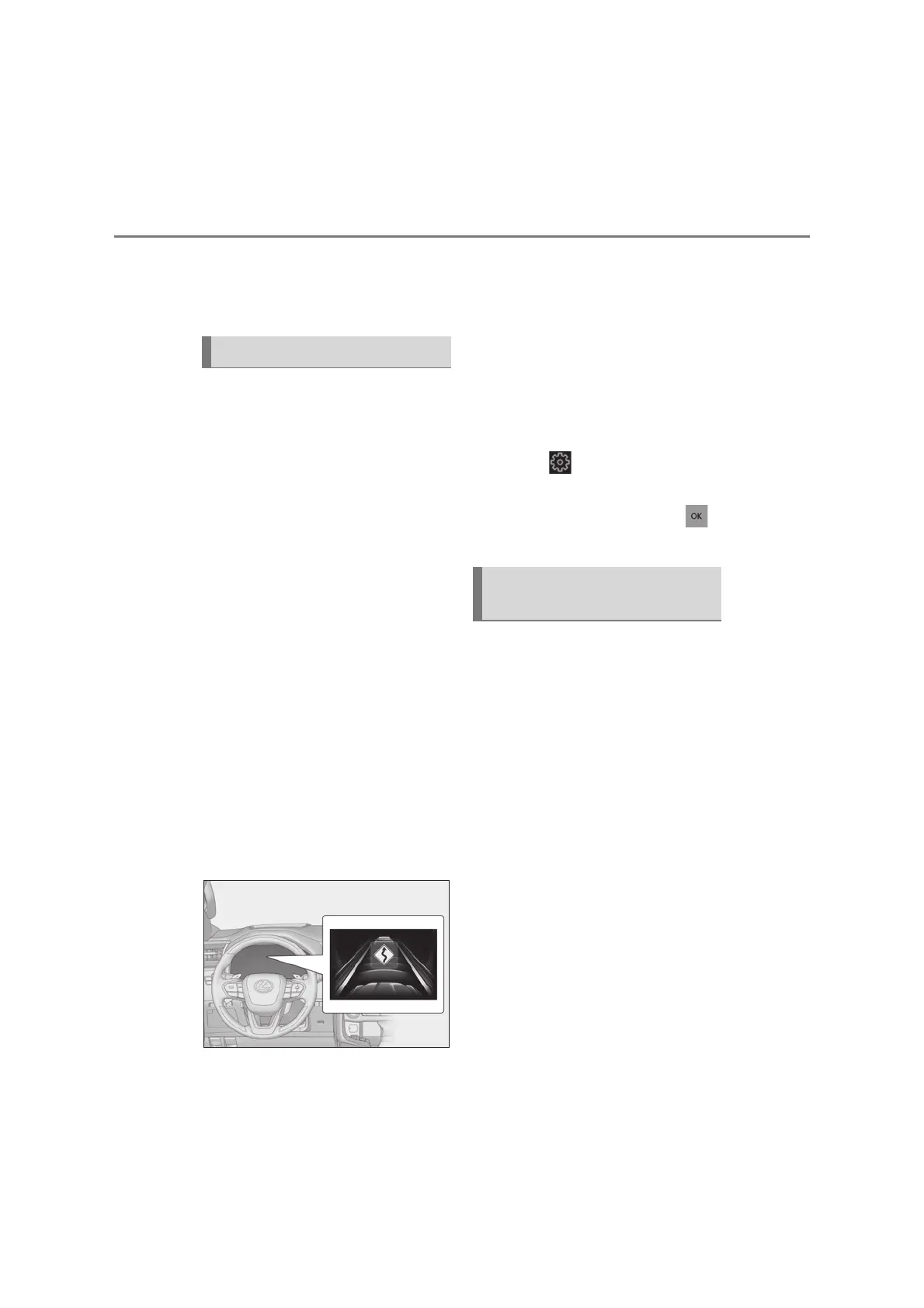
Q Operation display
Displayed when the vehicle speed is
being reduced.
When the vehicle speed reduction ends,
the display will disappear.
Q Changing the settings of the curve
speed reduction function
The curve speed reduction function
can be enabled/disabled and the vehi-
cle speed reduction strength can be
adjusted on (oP.124) of the multi-
information display.
The setting will change each time the
meter control switch is pressed.
When constant speed control mode is
selected, your vehicle will maintain a
set speed without controlling the vehi-
cle-to-vehicle distance. Select this
mode only when vehicle-to-vehicle
distance control mode does not func-
tion correctly due to a dirty radar, etc.
With the cruise control off, press
and hold the cruise control main
switch for 1.5 seconds or more.
Immediately after the switch is pressed, the
dynamic radar cruise control indicator will
come on. Afterwards, it switches to the
cruise control indicator.
Switching to constant speed control mode
is only possible when operating the switch
Curve speed reduction function
Selecting constant speed con-
trol mode



 To Next Page