4
4-5. Using the driving support systems
Driving
Long
Medium
Short
If a vehicle is running ahead of you, the pre-
ceding vehicle mark will also be dis-
played.
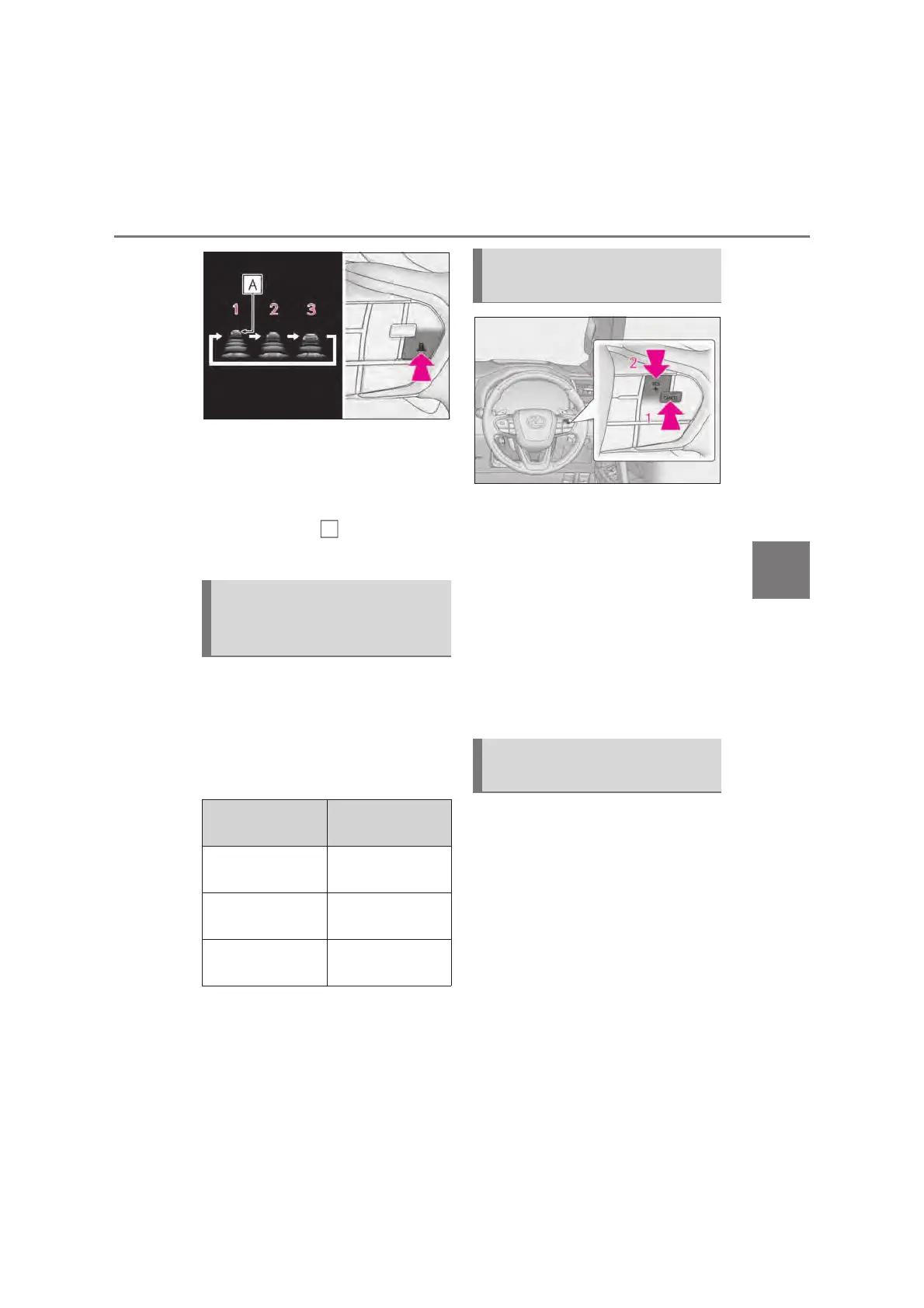
Select a distance from the table below.
Note that the distances shown corre-
spond to a vehicle speed of 80 km/h
(50 mph). Vehicle-to-vehicle distance
increases/decreases in accordance
with vehicle speed.
Pressing the cancel switch cancels
the speed control.
The speed control is also canceled when
the brake pedal is depressed.
Pressing the “+RES” switch
resumes the cruise control and
returns vehicle speed to the set
speed.
However, cruise control does not resume
when the vehicle speed is approximately
25 km/h (16 mph) or less.
When your vehicle is too close to a
vehicle ahead, and sufficient automatic
deceleration via the cruise control is
not possible, the display will flash and
the buzzer will sound to alert the
driver. An example of this would be if
another driver cuts in front of you while
you are following a vehicle. Depress
the brake pedal to ensure an appropri-
ate vehicle-to-vehicle distance.
Vehicle-to-vehicle distance set-
tings (vehicle-to-vehicle dis-
tance control mode)
Distance options
Vehicle-to-vehicle
distance
Long
Approximately 50
m (160 ft.)
Medium
Approximately 40
m (130 ft.)
Short
Approximately 30
m (100 ft.)
Canceling and resuming the
speed control
Approach warning (vehicle-to-
vehicle distance control mode)



 To Next Page