6-25
6.2 PROCEDURE IN THE OPERATION MODE
CAUTION
When the Main switch of the Receiver is turned ON, its abnormal signal detector automatically
starts, first. Please allow it for 3 to 4 seconds, without using any levers, buttons and the
Accelerator lever.
NOTES
• For changes between the modes, always turn OFF the power, once, then push the Power button again
to power ON.
• While using a mode other than the “CRANE MODE”, when you turn OFF the power by the Power
switch and turn it ON, again (i.e., you keep waiting for 2 seconds or more), the mode is automatically
set to “CRANE MODE”.
When you want to continue the operation in the previous mode, call the appropriate mode, again.
6.2.1 CALL OUT CRANE MODE
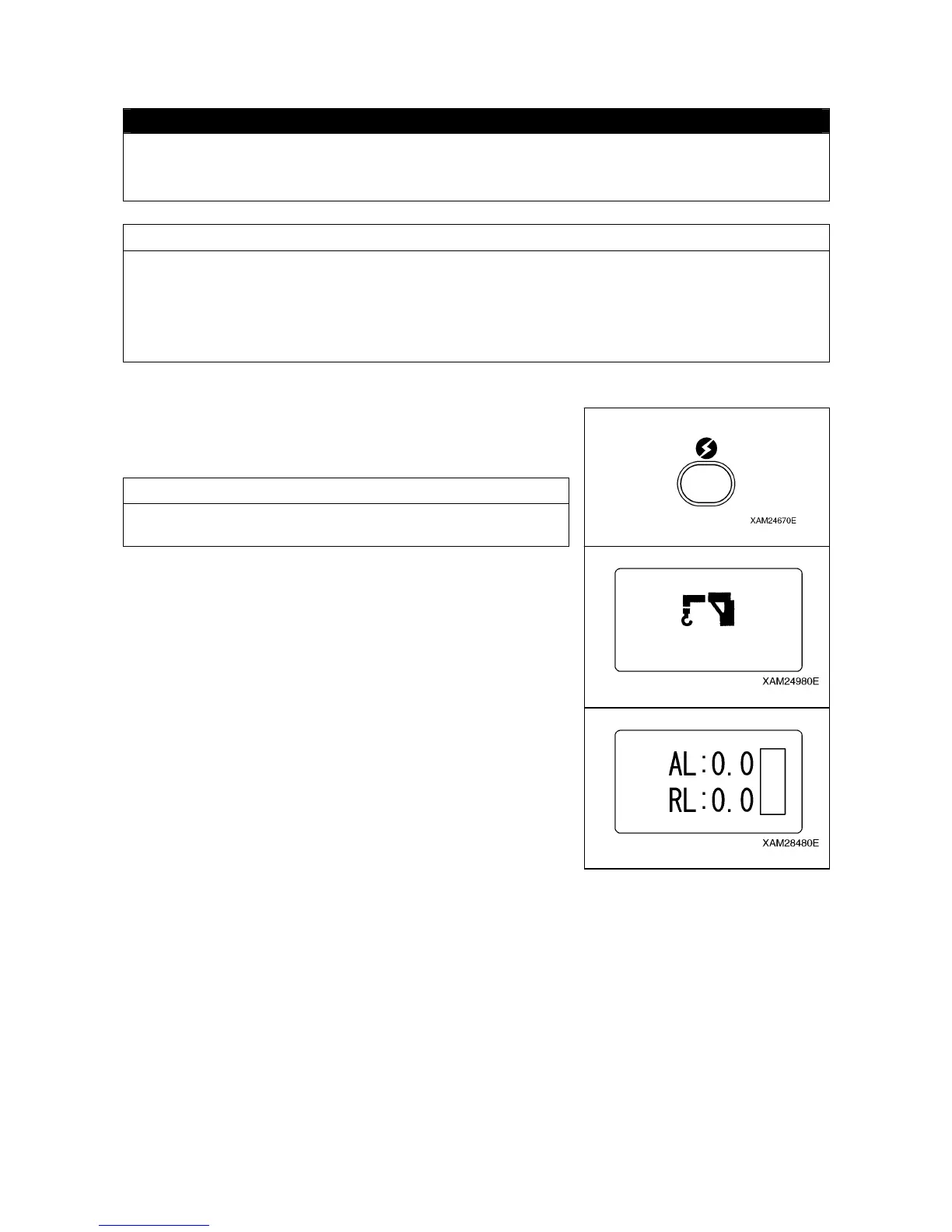
1. Push the Power button to turn ON the Transmitter.
The “Crane mark” is displayed in the LCD screen for 2 seconds
or around.
NOTES
In case that the power is already ON, once turn OFF, and then
push the Power button again for power ON.
2. When the “Crane mark” in the LCD screen disappears in 2
seconds, the “CRANE MODE” is automatically called out.



 To Next Page