6-34
7.2.2 CHECKING “OUTRIGGER MODE” OPERATION
The Crane is inoperable in such event where the LCD screen in the Transmitter shows an error
message or the Monitor display in the Receiver shows an error code.
Without fail, examine the cause of the error and perform appropriate service when any fault is
identified,or contact us or our agents for services.
1. Position the Starter switch of the Crane to ON.
2. Push the Power switch of the Transmitter to power ON.
3. Turn ON the Main switch of the Receiver.
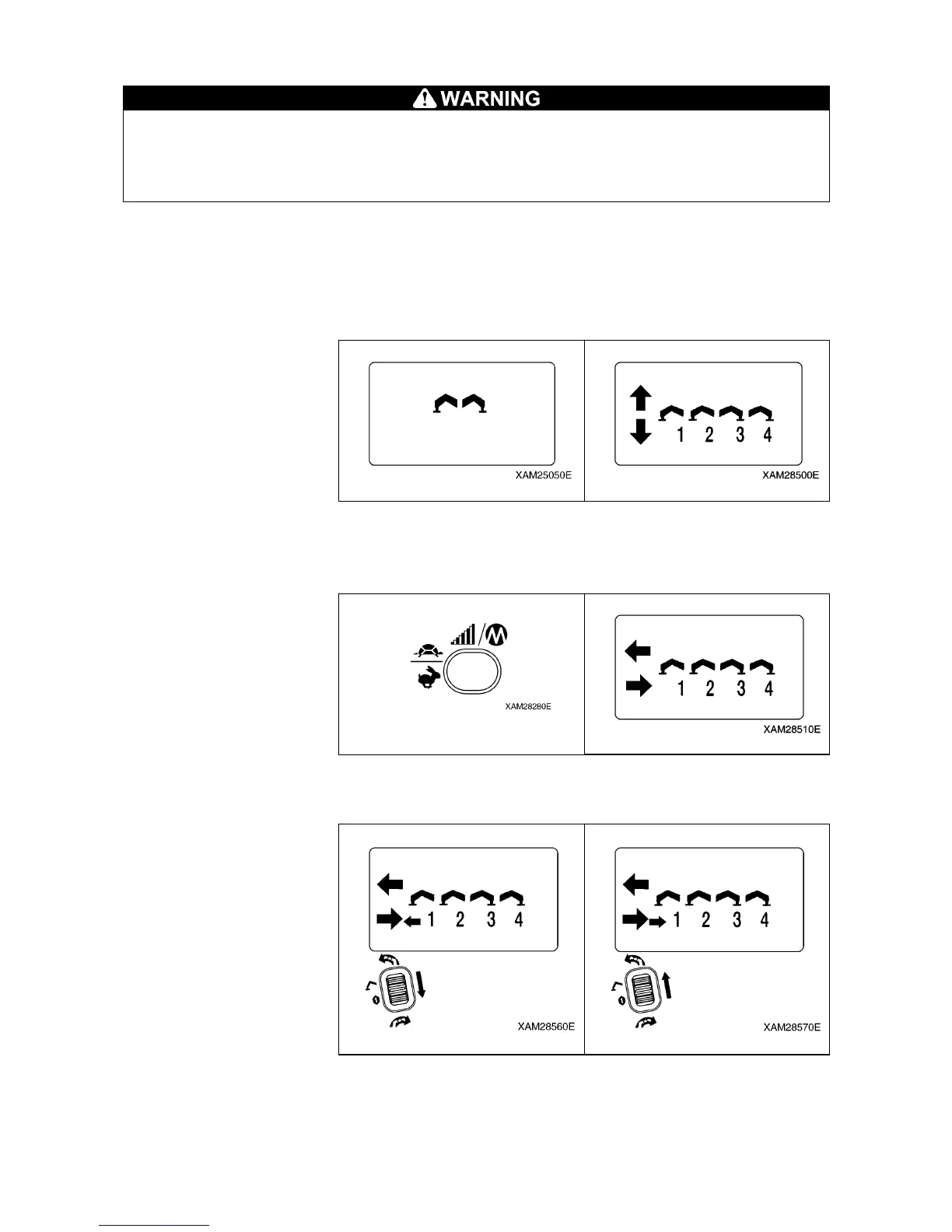
4. Switch the operation mode to the “OUTRIGGER MODE” and confirm that “Ground setting mode” is
indicated in the LCD screen.
5. Push the Speed/Mode button.
Here, confirm that the “Outrigger Extension mode” is exhibited.
Switching between “Outrigger Extension mode” and “Outrigger Ground setting mode” is alternately by
each push of the Speed/Mode button.
6. Push the Start/Reset button and start the engine.
7. Use the Slewing/No.1 Outrigger operation lever, to the both “Extend (lower)” and “Retract (upper)” area,
and check that the No. 1 outrigger follows the lever operation.



 To Next Page