6-27
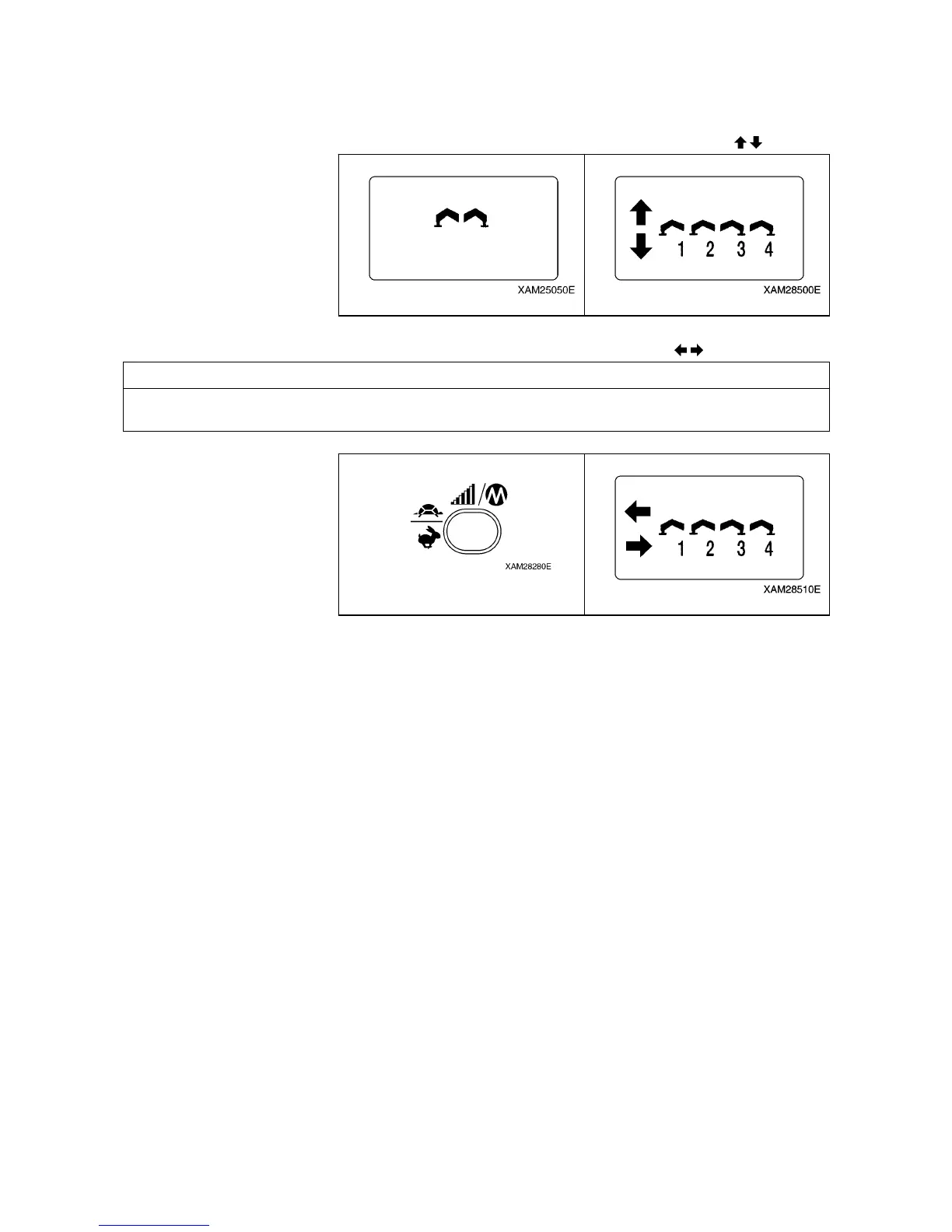
4. The operation mode is already switched to the “OUTRIGGER MODE”, thus the “Outrigger mark” is
exhibited.
Soon after, it enters into “Ground setting mode”, then the mark turns to “Ground setting (
)“.
5. To shift to “Extension mode”, push the Speed/Mode button, while the LCD screen shows the “Ground
setting mode”. Then the mode is switched to “n”; the mark turns to “Extension (
)”.
NOTES
Switching between “Outrigger Extension mode” and “Outrigger Ground setting mode” is alternately by
each push of the Speed/Mode button.



 To Next Page