3-26
[CANCEL]
With the upper limit value being set (LED ON), press the switch for 5 seconds.
The current upper limit value setting will be cleared. At the same time, the LED goes off indicating that the
upper limit value setting is cleared.
NOTES
The setting and canceling will not repeat even if you keep the switch pressed for more than 2 seconds.
Let your hand go off the switch and press the switch again.
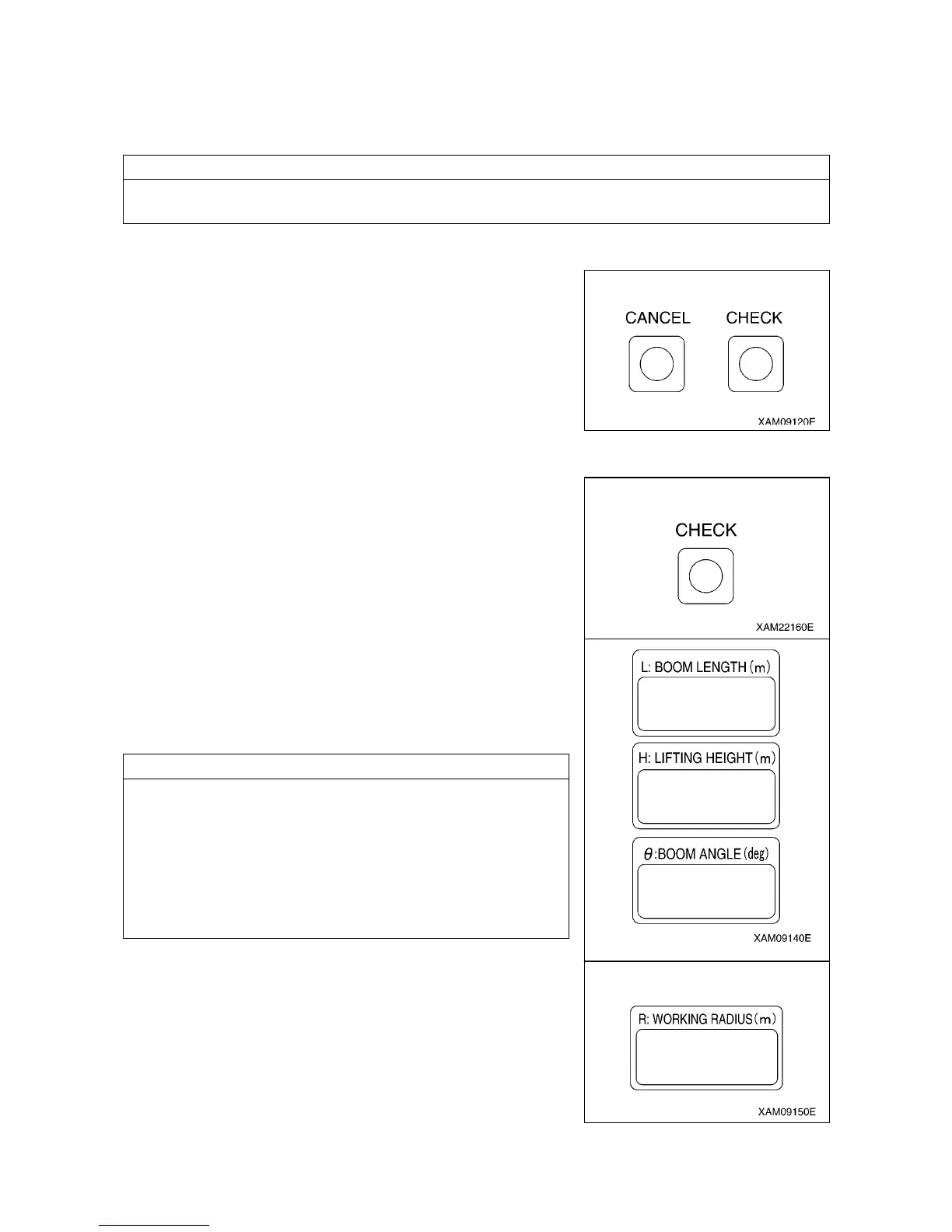
6. CANCEL SWITCH
Use this switch to cancel the all setting sets in the section 2 to 5
above.
• Press this switch and “CHECK” switch at the same time for 5
seconds or more.
The all value sets in the section 2 to 5 above will be canceled.
7. CHECK SWITCH
Use this switch to verify the values set in the section 2 to 5 above.
• Press this switch. Every time the switch is pressed, the set value
will be displayed in the following order.
(1) “Boom angle upper limit value” is displayed at the boom
angle display section.
(2) “Boom angle lower limit value” is displayed at the boom angle
display section.
(3) “Working radius upper limit value” is displayed at the working
radius display section.
(4) “Lifting height upper limit value” is displayed at the lifting
height display section.
(5) Returns to the original display.
NOTES
• When a set value is displayed, the LED for its setting switch
section flashes at the same time.
• If no switch was pressed for 5 seconds or another switch was
pressed with a set value being displayed, the display goes back
to the original display.
• The display will be a blank for the item to which no value is set.
• The display sections other than for the corresponding items will
be blank.



 To Next Page