100 Panel Functions
________________________________________________________________________________________________
_______________________________________________________________________________________________
MICROPLEX Operator’s Manual logiJET T4-2 /T6-2 /RFID Edition 2.2
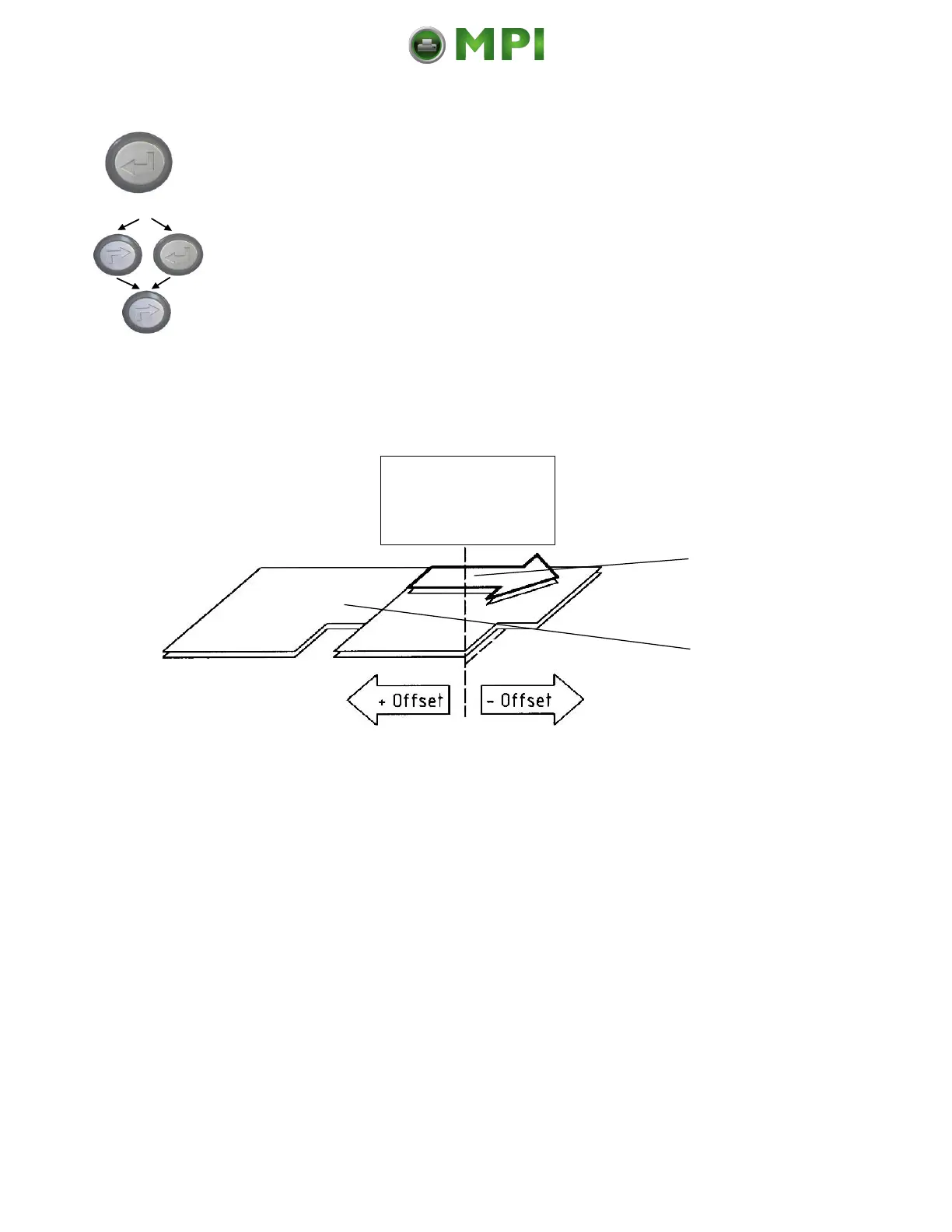
The gap position is shifted 1 mm
against the feed direction.
In addition this new value can be saved
as setup value (using the ENTER key).
After this decision turn the printer ON
LINE again: Press the ON LINE key
longer than 2 seconds.
Gap position
detected by
the printer,
zero-position
Fig. 9.4.a Adjusting the Zero Position of the Material Transport
Mantenimiento Periféricos Informáticos C/Canteras, 15 28860 Paracuellos de Jarama (Madrid) Tel: 00 34 917481604 Web: https://mpi.com.es/



 To Next Page